
Vim
 Vim copied to clipboard
 VSCodeVim
Vim easymotion match square and round brackets
How to modify
"vim.easymotionJumpToAnywhereRegex": \\b[A-Za-z0-9]|[A-Za-z0-9]\\b|_.|#.|[a-z][A-Z]
to match square and round brackets?
Thank you!

I also have wondered how in the world to do this, and have not discovered a solution, no matter how I change the regex.

Do like this:
"vim.easymotionJumpToAnywhereRegex": "[\\[\\]\\(\\)]",
Now I have a question: is there any way I can make multiple regex maps? The example above only affects \\j, but I'd like to have multiple specific search patterns.

@felipeMarconWD
TaskQueue: Error running task. Failed to handle key=). Invalid regular expression: /)/: Unmatched ')'.
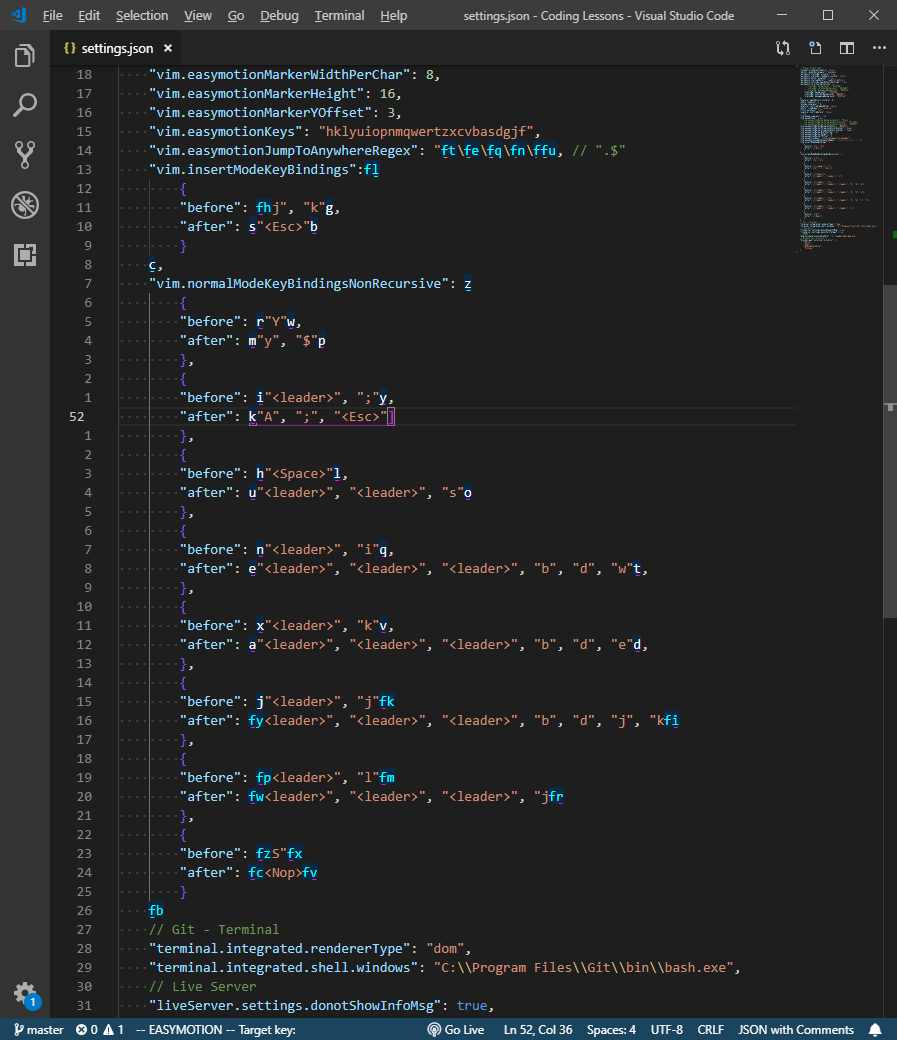
It works for me. Though I've been using the regex to find the last character of each line, ".$".
How to modify
"vim.easymotionJumpToAnywhereRegex": \\b[A-Za-z0-9]|[A-Za-z0-9]\\b|_.|#.|[a-z][A-Z]to match square and round brackets?Thank you!
try this
"vim.easymotionJumpToAnywhereRegex": "\\b[A-Za-z0-9]|[A-Za-z0-9]\\b|_.|#.|[a-z][A-Z]|\\[|\\]|\\(|\\)|\\{|\\}",
