
CuraEngine
 CuraEngine copied to clipboard
 Ultimaker
Bridging in 100% dense areas.
Application Version 4.8, latest master, likely any
Platform Windows or WSL
Steps to Reproduce Load UMS5_shear_test_v0.1_p1.3mf.renamed.zip
Actual Results
Bridging causes wrong skin angles:

Expected results
Only 45*, -45* alternating skin line directions


Workaround Turn off bridging altogether by enabling Bridge settings and setting Minimal Bridge Wall Length to 9999.
Additional Information Bridging is a monster dinosaur implemented before my time.

Hi @BagelOrb,
I tried it myself and isn't the solution to just enable the bridge settings and have the bridge skin support threshold on 50% which is the default.
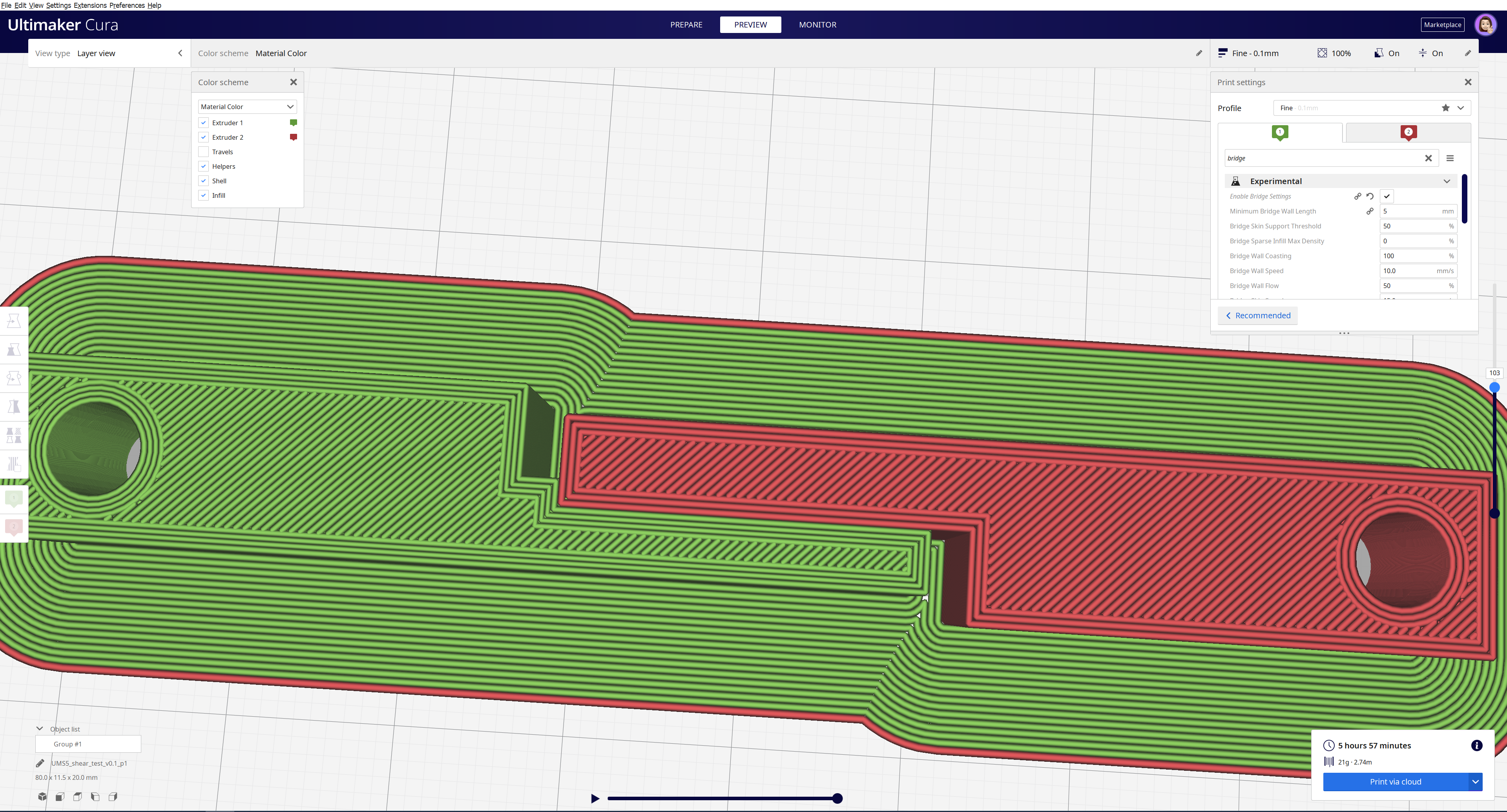
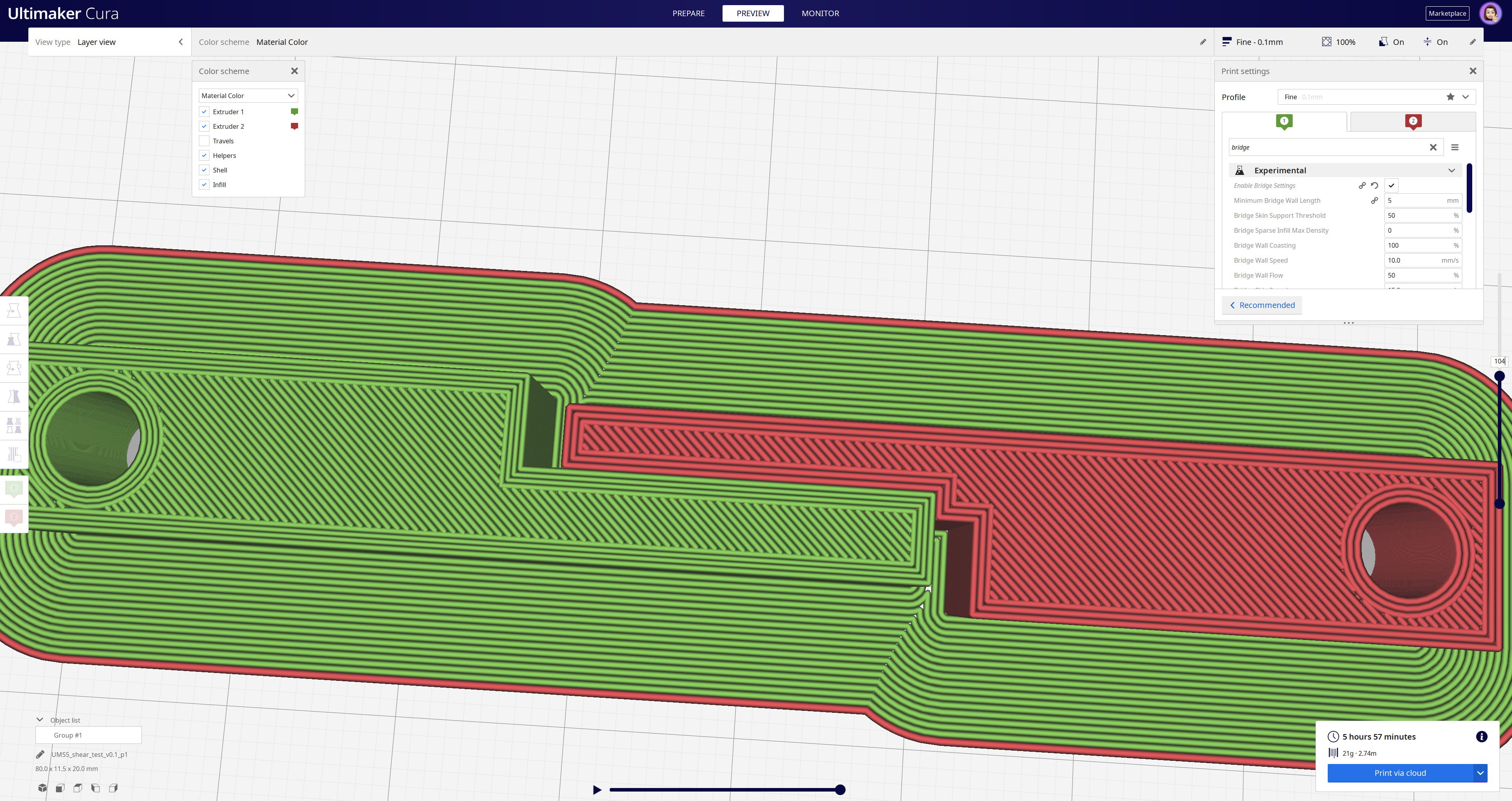
Please let me know if this solves your problem.

Yeah it seems the whole problem is circumvented when I just enable bridge settings.
Why is it even an option to leave the bridge settings disabled?
Because the newer bridging routine is not as well tested for print quality as the old one. It's not just more settings but a different algorithm to detect bridges and orient the lines, too. We have a ticket in our backlog (CURA-6042) to remove the old one in favour of the one currently in experimental. In my experience the new bridging routine works better in most cases.
A related problem is that the implementation of the new bridging routine is in a bit of a weird place. It wouldn't be a big refactor but it's a maintenance issue. Of course, the maintenance issue is even greater now that we need to maintain two implementations... So yeah it's on our backlog. I'd like to have the bridging settings always enabled and remove that setting and the old implementation.

So CURA-6042 would solve this bug. Would be great to have it implemented then!