scadnano
 scadnano copied to clipboard
 UC-Davis-molecular-computing
Error when exporting to cadnanov2
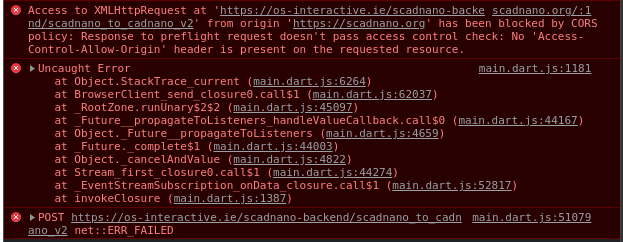

Sorry about this. In the meantime, if you need to export, the scripting library is the simplest workaround. Download your design (say, as "design.sc"), install the scadnano scripting library, and execute this Python script:
import scadnano as sc

design = sc.Design.from_scadnano_file('design.sc')
design.export_cadnano_v2(filename='design.json')

Service is back up. This was not a CORS error, something much more drastic: the service was down. My server was rebooted 17 days ago and I was not aware. It would mean that the service was down that entire time. I have enabled the service at boot time to avoid this problem happening in the future.

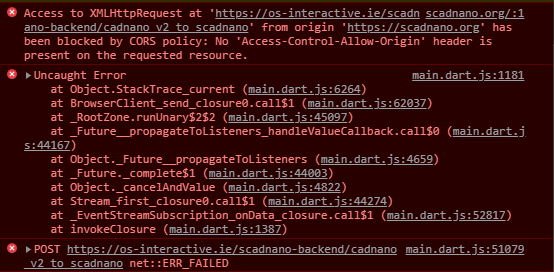
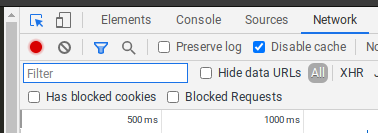
The service is functional and running. I believe this is an issue with your network cache. Please change browser or deactivate the network cache as per screenshot attached