
fast-stable-diffusion
 fast-stable-diffusion copied to clipboard
 TheLastBen
ckpt not copied to session folder
Hi,
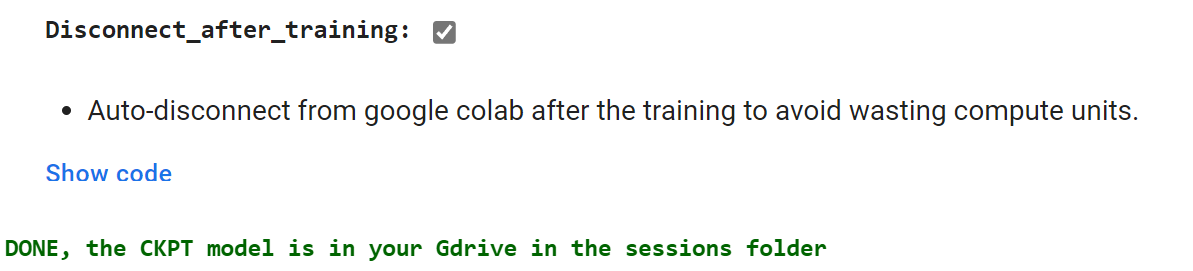
It's the second time today the ckpt was not copied into the session folder when the session was auto-disconnected when completed (1 hour ago)

It is not a matter of space
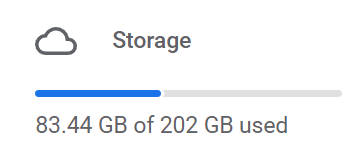

check again by training a sample model with only 30 steps, and see if it gets saved


Re-connected and re-run the exact same sequence (for 30 steps), it did save the ckpt. I'm not sure what this proves, though
it means that there was an error that caused the training to stop and consequently the runtime to disconnect
ok, what sort of error? It was a 4hr session, I did monitor the session sporadically, it was stable / not running out of RAM/VRAM/disk, I am on Pro+ so it shouldn't disconnect when idle, I re-run the exact same sequence, same baseline ckpt, same images, it did finish with "Done, ckpt is in your folder"... don't understand what sort of error
Perhaps better to not clear up the visible log when displaying "done", maybe there was a previous error message?
same just happened to me, but I watched it hit 100% and complete without errors.

make sure you have enough gdrive space, or clear the cookies from time to time
For the time being I have changed the sleep(2) to sleep(20). So far I've had no more missing ckpts
I have the same issue:
Converting to CKPT... Killed Done, Resuming training...
No CKPT file in drive. There is plenty of space in drive.

Great, I'll fix it
You have changed only the second "sleep", not the first one