
codestream

codestream copied to clipboard
 TeamCodeStream
Android Studio 4.2 can not support Chinese input
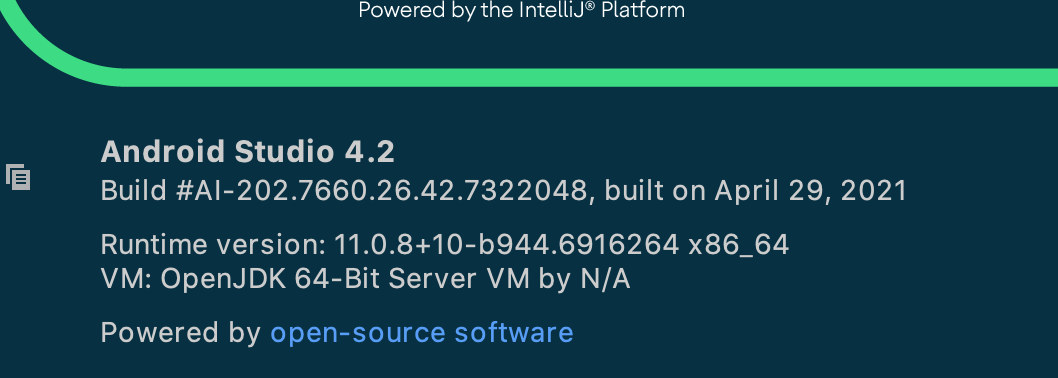


Although they're still not shipping Android Studio with JCEF you can add it yourself. Here are the instructions.
For Android Studio 2021.1+:
- Open menu item Help Find action… and search for “Choose Boot Java runtime for the IDE…”
- Choose a runtime “11.0.x…” labeled “JetBrains Runtime with JCEF” and install it. The IDE will restart.
- Go to the settings of the AsciiDoc plugin and check if the preview is set to “JCEF Browser”. Change it to “JCEF Browser” if this is not the case.
For Android Studio 4.2 and 2020.3+:
- Install the plugin “Choose Runtime”.
- Open menu item Help Find action… and search for “Choose Runtime…”
- Choose a runtime "jbrsdk-11_0_…tar.gz" or later and install it. The IDE will restart.
- Go to the settings of the AsciiDoc plugin and check if the preview is set to “JCEF Browser”. Change it to “JCEF Browser” if this is not the case.
Once you've done this, go to Preferences > Tools > CodeStream and make sure the "Use JCEF WebView" box is checked.