TabularEditor
Change name of model
Hello When I do the pipeline implementation, change the name of the model to MODEL TabularEditor.exe "$(System.DefaultWorkingDirectory)/_Test Deployment/OK_TEST/Proyecto_OK/TEST.bim" -D "Provider=MSOLAP;Data Source=asazure:<>;User ID=<>;Password=<>;Persist Security Info=True;Impersonation Level=Impersonate" "TEST" -O -C -P -V -E -W
ERROR: the cube TEST dont exist.
Technical Details: RootActivityId: cf932538-e2a1-4c11-a370-50634091e0ef Date (UTC): 7/9/2022 7:46:54 PM


Hello
Thank you very much, when I remove the O, error The specified database already exists. Cmd.exe exited with code '1'.
Sounds like the database name and id is not aligned, which is what causes the first issue you saw. You may need to delete the database before you can proceed. You can delete the database using SSMS.
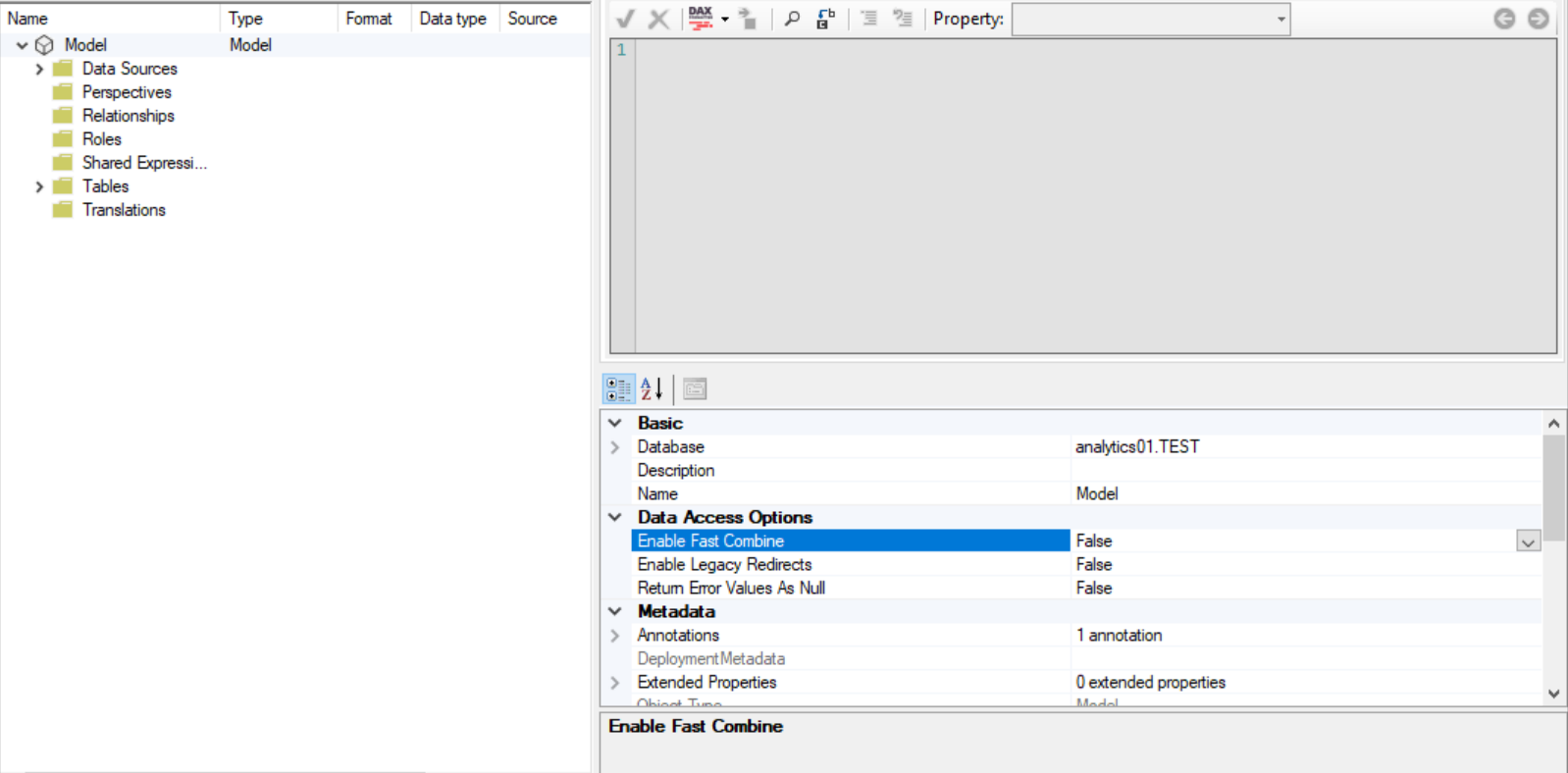
I already deleted and even so the name of the cube is model, there is a way to put the name of the fixed cube
What is the exact error message received when deploying with the -O switch? Have you tried deploying through Tabular Editor’s UI?
If I have deployed with a tabular UI editor and everything is correct, in fact when I deploy with a pipeline it is correct, only the name of the cube changes to model.
Before deploy
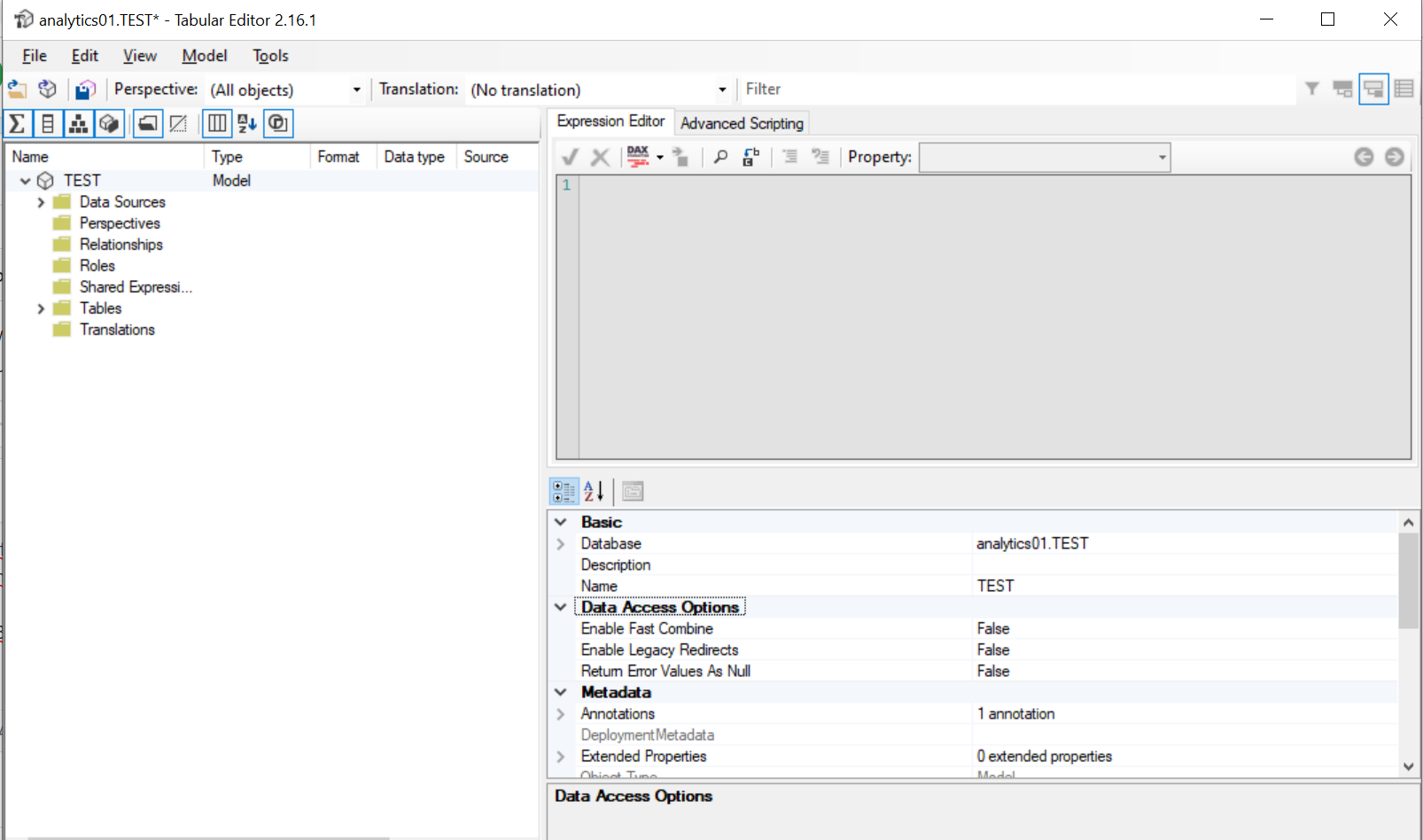
after deploy