TablePlus-Windows
 TablePlus-Windows copied to clipboard
Published
20 hours ago •
 TablePlus
TablePlus
Break the Run all when error occurd in SQL
Please answer the questions below, it helps us to track the issue.
-
Which driver are you using and version of it (Ex: PostgreSQL 10.0): MySQL 5.7
-
Which TablePlus build number are you using (the number on the welcome screen, Ex: build 81): Win10, TablePlus build 186
-
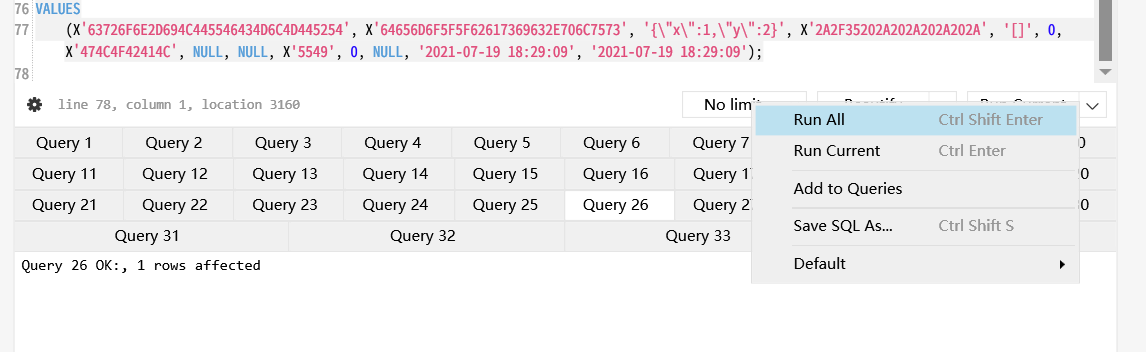
The steps to reproduce this issue: Write more than 1 SQL statements and [Run all]
Noted: If the bug is related to data, please attach an example SQL data.
When I use [Run all] to run many SQL statements in one time, errors in SQL are ignored and the execution goes on. I have to check every result tab to find out if there are any SQL errors.
Is it possible to break the execution when the SQL get an error, or highlight such tabs?