

 StoDevX
👨🔬️ Remote js-bundle downloading and refreshing
This PR aims to grant us the ability to seamlessly switch between remote JS bundles built and hosted on CircleCI as artifacts.
The flow:
- Requests the open GitHub pull requests
- Tap on a pull request row
- A network request is dispatched to request the latest artifacts for a branch on CircleCI
- If the data returned looks okay, we'll go ahead and make a second request to download the bundle with
react-native-fsand save it to disk- There is some error checking going on! If we get a response (errors are empty arrays here), technically you're allowed to download it right now... which isn't great if it contains native code. @hawkrives suggested keying off of GitHub labels to prevent this? We should discuss how we want to handle this.
- Supposedly at this point, we can kill the app (crash? refresh?) and now restart into the newly downloaded bundle using
react-native-dynamic-bundle
Resolves #3593
📸 Screenshots
| ~ | ~ |
|---|---|
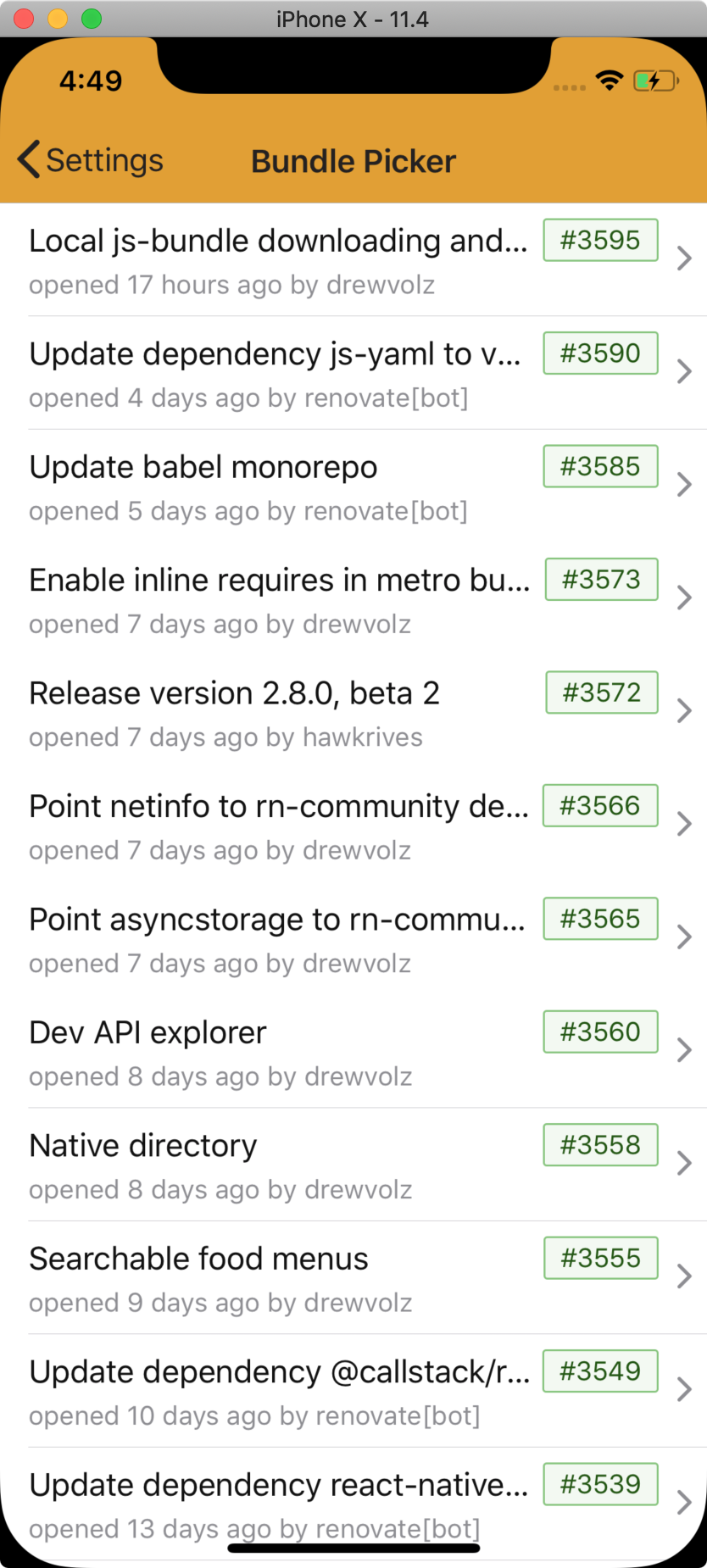 |
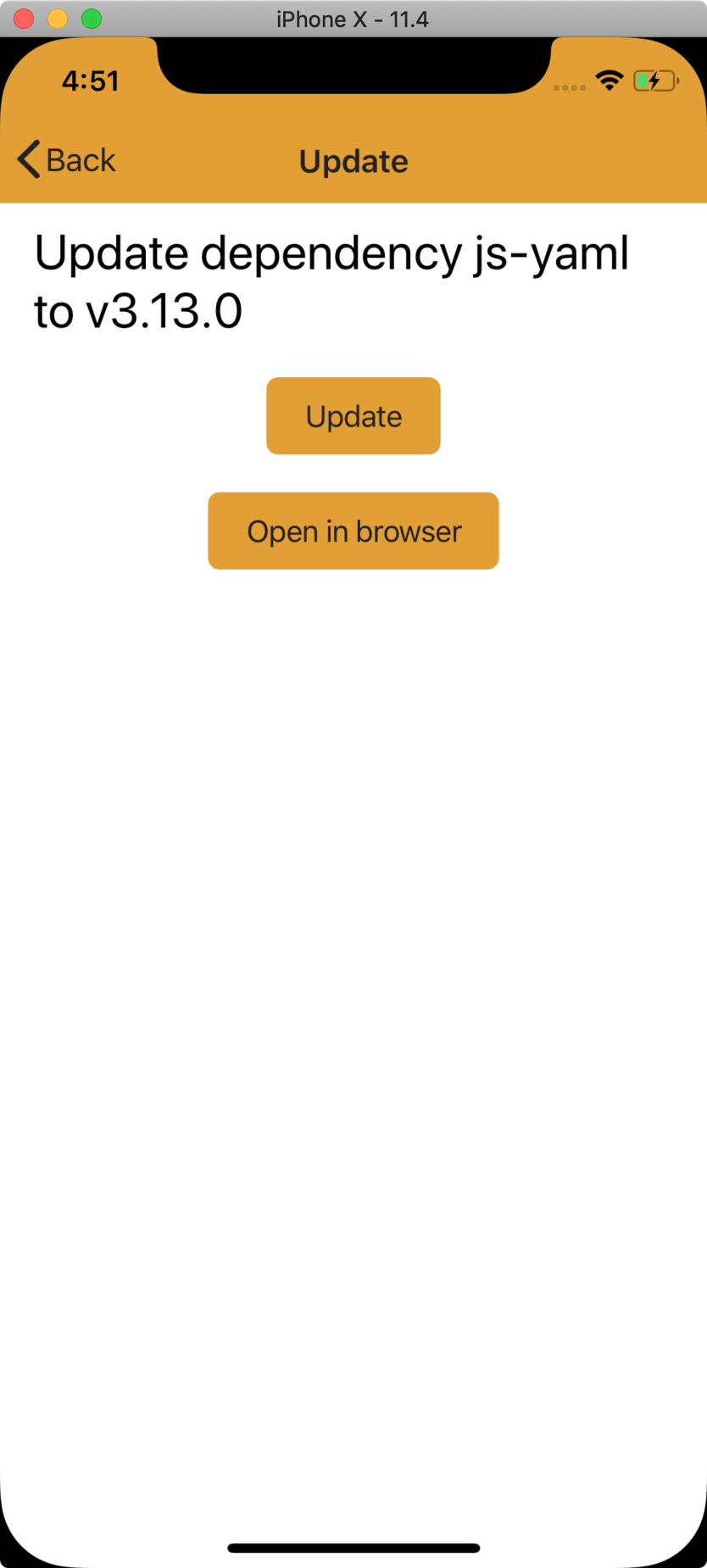 |
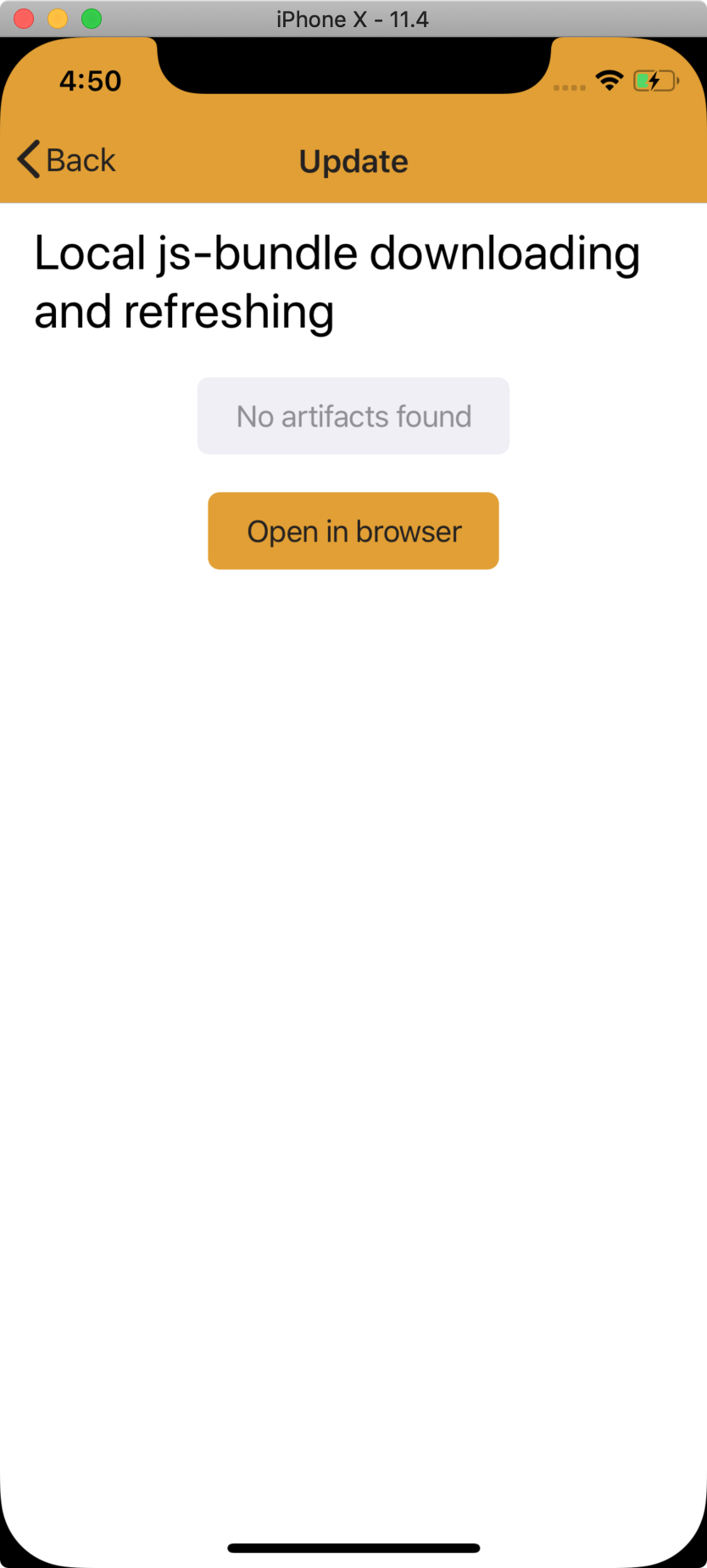 |
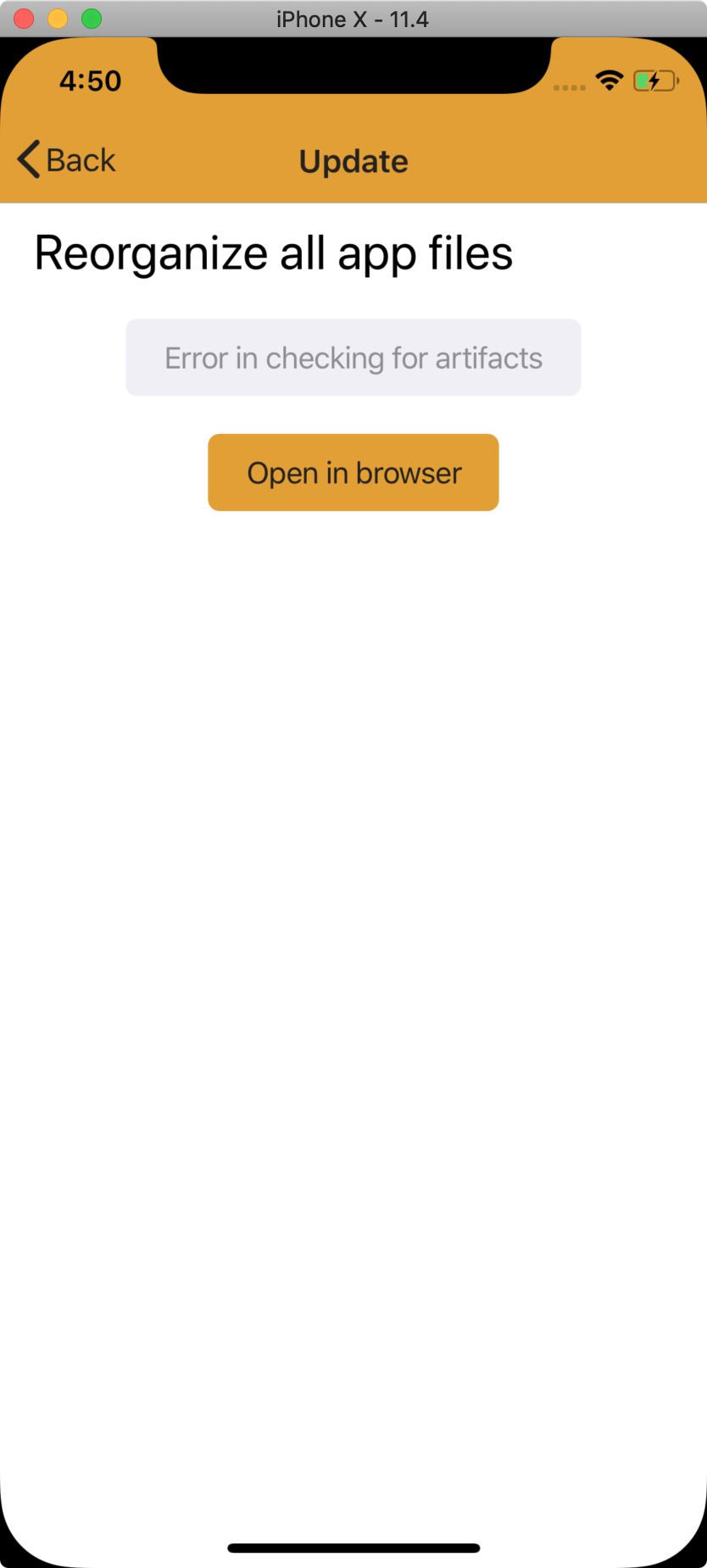 |
 |
Notes:
- [x] Many
anytypes until I work up the courage to type out GitHub and CircleCI types - [ ] Don't know if the
restart()call is necessary - [ ] Don't know what happens when you switch back (no other PR/branch has this)
- [ ] Android isn't working correctly yet (issue with
onReactContextInitialized) - [ ] Bundled assets/images disappear. Do we mind?
I really have only seen it work so far after switching the physical AppDelegate.m and AppDelegate.h code back to loading the other bridge... so this could be not working from what I can tell 🤷♀️

The Xcode project file changed. Maintainers, double-check the changes!
This PR modified important files but does not have any changes to the CHANGELOG.
android/app/build.gradleandroid/app/src/main/java/com/allaboutolaf/MainApplication.javaios/AllAboutOlaf.xcodeproj/project.pbxprojios/AllAboutOlaf/AppDelegate.msource/lib/constants.jssource/views/settings/index.js
New dependencies added: react-native-dynamic-bundle and react-native-fs.
react-native-dynamic-bundle
Author: Maurits Dijkstra
Description: Control which bundle is loaded from the Javascript side of your React Native app.
Homepage: https://github.com/mauritsd/react-native-dynamic-bundle
| Created | about 1 year ago |
| Last Updated | about 1 year ago |
| License | MIT |
| Maintainers | 1 |
| Releases | 5 |
| Keywords | react-native |
README
react-native-dynamic-bundle
What is this?
react-native-dynamic-bundle is a library, similar to react-native-auto-updater and CodePush, that allows you to change the React Native bundle loaded by an application without updating the application itself (i.e. through the App Store or Google Play). You could use this functionality to, for example:
- Get app updates to users quicker.
- Make A/B-testing or gradual rollouts as easy as on the web.
react-native-dynamic-bundle differs from react-native-auto-updater and alternatives in that it does not attempt to be a complete solution, only providing the bare necessities for switching bundles and reloading the app. This requires you to implement the logic to download and keep track of the bundles yourself, but does give you complete freedom in how you implement your updater or A/B testing logic.
To do's
- Explanations of how to set it up on the native side. In the meanwhile have a look at AppDelegate.m for iOS and MainActivity.java / MainApplication.java for Android.
Getting started
$ npm install react-native-dynamic-bundle --save
or
$ yarn add react-native-dynamic-bundle
Mostly automatic installation
$ react-native link react-native-dynamic-bundle
Manual installation
iOS
- In XCode, in the project navigator, right click
Libraries➜Add Files to [your project's name] - Go to
node_modules➜react-native-dynamic-bundleand addRNDynamicBundle.xcodeproj - In XCode, in the project navigator, select your project. Add
libRNDynamicBundle.ato your project'sBuild Phases➜Link Binary With Libraries - Run your project (
Cmd+R)<
Android
- Open up
android/app/src/main/java/[...]/MainActivity.java
- Add
import org.mauritsd.reactnativedynamicbundle.RNDynamicBundlePackage;to the imports at the top of the file - Add
new RNDynamicBundlePackage()to the list returned by thegetPackages()method
- Append the following lines to
android/settings.gradle:include ':react-native-dynamic-bundle' project(':react-native-dynamic-bundle').projectDir = new File(rootProject.projectDir, '../node_modules/react-native-dynamic-bundle/android') - Insert the following lines inside the dependencies block in
android/app/build.gradle:compile project(':react-native-dynamic-bundle')
Usage
import {
  setActiveBundle,
  registerBundle,
  unregisterBundle,
  reloadBundle
} from 'react-native-dynamic-bundle';

/* Register a bundle in the documents directory of the app. This could be
 * pre-packaged in your app, downloaded over http, etc. Paths are relative
 * to your documents directory.
 */
registerBundle('a_b_test', 'bundles/a_b_test.bundle');

/* Set the active bundle to a_b_test. This means that on the next load
 * this bundle will be loaded instead of the default.
 */
setActiveBundle('a_b_test');

/* Unregister a bundle once you're done with it. Note that you will have to
 * remove the file yourself.
 */
unregisterBundle('a_b_test');

/* In some circumstances (e.g. the user consents to an update) we want to
 * force a bundle reload instead of waiting until the next app restart.
 * Note that this will have to result in the destruction of the current
 * RCTBridge and its recreation with the new bundle URL. It is therefore
 * recommended to sync data and let actions complete before calling this.
 */
reloadBundle();
react-native-fs
Author: Johannes Lumpe
Description: Native filesystem access for react-native
Homepage: https://github.com/itinance/react-native-fs#readme
| Created | almost 4 years ago |
| Last Updated | 3 months ago |
| License | MIT |
| Maintainers | 3 |
| Releases | 57 |
| Direct Dependencies | base-64 and utf8 |
| Keywords | react-component, react-native, ios, android, fs, filesystem, download, upload and file-transfer |
Big PR! We like to try and keep PRs under 400 lines, and this one was 687 lines.
Generated by :no_entry_sign: dangerJS against 3619f5b9aaf170252132feab8dac7c1d6cc38d46

TL;DR: This needs TLC and help.
The core logic centers around fetching open GitHub pull requests and CircleCI artifacts. If we see an open GitHub PR, we look to fetch the output of those builds from CircleCI so that we may run them locally on-device.
First, ideally, the heavy lifting of this core logic (checking and parsing of the APIs) would happen via ccc-server. As of now, this logic happens on the client app so that needs to be changed.
Next, I'm unsure if the current logic is functioning properly. I am pretty sure it is broken on Android (it errors out), and is most likely broken on iOS.
This will most likely sit in limbo for the time being.
@rye I agree with you. This will require quite a bit more work. It’s not in a good state and needs a refactoring.