

 Shougo
Defx screenshots
I think defx.nvim needs screenshot in README.
If you have good screenshots for defx.nvim README, can you add it in this issue?

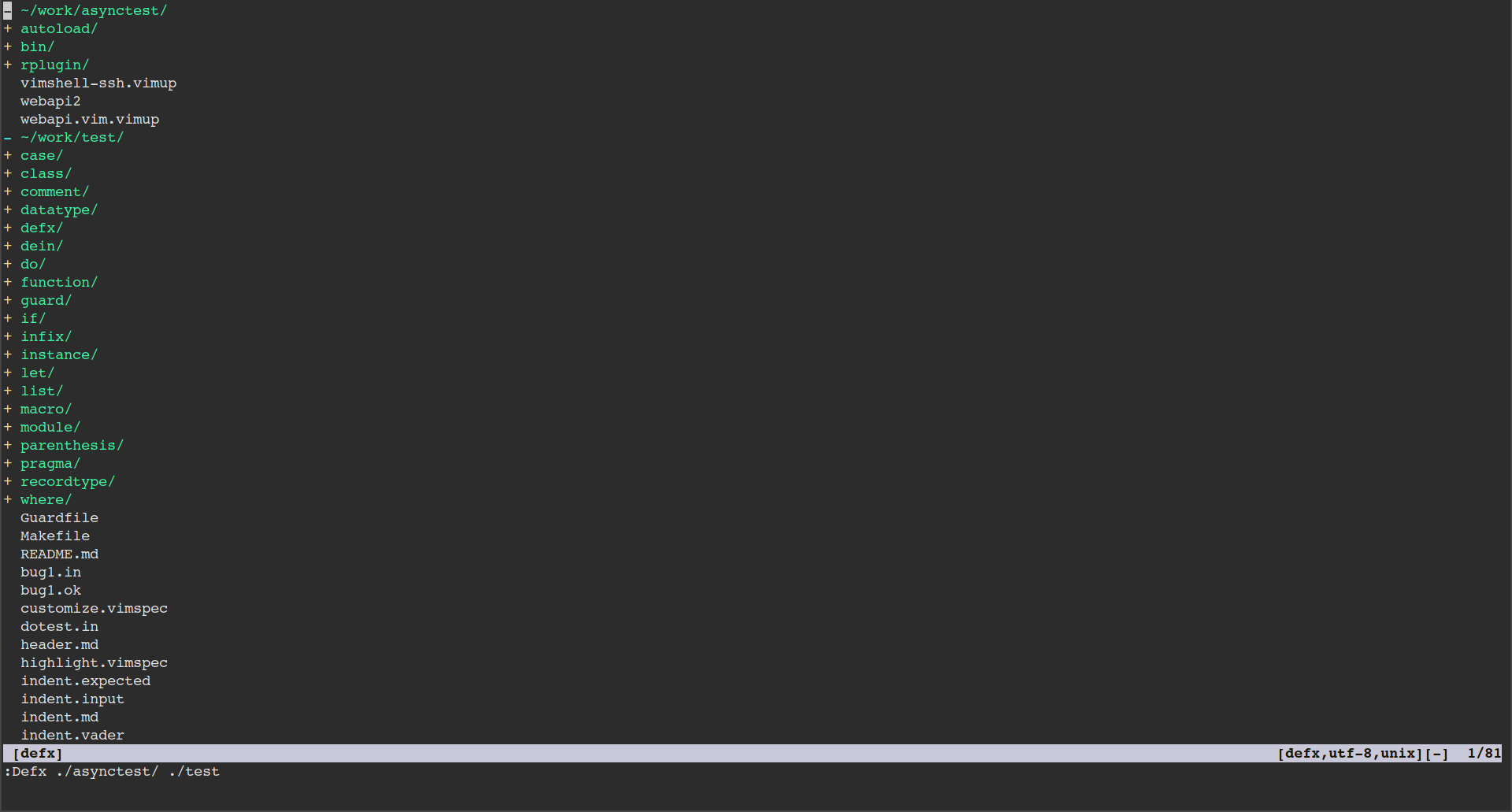



@wsdjeg yes, I have it globally set, I have not disabled it for a Defx buffer yet.
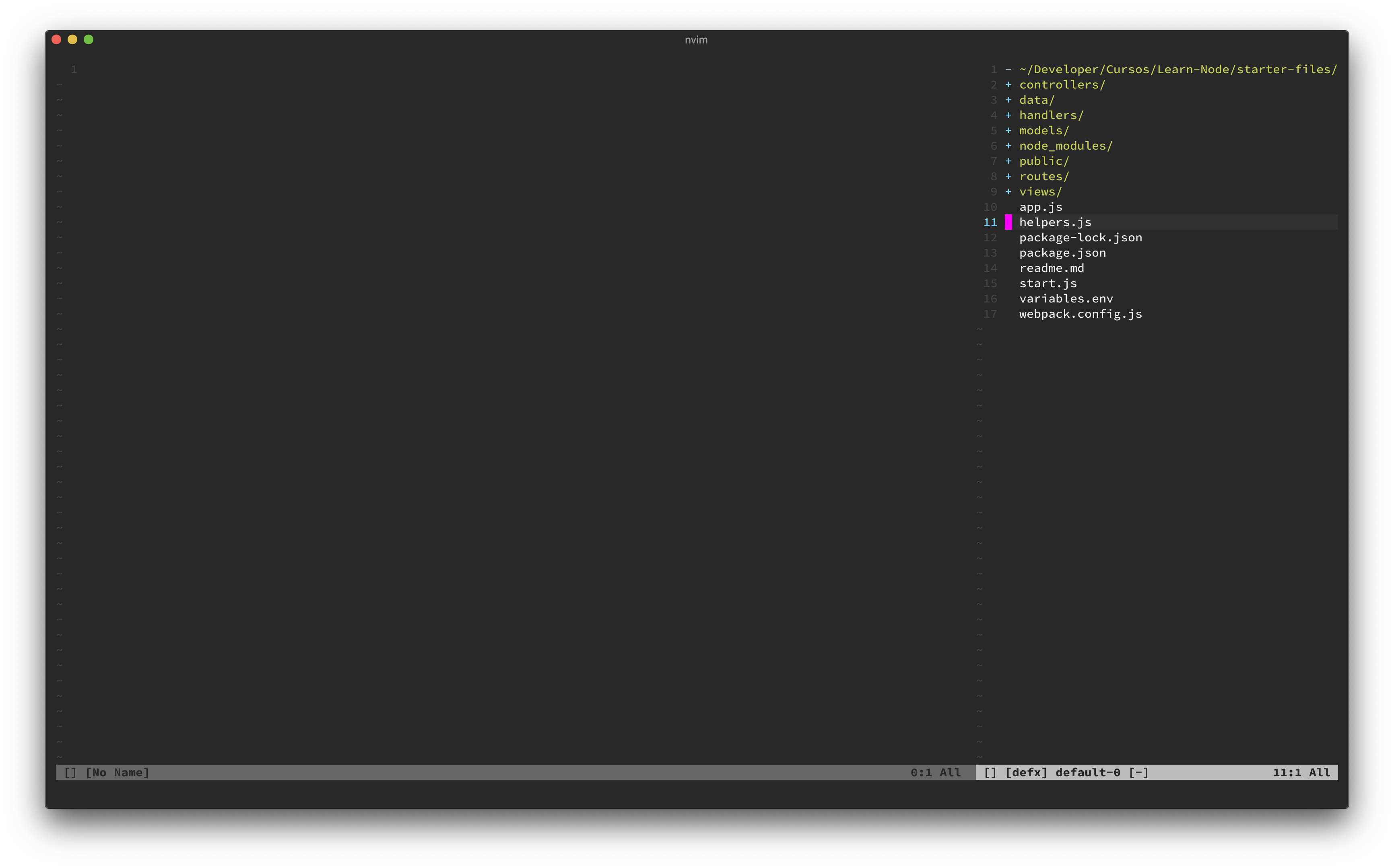
Here's a new screenshot with it disabled.
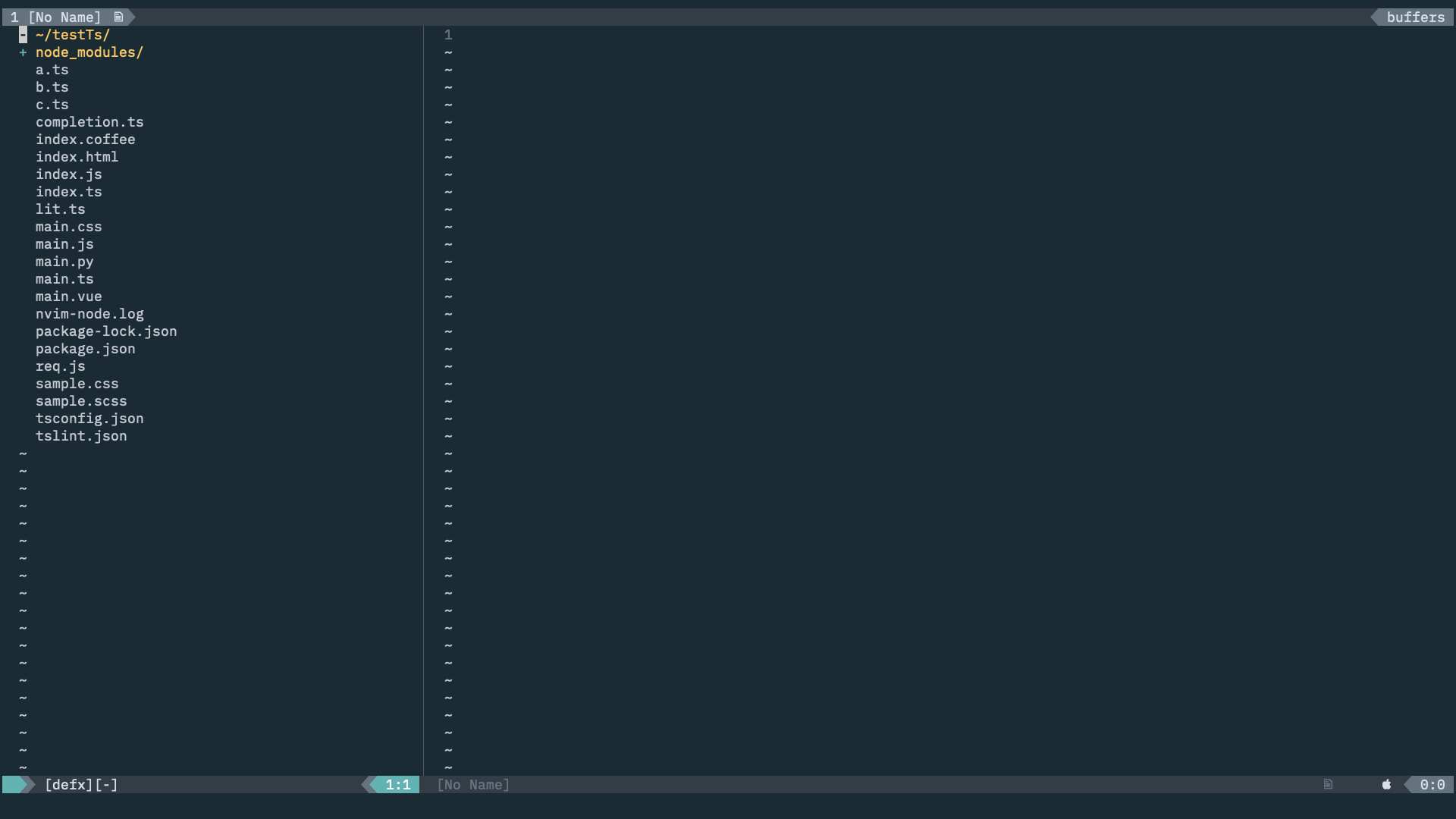
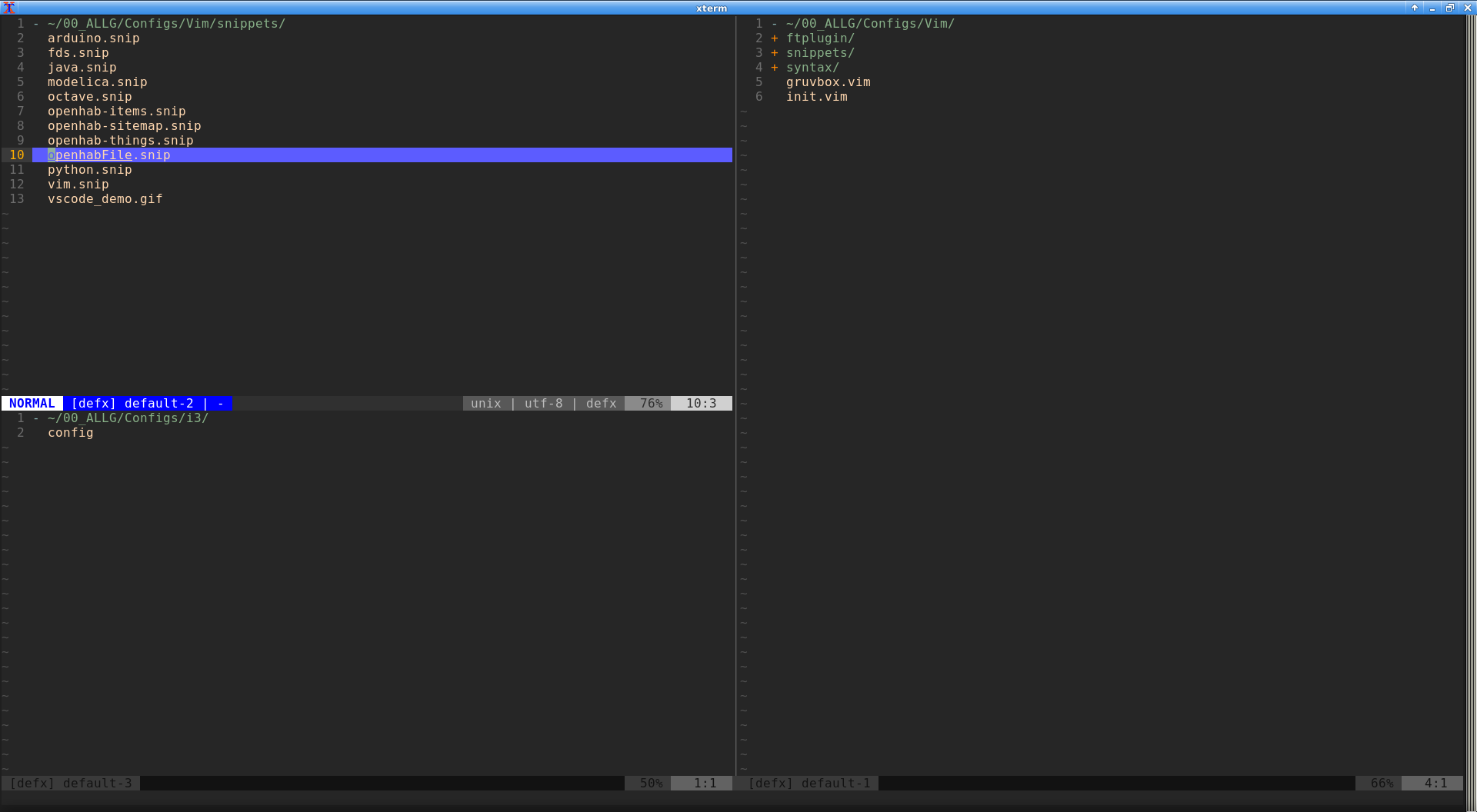

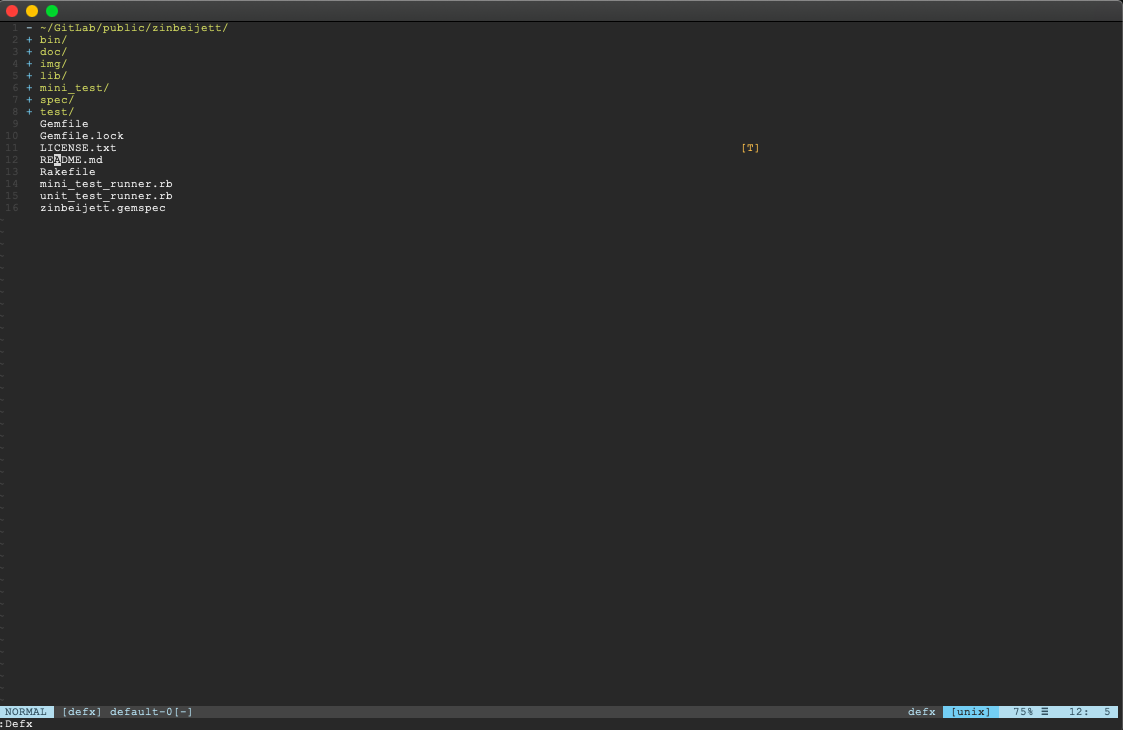
Defxをいつも使っています。
neovim-qtを使用しています。
カラースキーマは、tenderです。
画像は、zinbeijettのフォルダ内です。
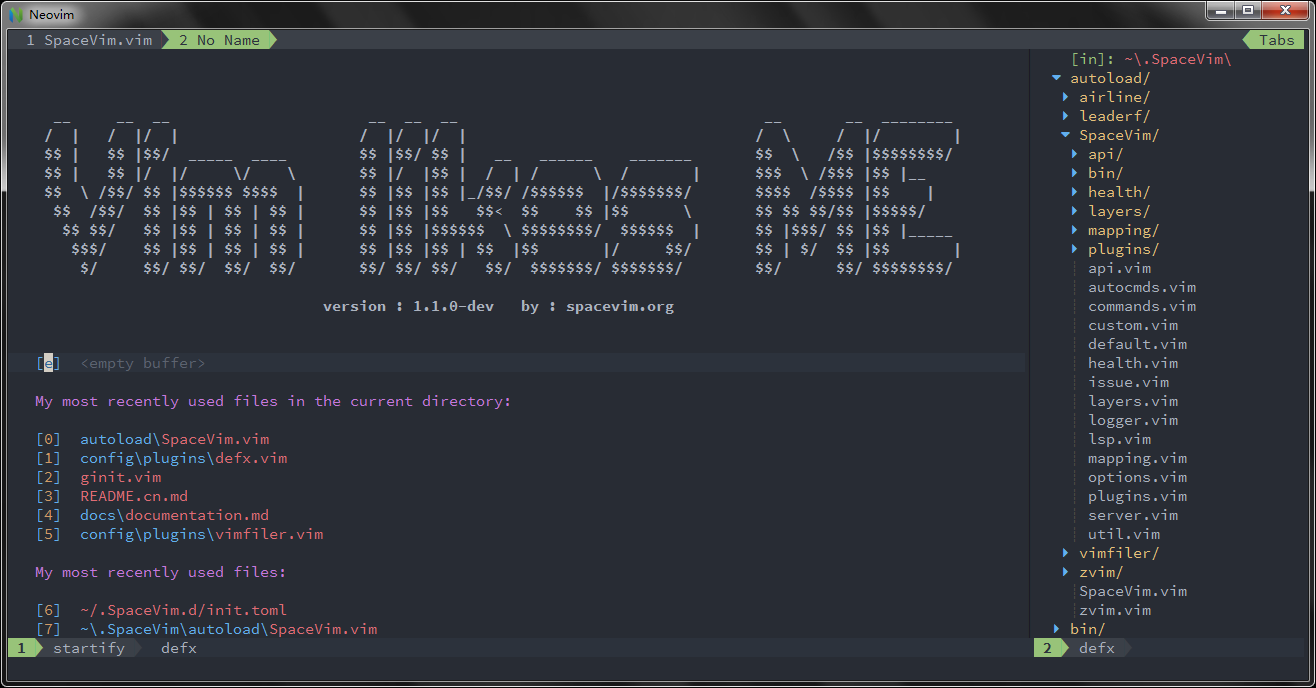
スクリーンショットを公開します。


@kutsan did you patch it to replace directory icons? If so, why use it as screenshot of the project since there's no option for it?

@oblitum
did you patch it to replace directory icons?
Yes.
If so, why use it as screenshot of the project since there's no option for it?
I'm sure there will be. So, that means defx is capable of that functionality.
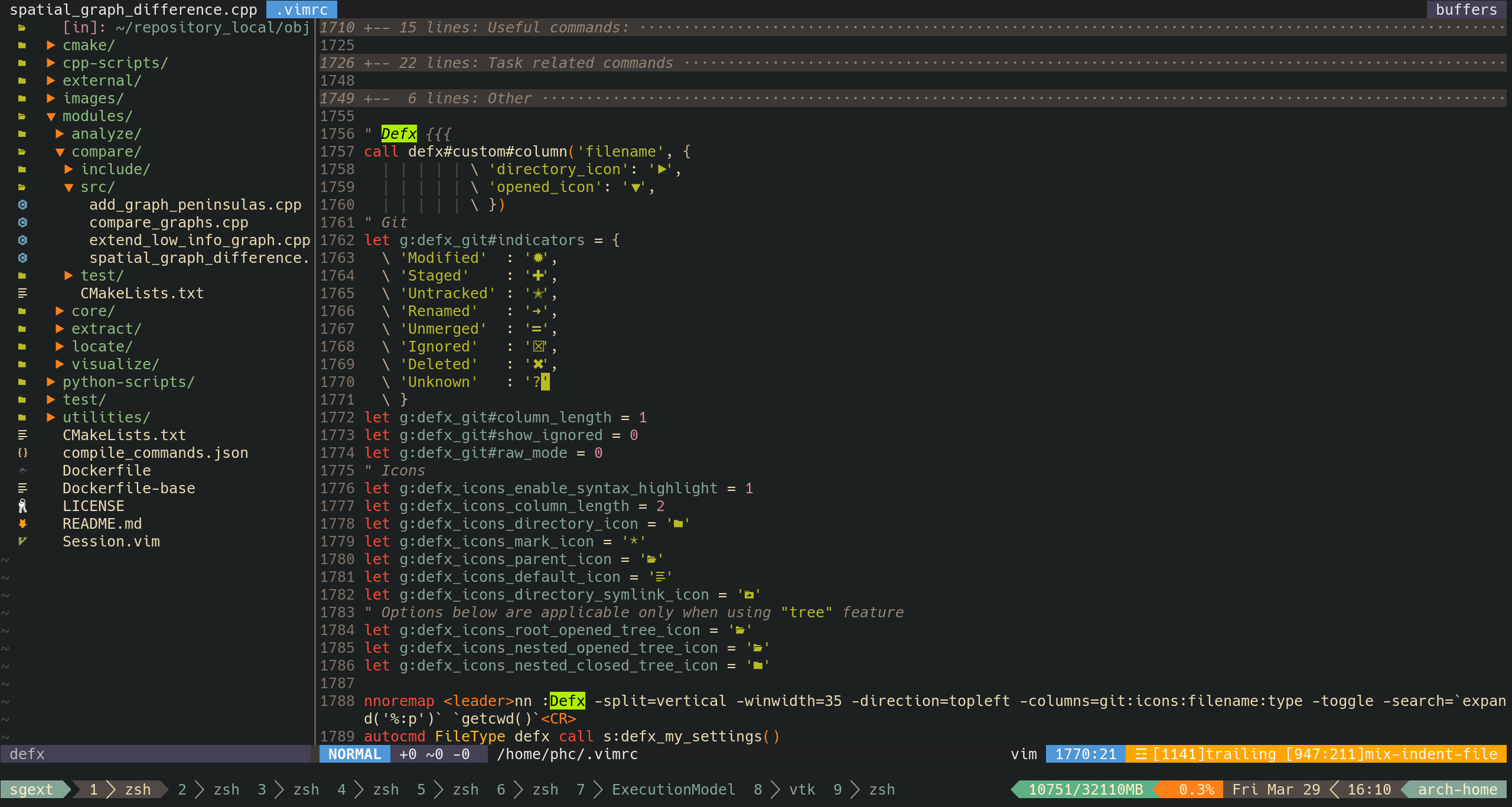
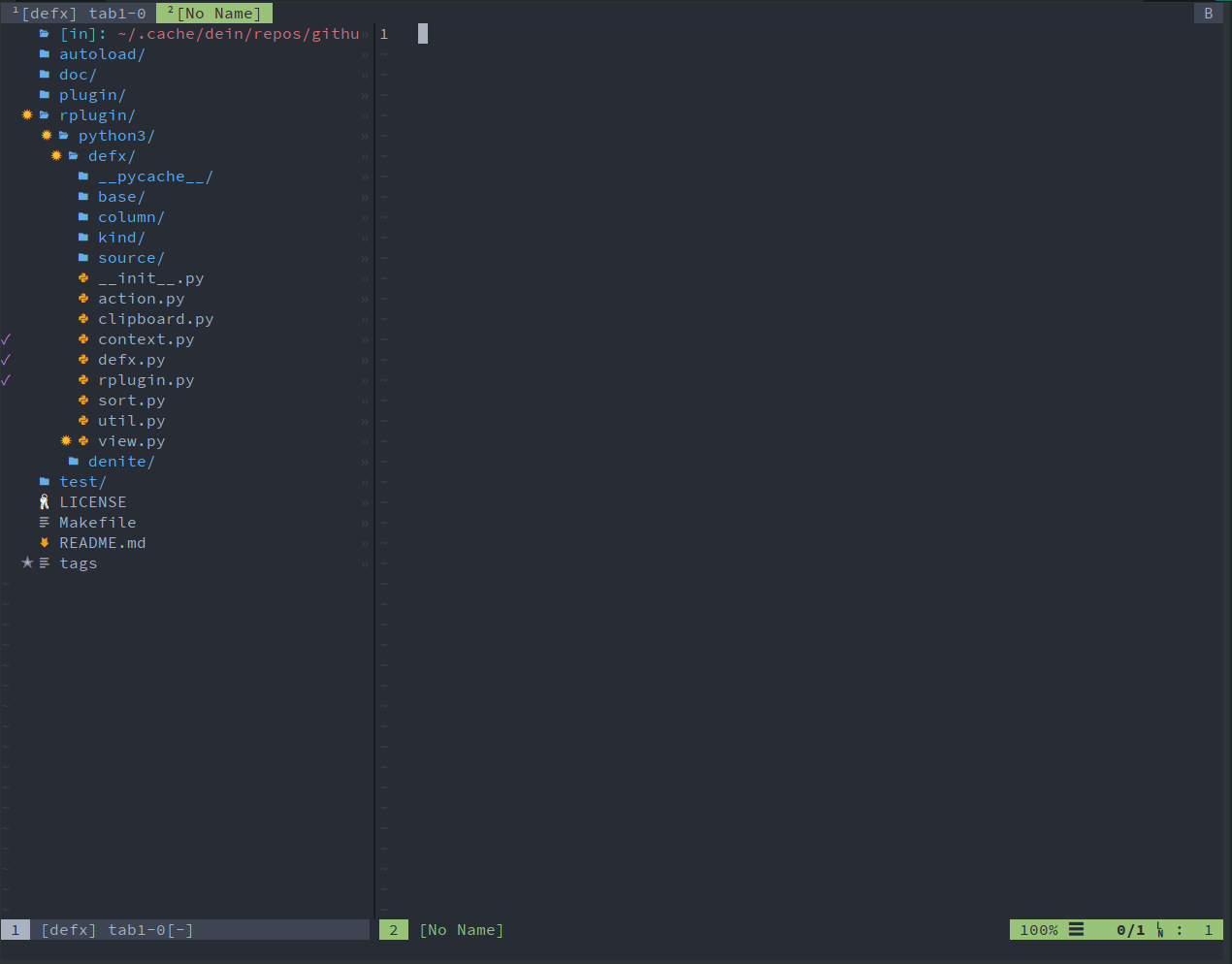
@oblitum @kutsan I created a defx column plugin for icons, very similar to vim-devicons. Here's the link https://github.com/kristijanhusak/defx-icons

@kristijanhusak made a similar one as well, but like how you're is more minimal and includes highlighting. Good stuff!
https://github.com/mhartington/defx-devicons




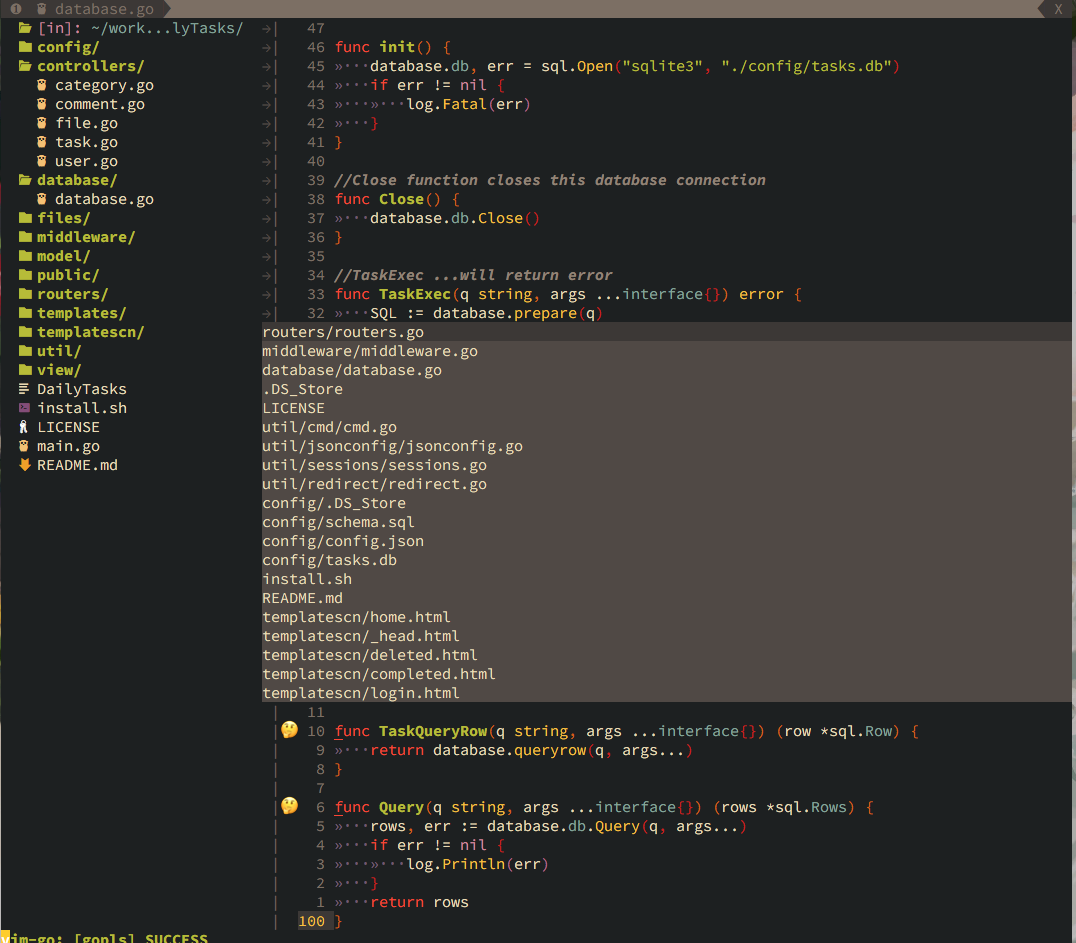

I knew this was not related to this topic, I have been trying to configure it, but for now when I pressed 'enter' to open a file, it just took the buffer of defx, each time I had to ctrl+w o to close other windows, is there a way to open/preview the file in the right window? so I can keep the defx in left stayed open always.

@taigacute thank you so much, that's what I'm looking for
nnoremap