selenium-ide
 selenium-ide copied to clipboard
 SeleniumHQ
Secondary locator not being used for some commands
🐛 Bug Report
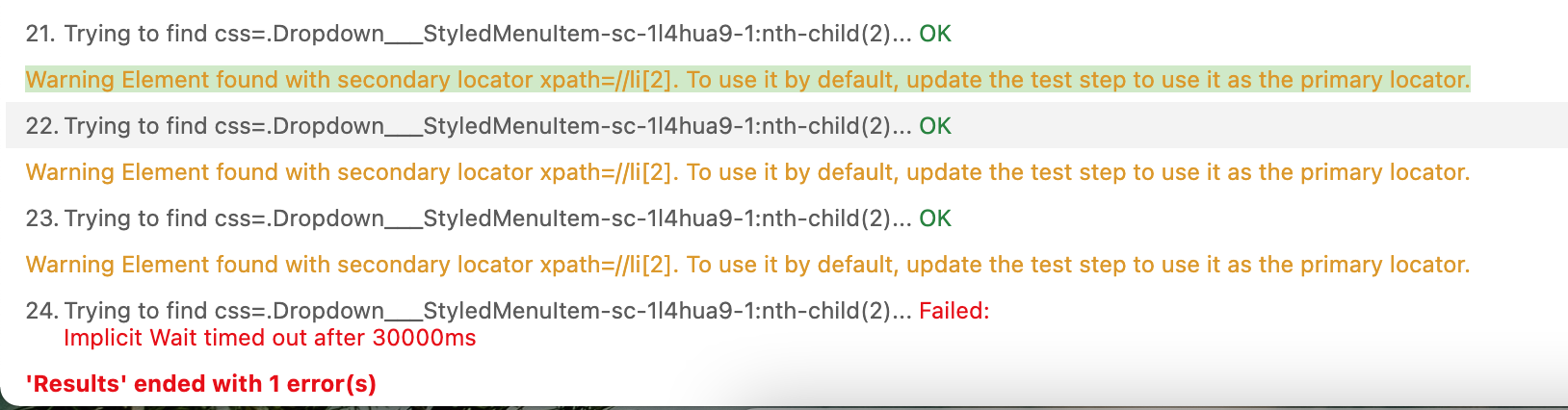
When commands different from "click" have secondary locators the steps are failing without trying to use the secondary locator beforehand. In the test case attached I have three commands: "click", "assert element present" and "type". All this commands have the same targets and the first locator is invalid but the alternative ones are valid; while the click commands uses the alternative locator and runs correctly, the other steps are failing since they don't use the alternative locator.
To Reproduce
Steps to reproduce the behavior:
- Go to Selenium
- Open the attached file
- Run the only test on the file
Actual Behavior
The "click" step is using the alternative locator from the target field. But the assertion fail although the alternative locator is a valid locator.

Additional Steps:
- Toggle the assertion step (step 4)
- Run the suite again
Actual Behavior
The "click" step is using the alternative locator from the target field. But the "type" action fails although the alternative locator is a valid locator.
Expected behavior for both cases
I would expect that the "assertion" and "type" commands to be executed successfully, an the same warning displayed for the click step is displayed for these commands -> Warning Element found with secondary locator css=input. To use it by default, update the test step to use it as the primary locator.
Project file reproducing this issue
Environment
OS: Windows 10 Selenium IDE Version: 3.17.0
Browser: Google Chrome Browser Version: Version 83.0.4103.116 (Official Build) (64-bit)