
ssbh_editor
 ssbh_editor copied to clipboard
 ScanMountGoat
Where are the textures :o
Hello guys, So I have a question/problem with SSBH Editor. So when I import a model it looks like this:
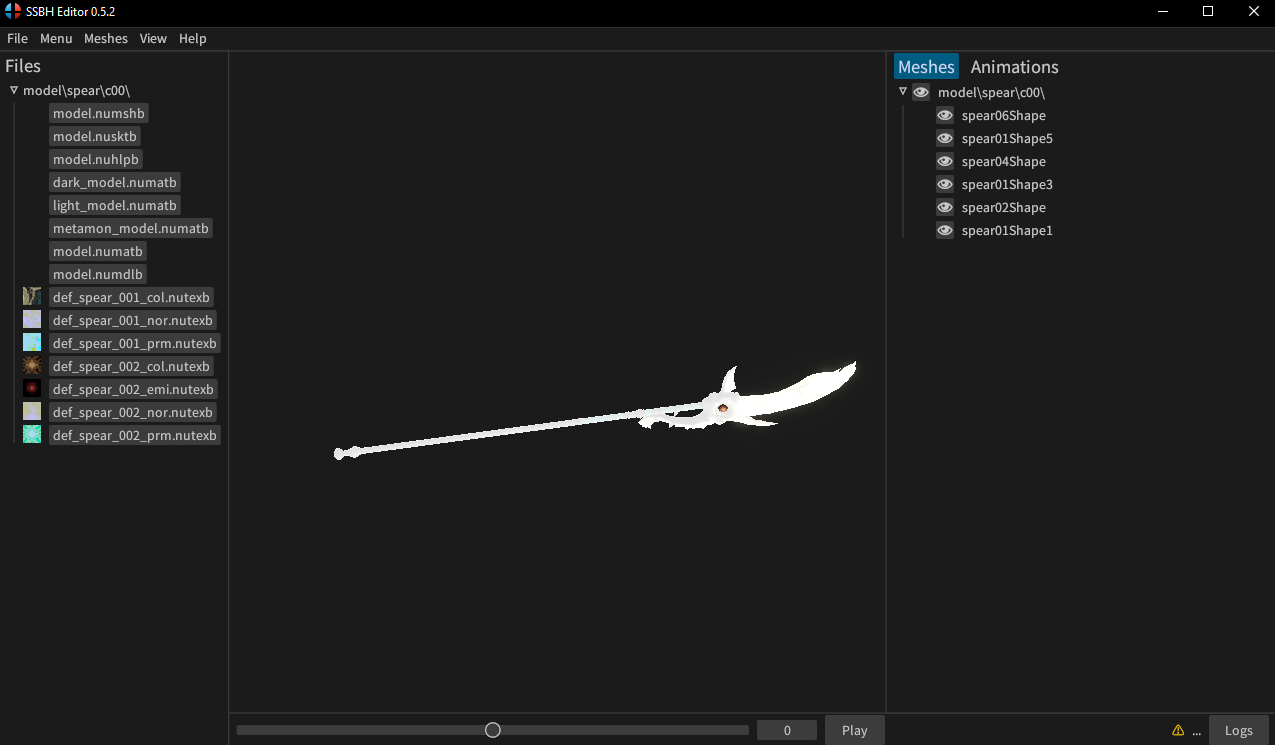
As you can see, the model looks very weird. (When I imported the body of a Mythra Mod, I saw nothing, but I did saw an outline of her body when I hovered over the eye button next to '\model\body\c00' to the right.)
So I figured that I could change Render Settings. I changed the 'Debug Mode' to 'Basic' and then the model looked like this:
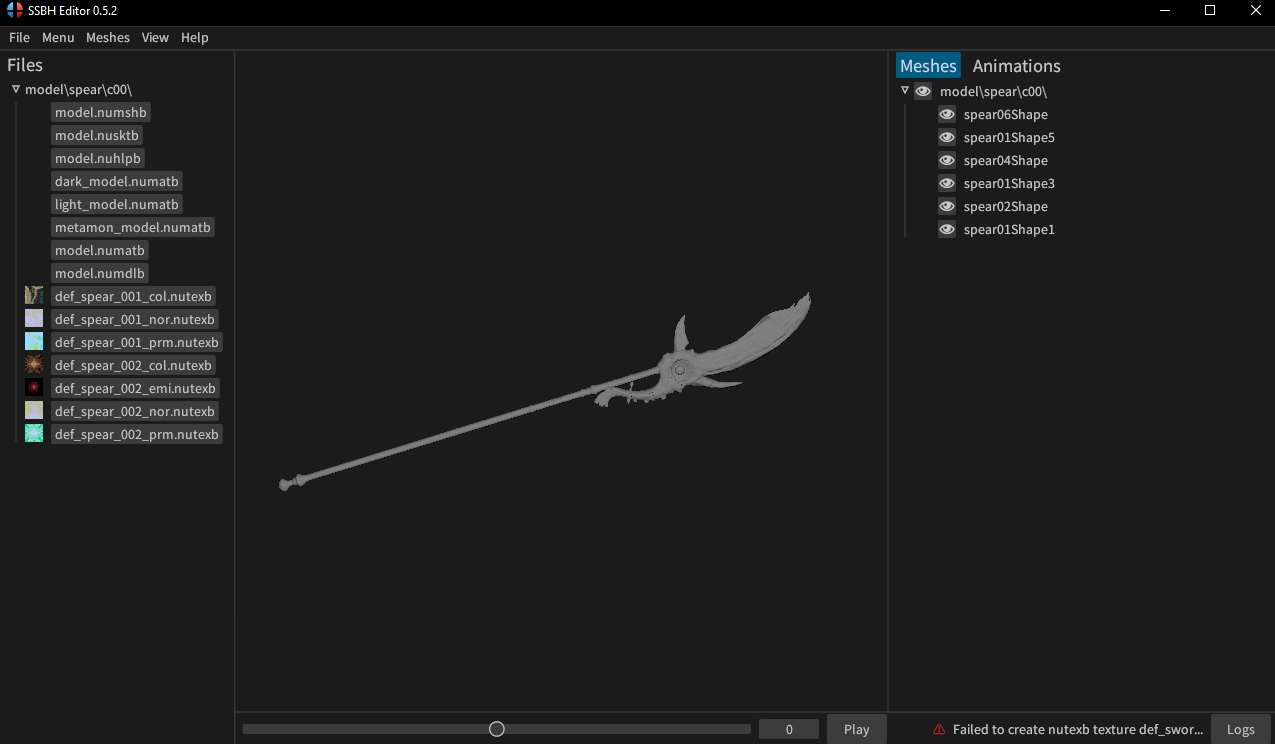
As you can now see, the model looks better. (When I did this with the Mythra Mod, she did became visible like the spear above.)
But I just can't find out how to get the textures on the model, because that's what I want to use it for. I want to make custom skins, but before I test it out on the game, I want to get a preview in SSBH Editor, although I can't see my actual skin mod (since it doesn't apply the textures).
Can someone help me?

There's an error on the bottom right. If you click the logs button, what does it say?

I just opened SSBH and imported the spear again, I changed render settings to basic again and this is my Log now:
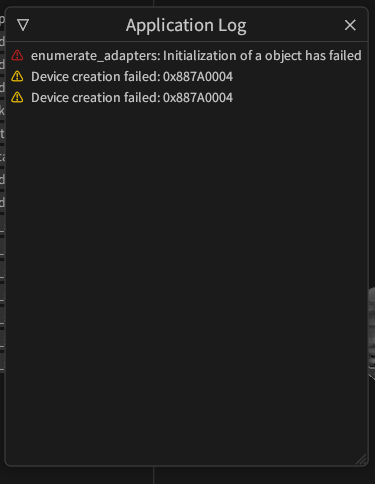
Thanks for the details. It sounds like a compatibility issue of some kind. Let me know if you get the "failed to load nutexb error" again with a picture of the message.
What GPU do you have for your computer? You need a computer that can run Vulkan or DX12, which should be true for any system released in about the last 10 years. The application is running and loading models, so your system should be new enough. Make sure you have the latest drivers installed from your GPU manufacturer's website (intel, amd, nvidia).
The texture thumbnails are loading fine, so it seems like creating textures is working. Try opening another folder like mario/model/body/c00 and see if that works.
I have NVidia, my laptop is from 2010 if I'm right.
But I just tried something out, I first randomly clicked on 'model.numatb' and noticed this:
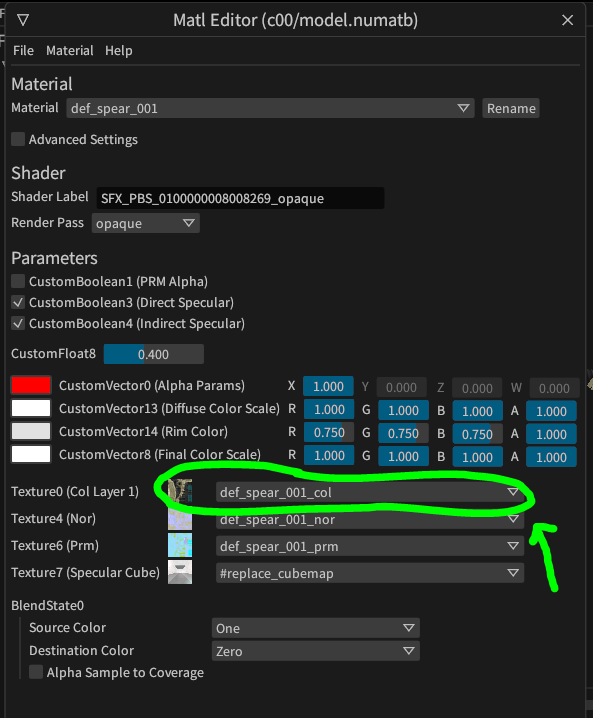
So I searched that one up in the 'Debug Mode' and changed it to that
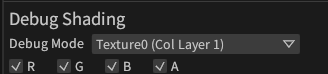
And now it looks like this:
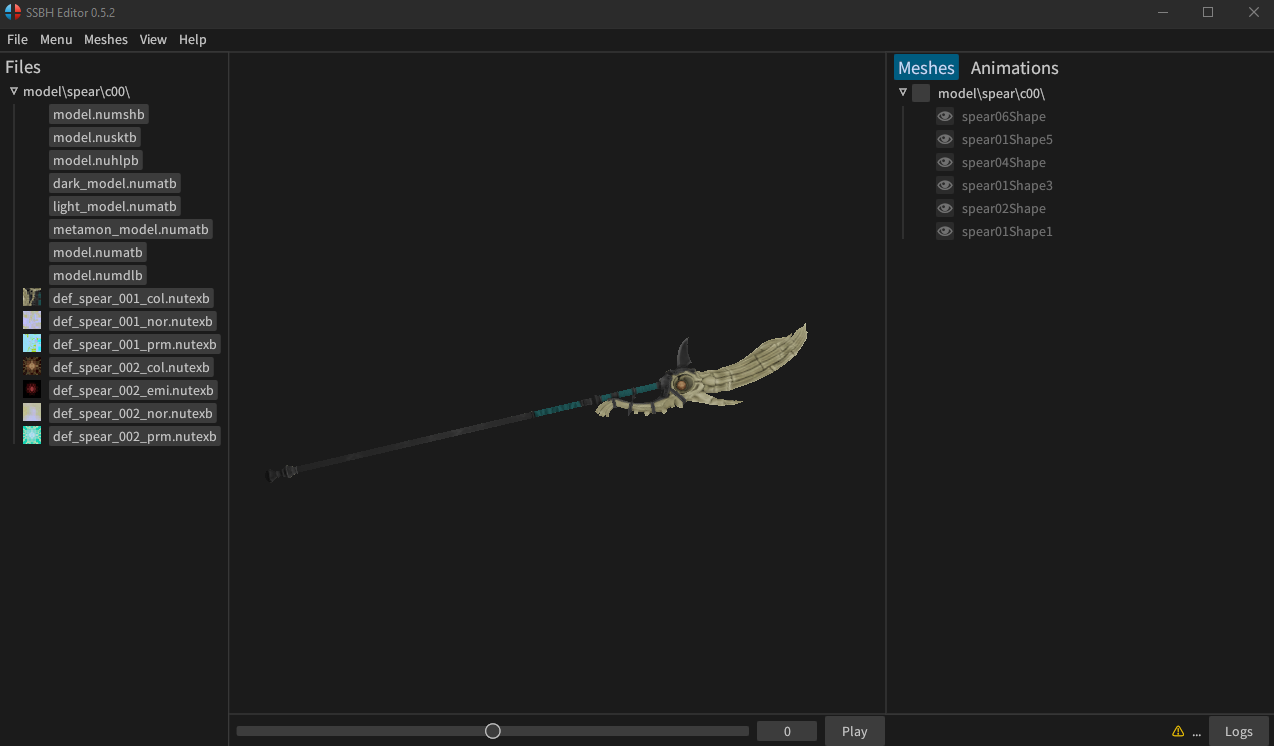
I don't think this is the correct way and I tried every option in the Debug Mode earlier, including these textures one and it didn't work for the Mythra Mod import. I see that the Mythra Mod doesn't include a model.numatb file :o
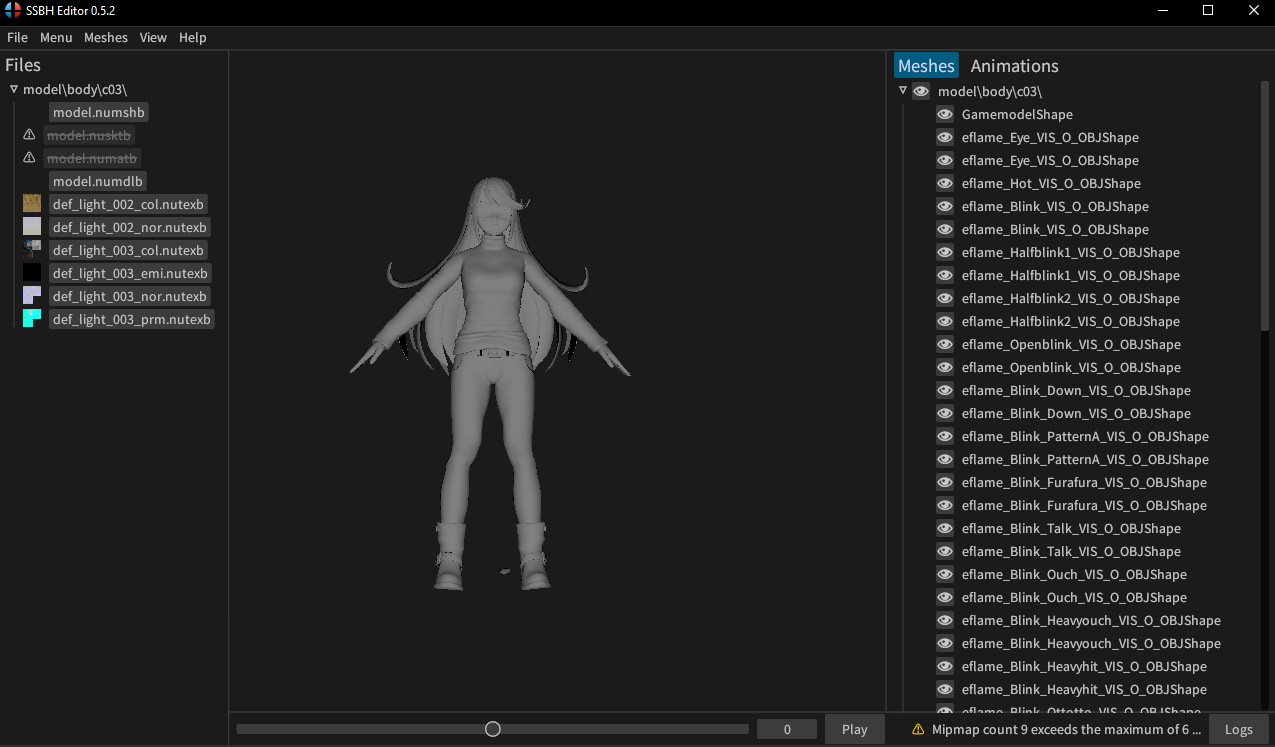
Now I have something else in my Log too:

I'll see if Mario works tomorrow, because I need to do something now, thnx for the help and please look if my information above can help us solve this :D
'Speak' you tomorrow (maybe?)
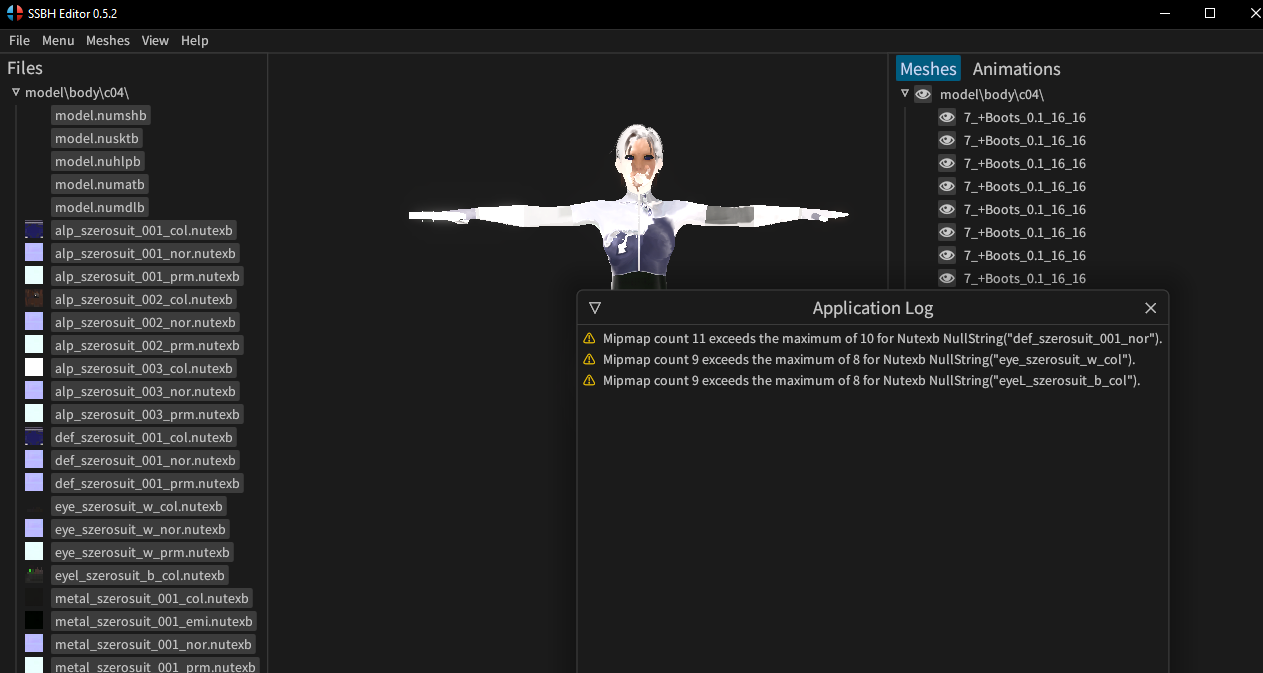

That's just a warning. It's a good idea to fix that warning by regenerating the mipmaps for the textures, but it shouldn't be causing this issue.
In order to figure out what the issue might be, I would look at the debug modes under Menu > Render Settings. Check the Texture0 and map1 debug modes to make sure the textures and UVs look correct. You can also click on the texture thumbnails in the files list to open the nutexb viewer.
It's possible that the main shader is being compiled slightly differently on some GPUs, but I would need more information to be sure. If you're seeing this on unmodified files from in game, it's probably a bug. What GPU do you have in your computer @Shinoda112?
If vanilla models work fine in SSBH Editor, it's probably not an SSBH Editor bug. If the model looks white, that can mean that the textures aren't assigned properly. Check the model.numatb file in SSBH Editor. If you need help fixing this in SSBH Editor, you can try out the new discussion forum or ask on the modding discord. I've linked both below. I'd like to keep github issues to bugs and feature requests to keep things organized.
https://github.com/ScanMountGoat/ssbh_editor/discussions https://discord.gg/ASJyTrZ