
SIIE
 SIIE copied to clipboard
 QFSW
QFSW
Selectable Inversion Image Effect for Unity
SIIE - Selectable Inversion Image Effect


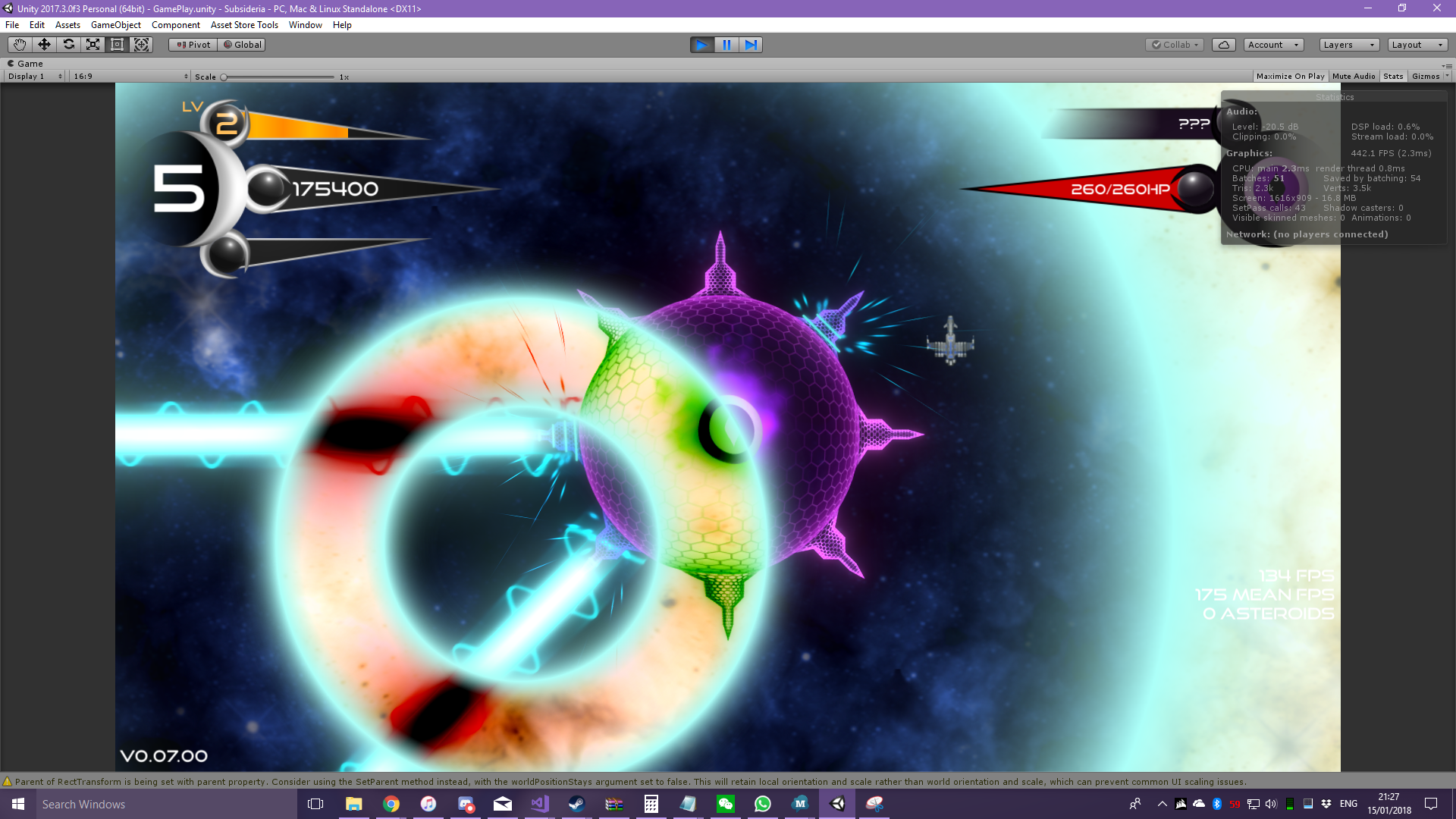
This image effect allows you to effortlessly create selectively inverted parts of the screen
Getting Started
- Creating the layer
SelectableInversion - Add the
SelectableInversioncomponent to your main camera

The script is contained under the QFSW.SIIE namespace
Settings
- Use Colored Inversion causes the image to approach a user specified color as the inversion approaches 50%, instead of the gray that would otherwise be achieved by combining an inverted image with a non inverted image
- Use Mask Color will use the color of the mask at that pixel for the mid inversion color instead of a constant user defined color
- Clear Color controls which color the Inversion Camera will clear to; you can also think of this as the default inversion value
Installation via Package Manager
2019.3+
Starting with Unity 2019.3, the package manager UI has support for git packages
Click the + to add a new git package and add https://github.com/QFSW/SIIE.git as the source
2018.3 - 2019.2
To install via package manager, add the file Packages/manifest.json and add the following line to the "dependencies"
"com.qfsw.siie": "https://github.com/QFSW/SIIE.git"
Your file should end up like this
{
  "dependencies": {
    "com.qfsw.siie": "https://github.com/QFSW/SIIE.git",
    ...
  },
}
 QFSW
QFSW