
nginx-proxy-manager
 nginx-proxy-manager copied to clipboard
 NginxProxyManager
Not Able To Open Nginx Proxy Manager Admin Panel
I have deployed nginx proxy manager on docker containers. But recently I am not able to access admin panel of the NPM. When I open my remote host at port 81. It gives me below error.

Here I have attached logs from portainer for nginx app. Kindly suggest how to access. As I am not able to any access any external website hosted on server ip.
Only able to access portainer at 9000 port.
Not able to access jellyfin at port 8096 & npm admin panel page at port 81.
Thanks.


@itsKV Yeah on oracle cloud infrastructure website under compute --> instance --> subnet security list. I have opened port 81 as per below. And it was working fine before 10-15 days. With the same port opened settings. Nothing I have changed. Aprt from my internet connectivity pattern.

But now I am not able to access admin panel of NPM & jellyfin which is my personal media server.
Note : Internet connectivity pattern got changed as earlier I was using fibernet bb connection. Which I have terminated now due to service issues. Currently I am using mobile hotspot.
But now I am not able to access admin panel of NPM & jellyf
What about iptables rules? Have you checked them? They might have modified meanwhile..
Note : Internet connectivity pattern got changed as earlier I was using fibernet bb con
Your vps service managed by Oracle is same as it was previously. Your mobile device, being client, it doesn't matter how you were/are accessing the vps; let it be cellular or fiber.
What about iptables rules? Have you checked them? They might have modified meanwhile..
Ip table rules is related to oracle cloud vps or anything else..? No I haven't checked them..
Your vps service managed by Oracle is same as it was previously
Yup the same provider. I having nothing changed. Just left un-used for a few days. Thats it. What I have setup I was using it well.
Now it doesn't work..
Try following command from your laptop/desktop and again on your vps's ssh session terminal. Paste the both responses here.
curl -is http://152.70.75.91:81
- remove the sensitive information, if any.
Have tried on vps ssh session. Below is the output. Nothing happens.
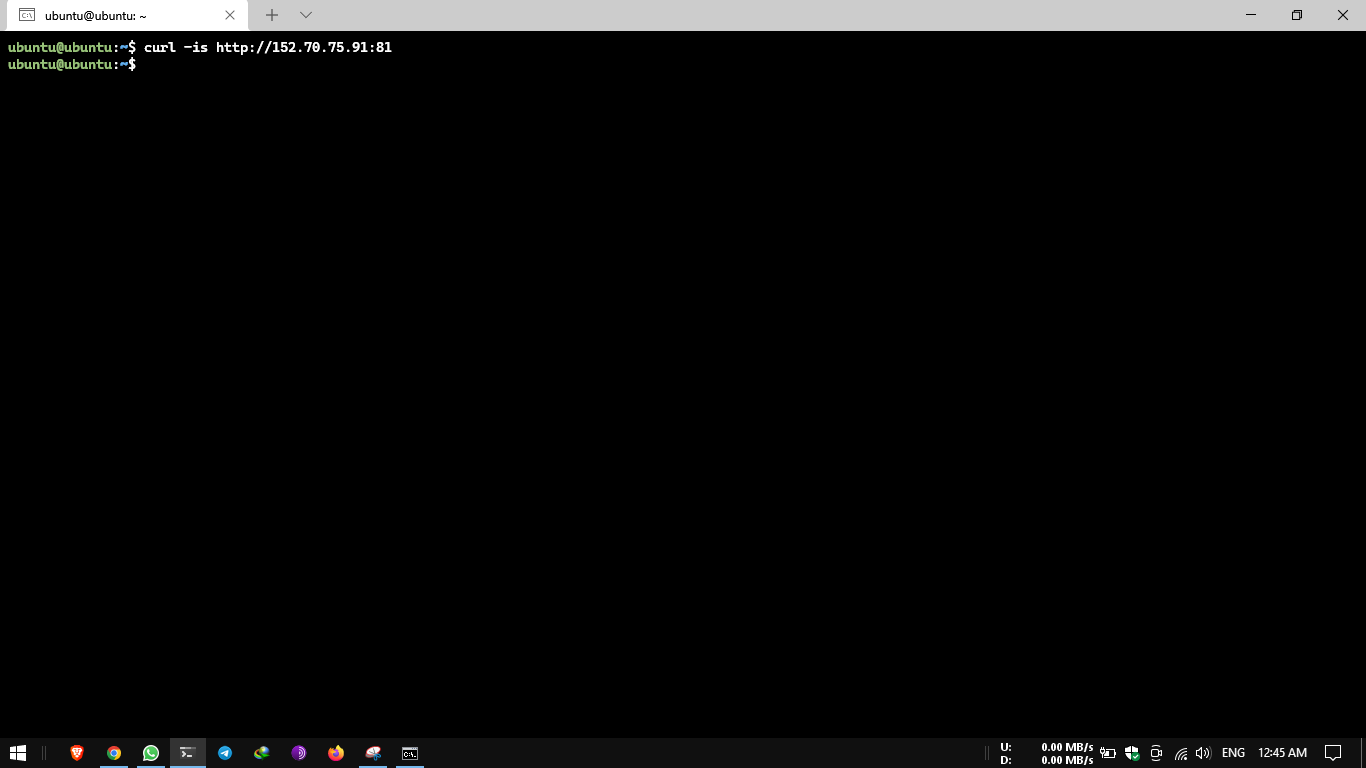
And on local machine which is windows 10 based pc. Have tried on terminal. Here below is the output. Nothing happens.

Here I have attached the SS.

And logs from nginx app are here. I think here only some issues are there. Because nginx db logs are looking fine. They are here.
Nginx app logs : https://pastebin.com/GaEtBj14
Nginx db logs : https://pastebin.com/gWi1bYFW
Try running the following command on VPS's terminal.
curl -is http://172.19.0.3:81

there it is. Your host is unable to reach your docker container. How could it serve the request on public interface then?
Try once this command in vps's terminal.
sudo docker exec -it nginx_app_1 curl -is http://172.19.0.3:81
there it is. Your host is unable to reach your docker container. How could it serve the request on public interface then?
Ohhh. Okay. So, do we have to fix it on portainer panel or elsewhere..?
Try once this command in vps's terminal.
sudo docker exec -it nginx_app_1 curl -is http://172.19.0.3:81
Tried now. Below is the result.


Try once this command in vps's terminal.
sudo docker exec -it nginx_app_1 curl -is http://172.19.0.3:81Tried now. Below is the result.
wait a minute.. This reply shows either there is issue in docker network running between host and containers OR Admin panel is not running on npm container.
Ohhh. Okay. So, do we have to fix it on portainer panel or elsewhere..?
I don't use portainer. So can't say about it. But that can be solved via terminal commands.
wait a minute.. This reply shows either there is issue in docker network running between host and containers OR Admin panel is not running on npm container.
As earlier I have attached logs for both npm app & db. By looking them, npm app logs are showing issues.
Nginx app logs : https://pastebin.com/GaEtBj14
Nginx db logs : https://pastebin.com/gWi1bYFW
Nginx app logs :-

  ❯ /etc/nginx/conf.d/include/block-exploits.conf
  ❯ /etc/nginx/conf.d/include/ip_ranges.conf
  ❯ /etc/nginx/conf.d/include/force-ssl.conf
  ❯ /etc/nginx/conf.d/include/resolvers.conf
❯ Enabling IPV6 in hosts: /data/nginx
  ❯ /data/nginx/proxy_host/2.conf
[4/19/2022] [6:02:36 PM] [Global   ] › ℹ  info      No valid environment variables for database provided, using default SQLite file '/data/database.sqlite'
[4/19/2022] [6:02:37 PM] [Migrate  ] › ℹ  info      Current database version: none
[4/19/2022] [6:02:37 PM] [Setup    ] › ℹ  info      Logrotate Timer initialized
[4/19/2022] [6:02:37 PM] [Setup    ] › ℹ  info      Logrotate completed.
[4/19/2022] [6:02:37 PM] [IP Ranges] › ℹ  info      Fetching IP Ranges from online services...
[4/19/2022] [6:02:37 PM] [IP Ranges] › ℹ  info      Fetching https://ip-ranges.amazonaws.com/ip-ranges.json
[4/19/2022] [6:02:37 PM] [IP Ranges] › ℹ  info      Fetching https://www.cloudflare.com/ips-v4
[4/19/2022] [6:02:37 PM] [IP Ranges] › ℹ  info      Fetching https://www.cloudflare.com/ips-v6
[4/19/2022] [6:02:37 PM] [SSL      ] › ℹ  info      Let's Encrypt Renewal Timer initialized
[4/19/2022] [6:02:37 PM] [SSL      ] › ℹ  info      Renewing SSL certs close to expiry...
[4/19/2022] [6:02:37 PM] [IP Ranges] › ℹ  info      IP Ranges Renewal Timer initialized
[4/19/2022] [6:02:37 PM] [Global   ] › ℹ  info      Backend PID 242 listening on port 3000 ...
[4/19/2022] [6:02:37 PM] [Nginx    ] › ℹ  info      Reloading Nginx
[4/19/2022] [6:02:37 PM] [SSL      ] › ℹ  info      Renew Complete
s6-svscanctl: fatal: unable to control /var/run/s6/services: supervisor not listening
[cont-finish.d] executing container finish scripts...
[cont-finish.d] done.
[s6-finish] waiting for services.
[s6-finish] sending all processes the TERM signal.
[s6-finish] sending all processes the KILL signal and exiting.
[s6-init] making user provided files available at /var/run/s6/etc...exited 0.
s6-chown: fatal: unable to chown /var/run/s6/etc/cont-init.d/01_s6-secret-init.sh: Operation not permitted
s6-chmod: fatal: unable to change mode of /var/run/s6/etc/cont-init.d/01_s6-secret-init.sh: Operation not permitted
s6-chown: fatal: unable to chown /var/run/s6/etc/cont-init.d/01_perms.sh: Operation not permitted
s6-chmod: fatal: unable to change mode of /var/run/s6/etc/cont-init.d/01_perms.sh: Operation not permitted
[s6-init] ensuring user provided files have correct perms...exited 0.
[fix-attrs.d] applying ownership & permissions fixes...
[fix-attrs.d] done.
[cont-init.d] executing container initialization scripts...
[cont-init.d] 01_perms.sh: executing...
foreground: warning: unable to spawn /var/run/s6/etc/cont-init.d/01_perms.sh: Operation not permitted
foreground: fatal: unable to wait for /var/run/s6/etc/cont-init.d/01_perms.sh: No child process
I don't use portainer. So can't say about it. But that can be solved via terminal commands.
Ohh. Okay.
That is where the problem I am facing. I am unable to remove my deployed stacks. As they show limited control. This happened due to update of portainer.

This Limited Control error usually occurs when you have deployed some of the containers outside portainer using docker-compose command. Below command will delete the npm container. After that deploy the fresh npm container using portainer.
sudo docker kill nginx_app_1
Do the same for all the containers showing limited control error and re-deploy them via portainer.

Starting proxy-manager_app_1 ... done
Attaching to proxy-manager_app_1
app_1  | [s6-init] making user provided files available at /var/run/s6/etc...exited 0.
app_1  | [s6-init] ensuring user provided files have correct perms...s6-chown: fatal: unable to chown /var/run/s6/etc/cont-init.d/01_perms.sh: Operation not permitted
app_1  | s6-chown: fatal: unable to chown /var/run/s6/etc/cont-init.d/01_s6-secret-init.sh: Operation not permitted
app_1  | s6-chmod: fatal: unable to change mode of /var/run/s6/etc/cont-init.d/01_s6-secret-init.sh: Operation not permitted
app_1  | s6-chmod: fatal: unable to change mode of /var/run/s6/etc/cont-init.d/01_perms.sh: Operation not permitted
app_1  | exited 0.
app_1  | [fix-attrs.d] applying ownership & permissions fixes...
app_1  | [fix-attrs.d] done.
app_1  | [cont-init.d] executing container initialization scripts...
app_1  | [cont-init.d] 01_perms.sh: executing...
app_1  | foreground: warning: unable to spawn /var/run/s6/etc/cont-init.d/01_perms.sh: Operation not permitted
app_1  | foreground: fatal: unable to wait for /var/run/s6/etc/cont-init.d/01_perms.sh: No child process
app_1  |
app_1  | !!!!!
app_1  |  init-stage2 failed.
app_1  | !!!!!
I had the same problem, and i managed to get through by giving full permission access to the folder from which i was launching the docker-compose up -d command to run the nginx proxy manager stack : sudo chmod -R 777 ./

I have the same problem, using Oracle Cloud, Ubuntu 20.04.
Updated using apt update && apt upgrade.
Rebooted the system, and nginx-proxy-manager was not working.
Container was started using:
docker run -d --name=nginx-proxy-manager --restart unless-stopped --network nginxproxymanager -p 80:80 -p 81:81 -p 443:443 -v "$PWD/data":/data -v "$PWD/letsencrypt":/etc/letsencrypt jc21/nginx-proxy-manager:latest
Firewall in Oracle Cloud and in Host (using iptables) is unchanged (ports are opened).
Error logs:
2022-07-01T13:46:20.225479708Z s6-chown: fatal: unable to chown /var/run/s6/etc/cont-init.d/01_s6-secret-init.sh: Operation not permitted 2022-07-01T13:46:20.225494388Z s6-chown: fatal: unable to chown /var/run/s6/etc/cont-init.d/01_perms.sh: Operation not permitted 2022-07-01T13:46:20.226741067Z s6-chmod: fatal: unable to change mode of /var/run/s6/etc/cont-init.d/01_s6-secret-init.sh: Operation not permitted 2022-07-01T13:46:20.226835467Z s6-chmod: fatal: unable to change mode of /var/run/s6/etc/cont-init.d/01_perms.sh: Operation not permitted 2022-07-01T13:46:20.241075344Z [s6-init] ensuring user provided files have correct perms...exited 0. 2022-07-01T13:46:20.242111744Z [fix-attrs.d] applying ownership & permissions fixes... 2022-07-01T13:46:20.243111904Z [fix-attrs.d] done. 2022-07-01T13:46:20.243740544Z [cont-init.d] executing container initialization scripts... 2022-07-01T13:46:20.244711223Z [cont-init.d] 01_perms.sh: executing... 2022-07-01T13:46:20.244981503Z foreground: warning: unable to spawn /var/run/s6/etc/cont-init.d/01_perms.sh: Operation not permitted 2022-07-01T13:46:20.244995543Z foreground: fatal: unable to wait for /var/run/s6/etc/cont-init.d/01_perms.sh: No child process 2022-07-01T13:46:20.247153503Z 2022-07-01T13:46:20.247166703Z !!!!! 2022-07-01T13:46:20.247169863Z init-stage2 failed. 2022-07-01T13:46:20.247172423Z !!!!!
'Fixed' by reinstalling N.P.M.
sudo docker rm -f nginx-proxy-manager
sudo docker image rm <image-id>
docker run -d --name=nginx-proxy-manager --restart unless-stopped --network nginxproxymanager -p 80:80 -p 81:81 -p 443:443 -v "$PWD/data":/data -v "$PWD/letsencrypt":/etc/letsencrypt jc21/nginx-proxy-manager:latest


Make sure your Nginx Proxy Manager image is current:
docker run -v /var/run/docker.sock:/var/run/docker.sock containrrr/watchtower --run-once.
This was my issue. Note: the code snippet above will update everything not only your Nginx Proxy Manager.
EDIT: Okay, looks like there is actually two issue that people might be having. Initially I was not able to even reach the login interface, that was solved with updating the image as mentioned above. Once the image was updated and the login interface was showing I was unable to login without as @Joweran says changing the folders permissions to 777.
Version 2.10.1
