
sd-webui-controlnet
 sd-webui-controlnet copied to clipboard
 Mikubill
Every single preprocessor/model always creates the same invalid annotator result (lots of vertical black and white lines)?
I've reinstalled Automatic1111's repo probably 3 times now, blank/fresh configs, updated NVIDIA drivers, latest version of Python 3.10, latest version of this plugin.
However, every single time I use ControlNet I get the same invalid annotator result. A bunch of vertical lines:
Settings/Example:
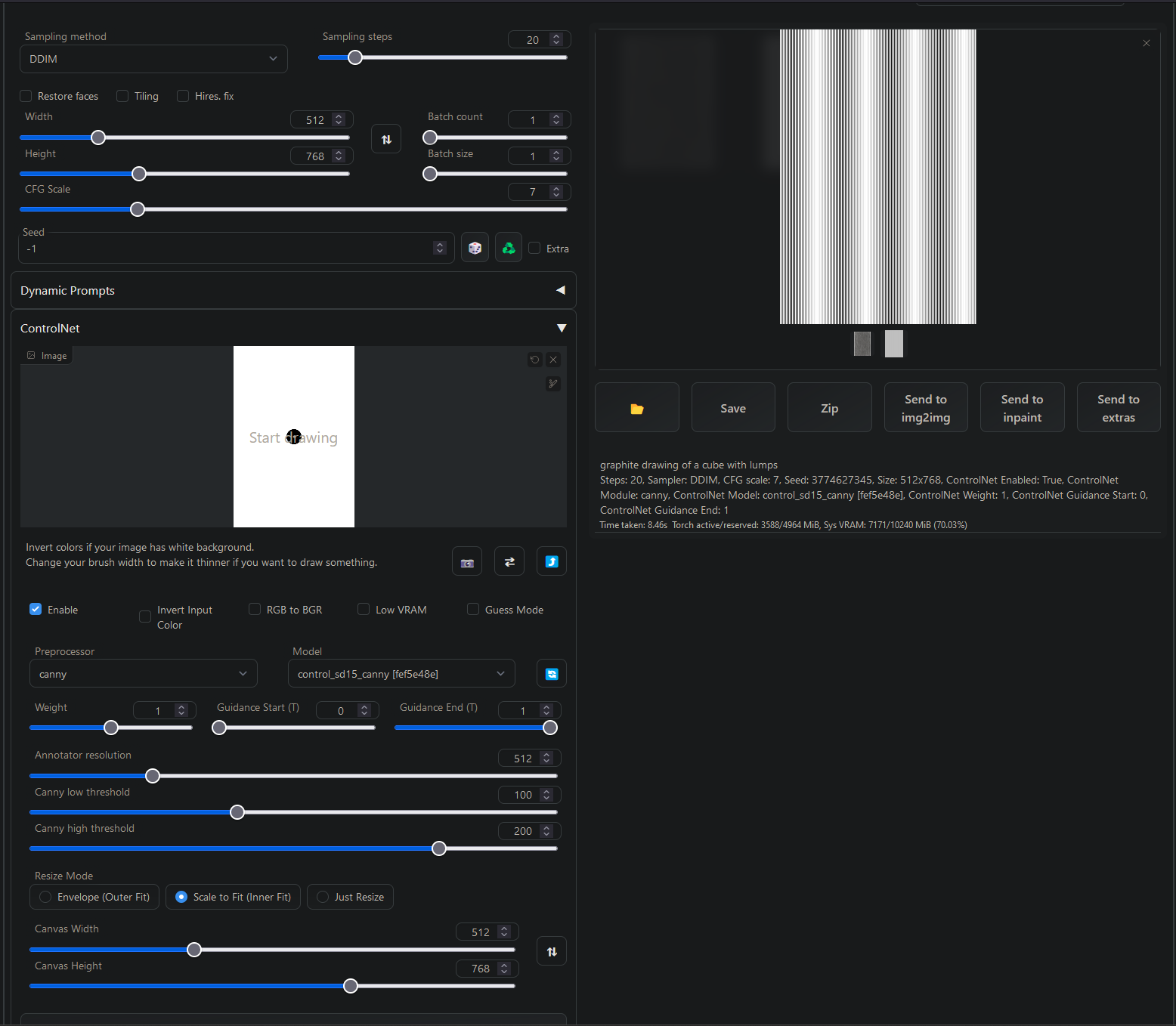
Raw annotator result:

Doesn't matter what model or preprocessor I use. Depth produces something slightly different, but still incorrect. No settings seem to change anything.
I've followed numerous basic tutorials exactly, but something seems broken. Can't figure it out. StableDiffusion runs fine except for this extension.
Have tried with --xformers and without, no difference. No other runtime options enabled.
Anyone else encounter this? Wanted to check before trying to debug.

What's your input image and.. maybe you should try uploading image directly instead of creating canvas? Looks like the canvas is empty, annotator will detect nothing meaningful in that situation.

It has the same result with any input image. I left it blank because it had no effect. Scribble, arbitrary input images, blank images... always the same vertical lines:

Raw annotator result:

Interestingly the spacing between the lines changes, but always the same pattern.
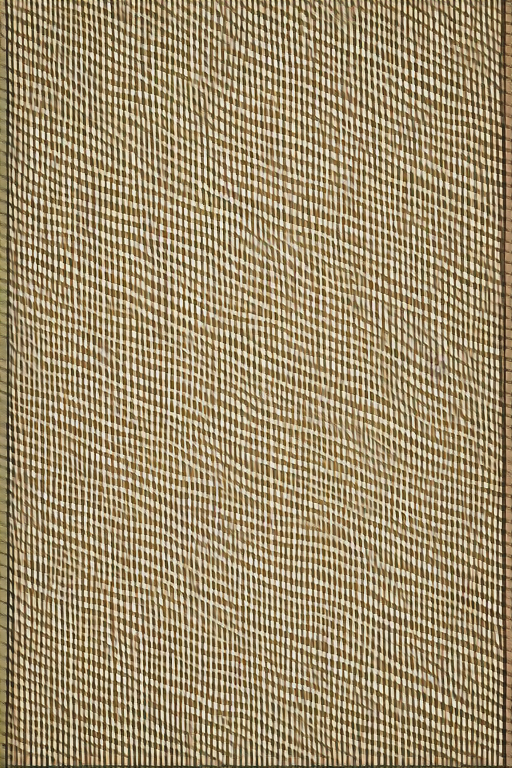
Also interestingly the resulting SD image seems to have the lines applied. Result from the prompt above:
What browser are you using? I had a similar problem and it was my browser (Brave) not sending the correct image on the upload, now I am using Google Chrome and it works fine.

Ah! That was it. Using LibreWolf, which is Firefox based like Brave.
@Mikubill -- If it's not stated anywhere, you may want to make a note that Firefox based browsers don't appear to work correctly.
Actually, re-opening. Even with Chromium, the uploaded image doesn't seem to do anything. Scribble seems to work fine (depth and canny produce a valid looking result), but when I drag or upload an image the result is blank. It's not vertical stripes anymore, just white.
I've noticed the scribble mode pencil is always active, even not in Scribble mode and when a custom image is uploaded. Not sure if that has anything to do with it.
Does normal stable diffusion img2img work for you? I'm puzzled by these issues on browser compatibility because we are not doing anything much more complicated than the host webui interface with any of our gradio components.
I have no clue, but maybe separating scribbles and webcam mode in their own sub-tabs could help with this?

I'll try img2img in a sec, but I'm pretty sure it worked fine.
I do have webcam permissions disabled, but I don't use the webcam mode. Does image uploading require webcam permissions for some reason?
Afaik webcam mode is only active when you click on enable webcam button. it and sketch mode should not be a problem, but it's the only thing I'm aware of that we are doing and that could be interferring with browser compatibility... Otherwise we're literally just reading from the gradio component.
Yeah img2img works fine, but uploading the same image to ControlNet yields a blank white annotator result (or fuzzy/blank depth) on Chromium. The sketches/scribbles work though.
It's a step up from the vertical lines Firefox/LibreWolf was causing, but it's indeed strange. Maybe gradio has a compatibility issue.
Updating that Chromium does NOT work, but Chrome does. Weirdly it's failure mode is different from Firefox/LibreWolf.
To summarize -- LibreWolf/Firefox causes an annotator result with a bunch of vertical black and white lines. Chromium just causes a blank white annotator result.
But Chrome works as expected.
Same version of Chrome and Chromium.
A little weird... given the only difference between these browsers on my system is that Chromium is "de-googled". Which I prefer.
Ah! That was it. Using LibreWolf, which is Firefox based like Brave.
@Mikubill -- If it's not stated anywhere, you may want to make a note that Firefox based browsers don't appear to work correctly.
Might be some privacy add-ons or extensions denying canvas access, like "Brave Shield" from Brave browser #263, "Canvas Fingerprint Defender" #426, "Canvas Blocker" in my case.

Perhaps LibreWolf has something built in, but I was using a completely fresh install (portable). Looks like it does have RFP baked in, which has a lot of anti-fingerprinting features. So that was probably it.
Thanks guys, I use brave and all the results of the preprocessors were black or white images, I disabled brave shield and now everything is fine!
