

 MCMrARM
missing files
hey ^^
if i launch any edition, i get the following errors:
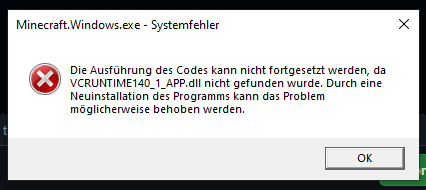
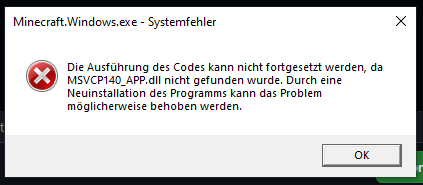
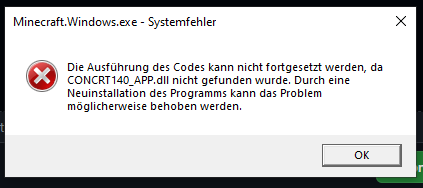
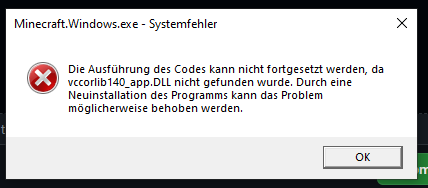 what's the problem here?
thy
what's the problem here?
thy


Install Minecraft from the store directly. The store installs some dependencies that are missing from the launcher.
After that, the launcher should work correctly (the dependencies will stay on the machine).
any way without doing that? installing via store isn't working, thats one of the reason i want to use this launcher...
Maybe this? https://learn.microsoft.com/en-us/cpp/windows/latest-supported-vc-redist?view=msvc-170

jup, thx, but now i get the re-register error again, cause my store won't install normal minecraft windows 10 (in my launcher when i press "download" after a few moment it just displays "Error", nothing else)