
google_light_theme
 google_light_theme copied to clipboard
 JuanMTech
🎨 By JuanMTech -- A Home Assistant theme inspired on the Google app light mode.
NEW VERSION OF THIS THEME IS AVAILABLE. IT SUPPORTS BOTH LIGHT AND DARK MODE. YOU CAN CHECK THE THEME HERE.
Google Light Theme
A Home Assistant theme inspired on Google app Light mode.



Screenshots
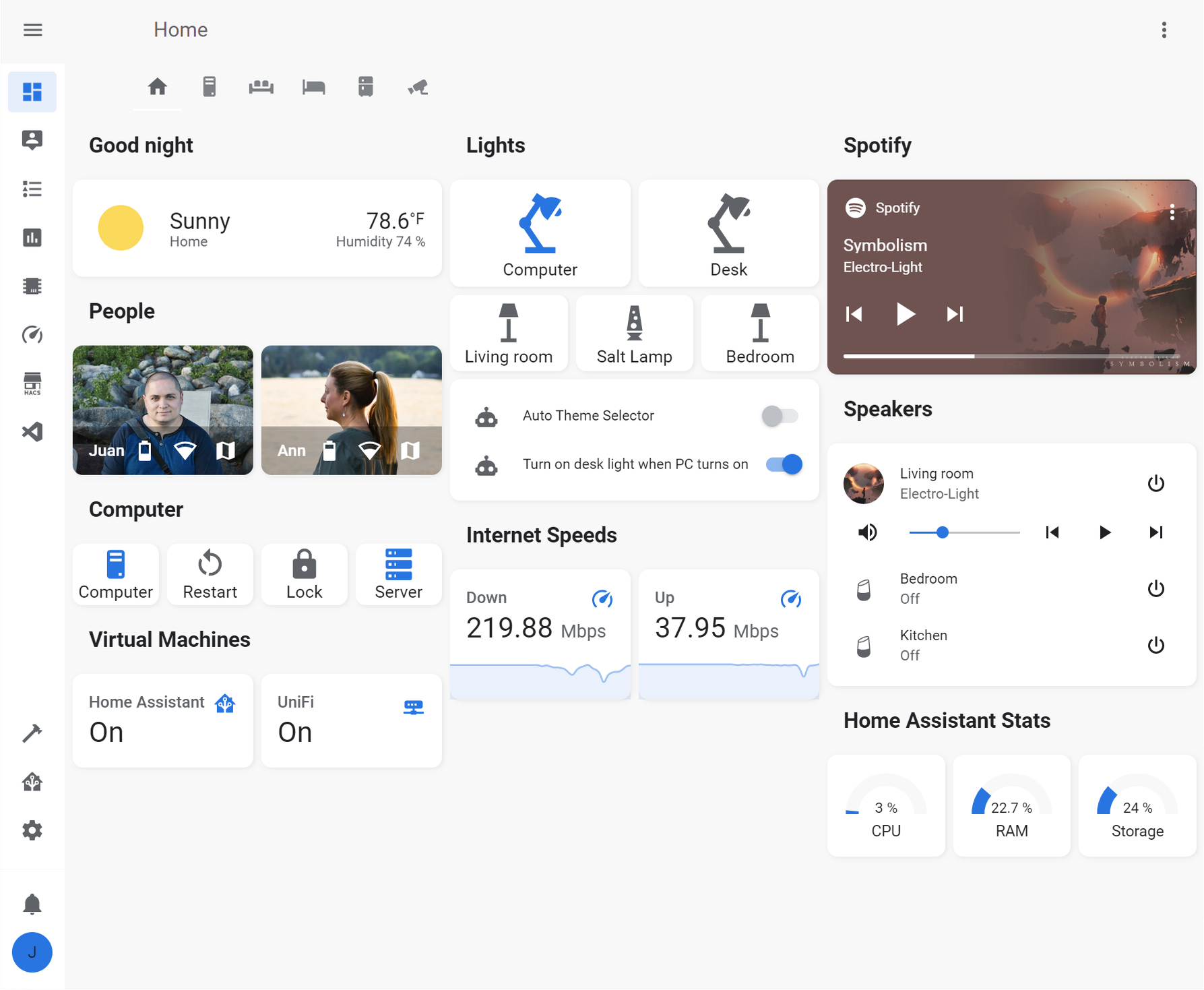
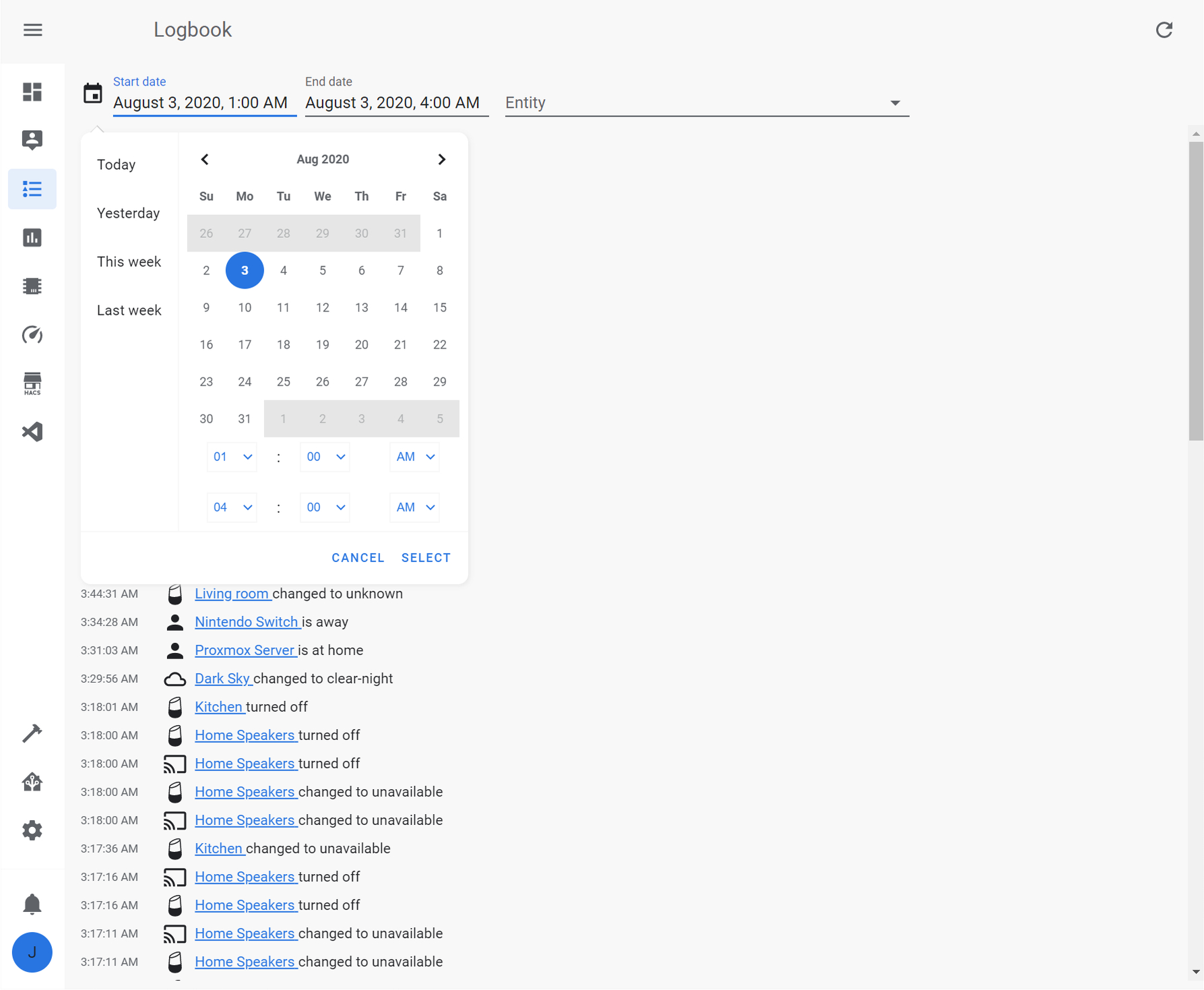
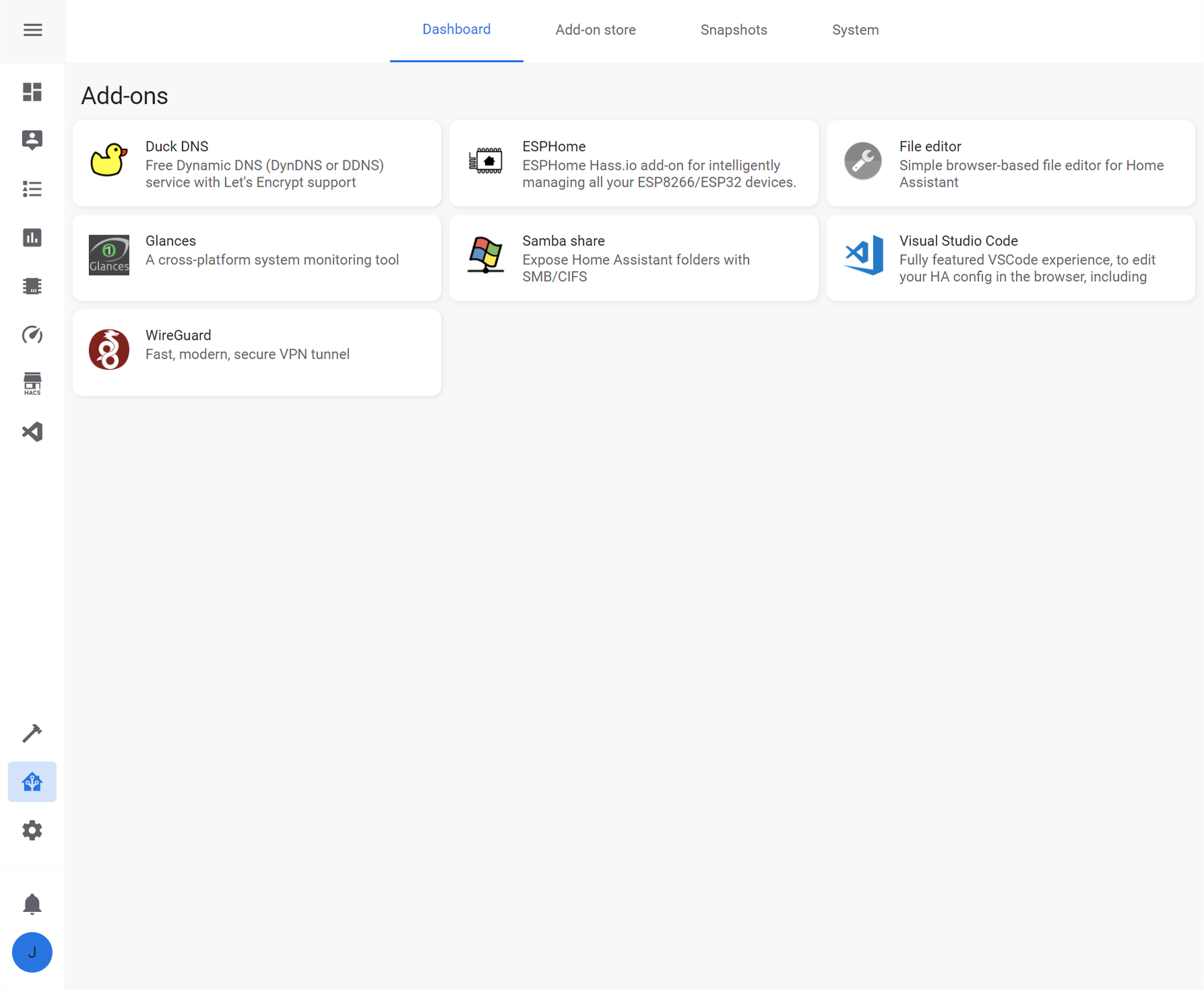
Preparation
- Make sure that under the configuration.yaml file you have the following:
frontend:
  themes: !include_dir_merge_named themes
- Under the Home Assistant Config folder, create a new folder named themes
- Restart Home assistant to apply the changes.
HACS installation
- Go into the Community Store (HACS)
- Search for Google Light Theme
- Open the theme
- Press Install
- Restart Home Assistant
Manual installation
- In the Home assistant themes folder, create a file named
google_light_theme.yaml - In this GitHub repo, go into the themes folder, open the
google_light_theme.yamlfile and copy the content - Paste the content in the
google_light_theme.yamlfile created under your Home Assistant themes folder
Enable theme
- Open your Home Assistant Profile
- Under, Themes, select the new Google Light Theme
Other available themes
- iOS Theme - Based on the system-wide light and dark mode UI
- Google Theme - Based on the Android light and dark interface
- AMOLED Blue - A true black Home Assistant theme for devices with AMOLED displays
 JuanMTech