
sand-game-js
 sand-game-js copied to clipboard
 Hartrik
Sand Game JS is a fast and powerful falling-sand game engine for desktop & mobile browsers. It allows players to experiment with various elements, such as sand, soil, water and fire. With grass and tr...
Sand Game JS
Sand Game JS is a fast and powerful falling-sand game engine for desktop & mobile browsers. It allows players to experiment with various elements, such as sand, soil, water and fire. It is primarily tested on Google Chrome and Google Chrome for Android. WebGL 2 is utilized for fast rendering.
You can play it here: https://sandsaga.com
The engine itself contains 5 scenes and some tools (see image below). But it allows for defining custom elements, tools, templates, scenes, objectives, and customization of various settings.
Engine web page: https://harag.cz/app/sand-game-js
Dev build: https://harag.cz/app/sand-game-js?stage=dev (with test tools enabled, sometimes with experimental changes)
Note: Sand Game JS is a browser-based successor to Sand Game 2, which was originally developed in Java (JavaFX) from 2014 to 2016~17.
Preview
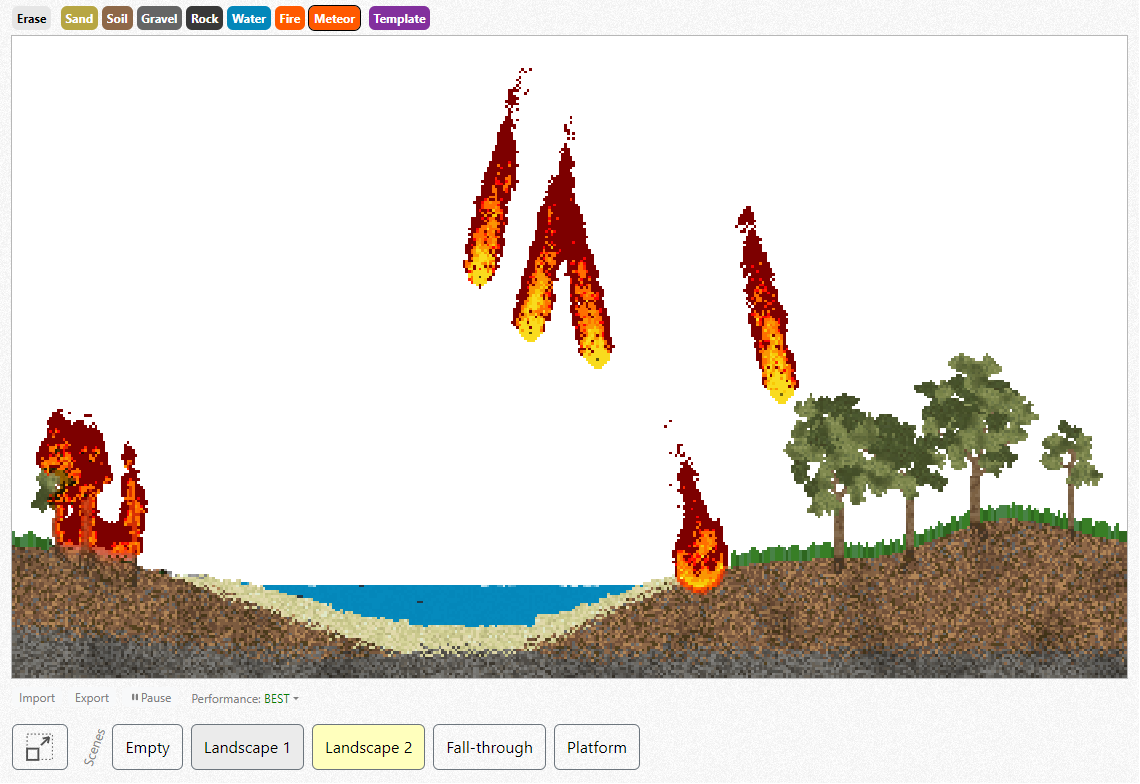
With grass and trees growing on soil, and other natural processes, it offers a unique experience.
API
Read the manual first!
Public API – basic concepts and essential classes.
Tool – Tools are what you can see above the canvas. There are brush tools, template tools... We can create custom tools using methods provided by Tools class.
Brush – Brushes are used to create elements. We can create custom brushes by extending default brushes from BrushDefs class and/or using methods provided by Brushes class.
// TODO
Development
Read the manual and the license before forking!
Build
Install Node which contains npm.
npm install downloads dependencies..
npm run build builds the library to dist.
npm run dev builds the library, then keeps rebuilding it whenever the source files change using rollup-watch.
npm test builds the library, then tests it.
Run
A web server is needed to open index.html correctly.
- IDEs like IntelliJ IDEA start web server automatically.
npm run servestarts web server from command line, http://localhost:3000
Debugging tips
- Use
alt+ctrl+shift+middle mouse buttonto debug an element. - Stop processing using
ctrl+enterand then press (or hold)ctrl+spacefor running one simulation iteration.- Alternatively
ctrl+shift+spacewill run the specified number of iterations – at once, without rendering and delays.
- Alternatively
- Global variables, accessible from browser console:
sandGame,brushes
 Hartrik