
LRReader
 LRReader copied to clipboard
 Guerra24
A feature-complete reader and client for LANraragi



Features
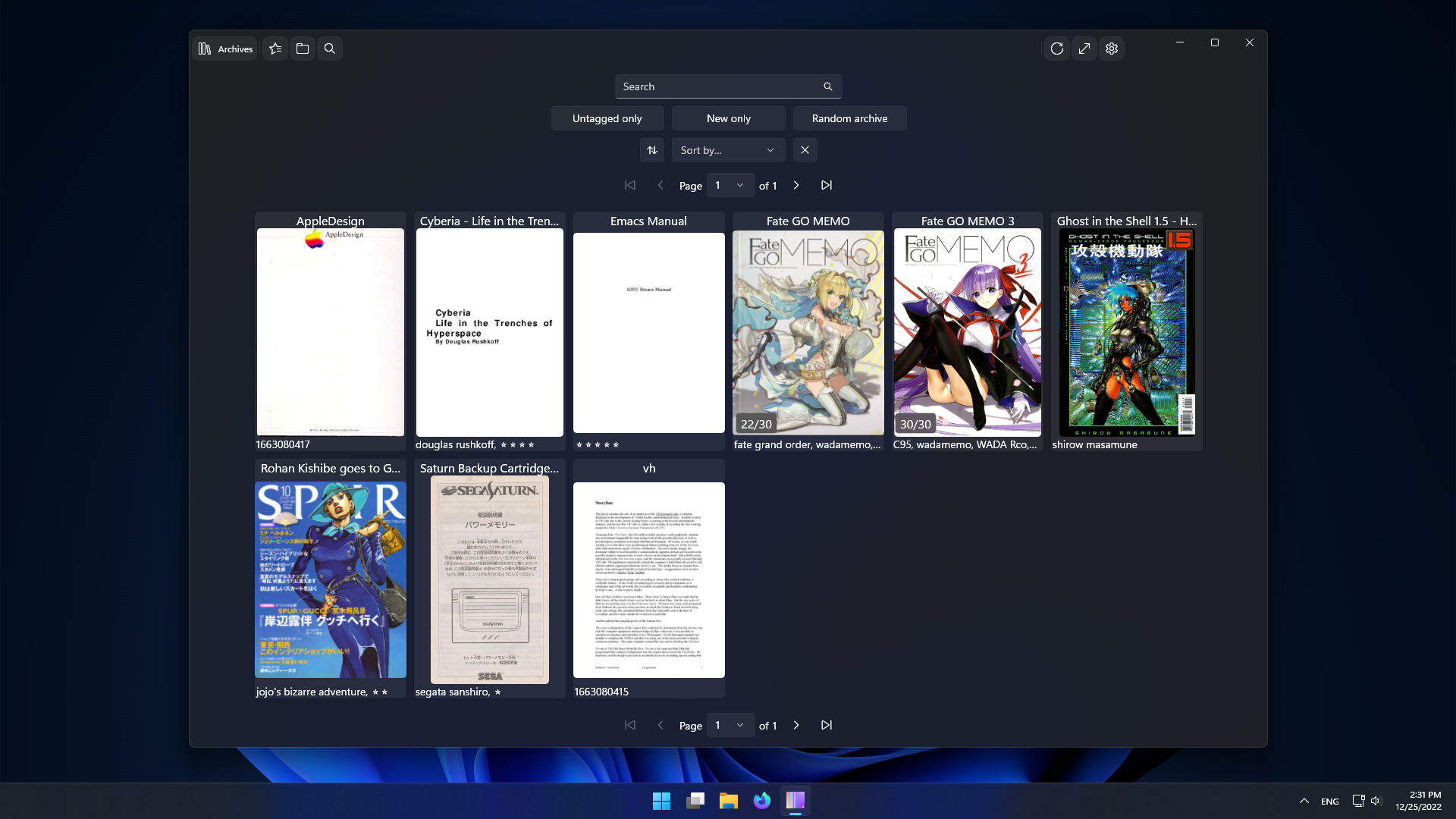
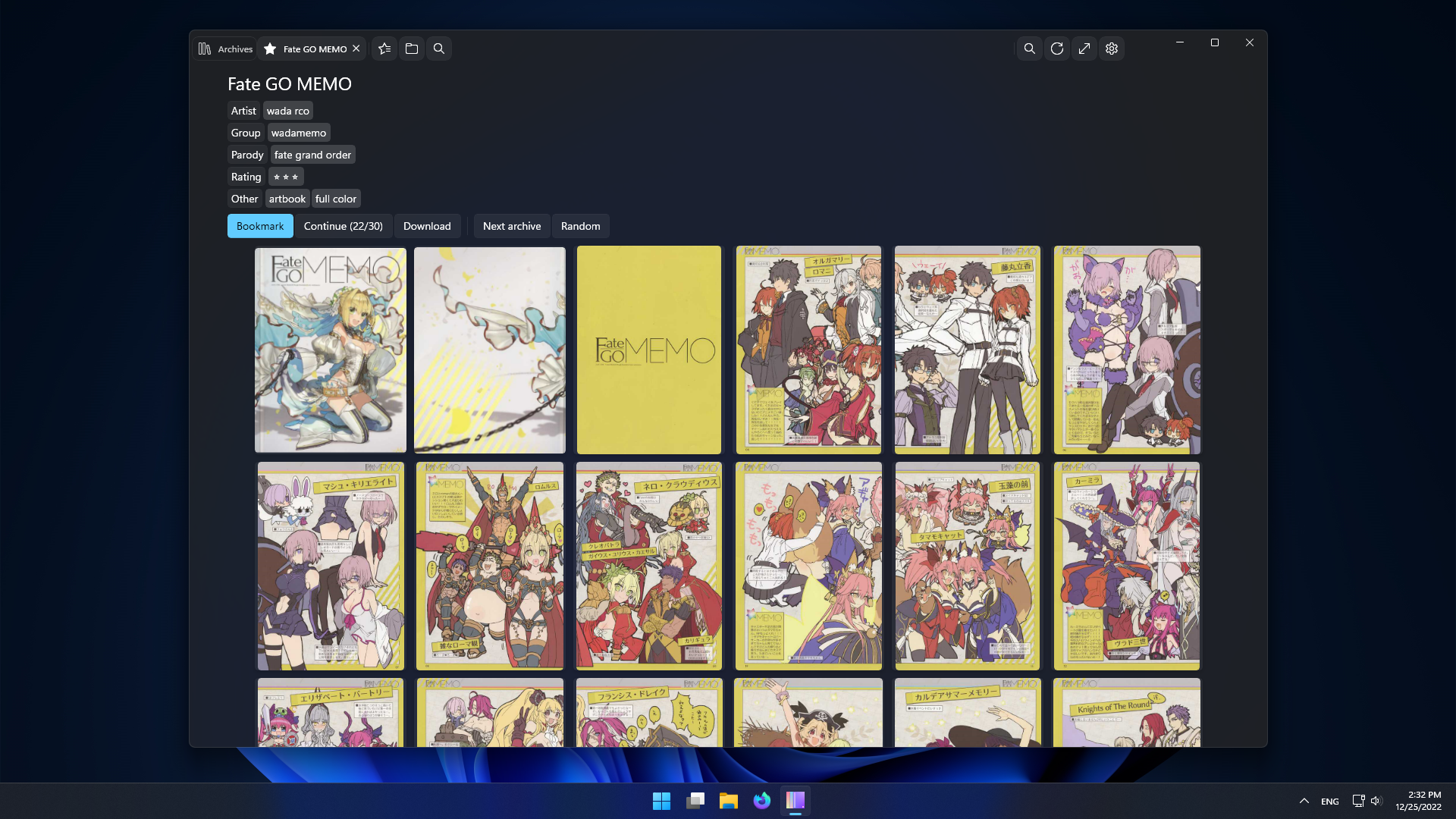
- Archives list.
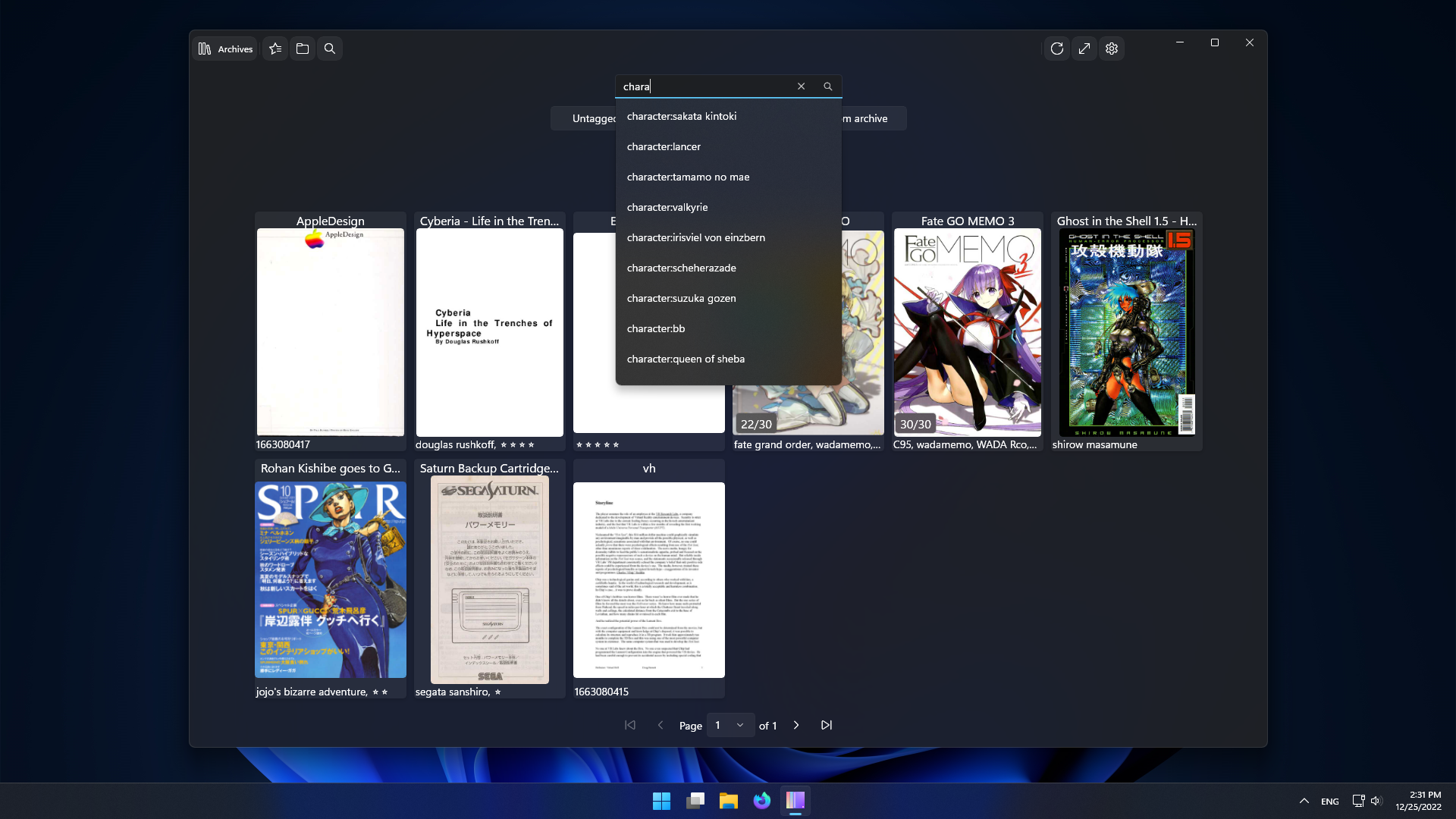
- Search.
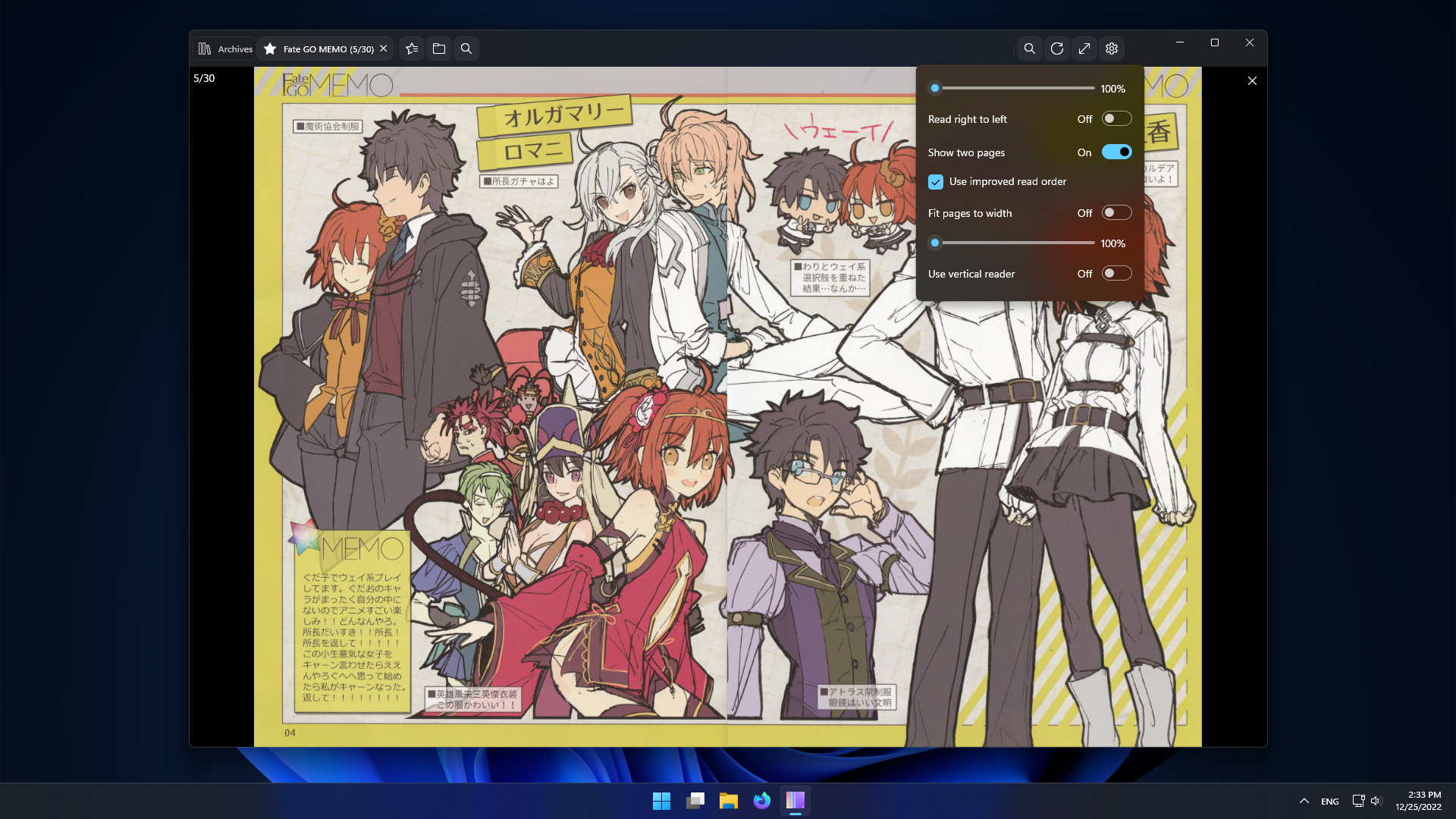
- Archive overview and reader.
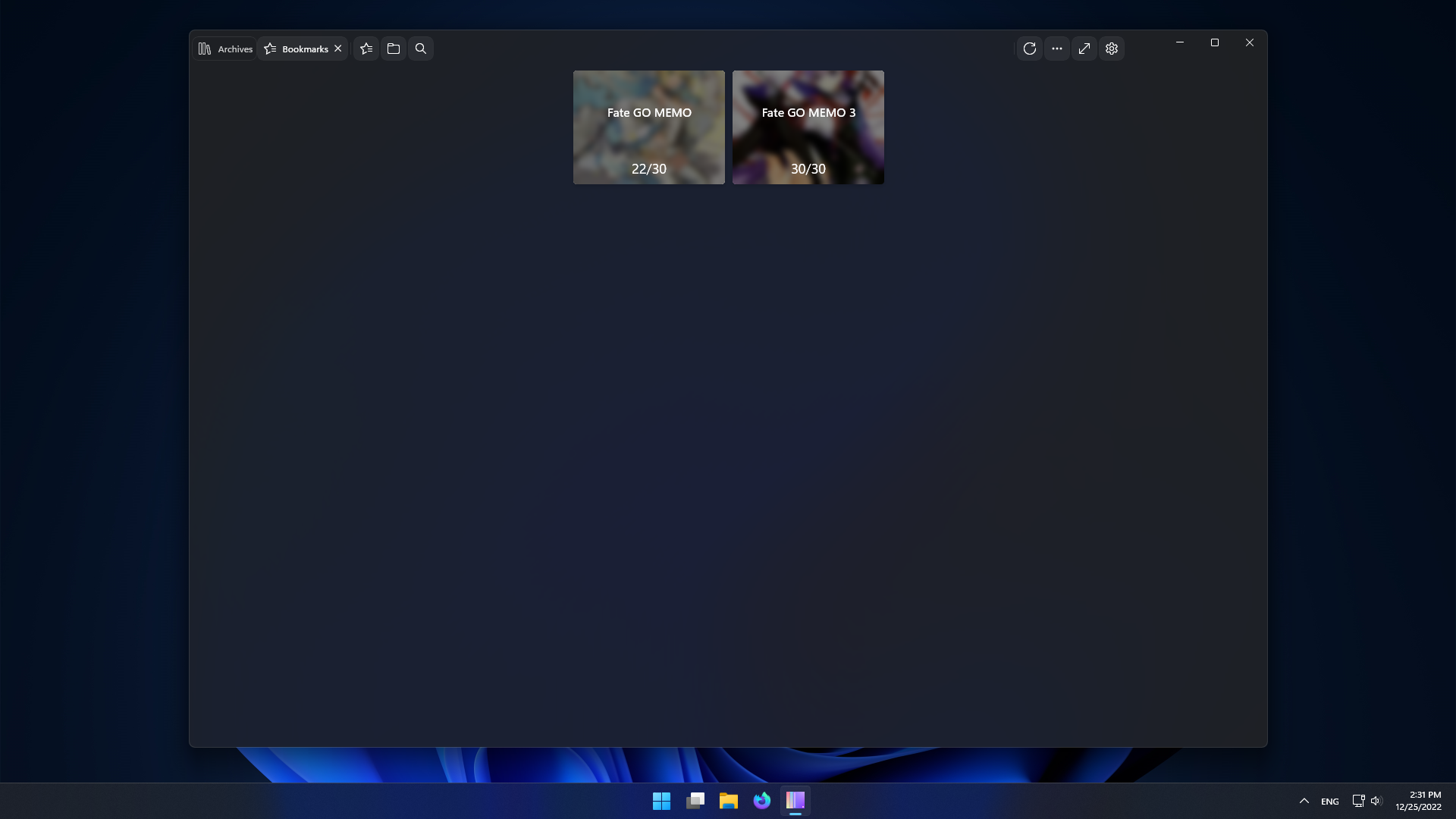
- Bookmarks.
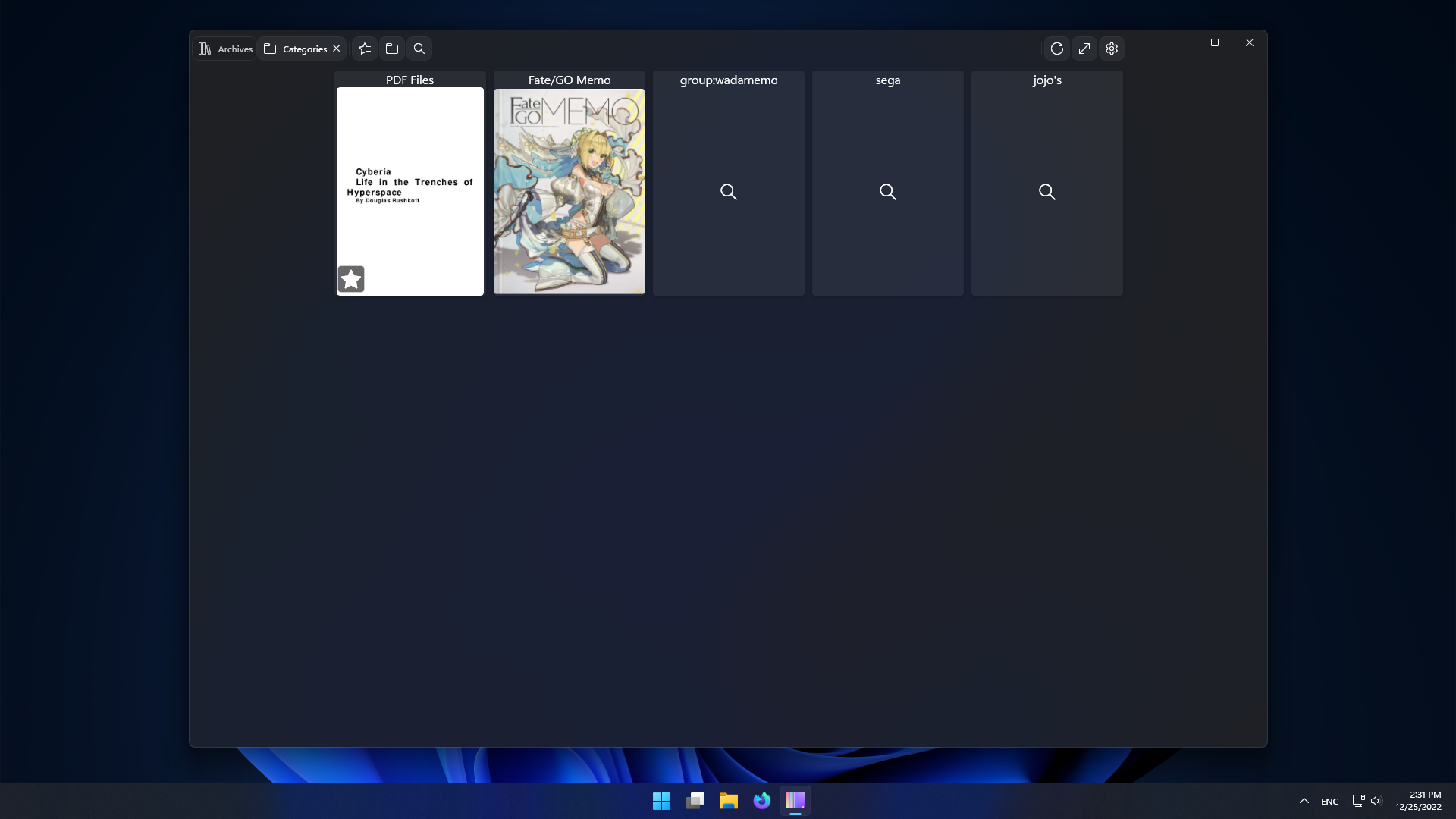
- Easily edit archives and categories.
- Multiple servers/profiles.
- Manage your server from within the app.
Requirements
- Windows 10 1809 (x64 or ARM64)
- LANraragi v0.8.4
Installing
Store

If you have troubles accessing the store page. Open this link in your browser:
ms-windows-store://pdp/?productid=9MZ6BWWVSWJH
Sideload
If you don't want to deal with the store this option is and will be supported.
For stable check the Releases page
For nightly download the installer from the latest build
Download the LRReader.exe file, run it and follow instructions.
Usage
Profile
Make sure the URL includes http:// or https://.
To enable editing LANraragi needs to be configured without password or with an API Key.
Tabs
Ctrl + W or Ctrl + F4 close Tab
Ctrl + Tab change to next tab.
Ctrl + Shift + Tab change to prev tab.
F11 or F enter fullscreen.
List
Back/Forward mouse buttons to change page.
Middle Click to open in new tab.
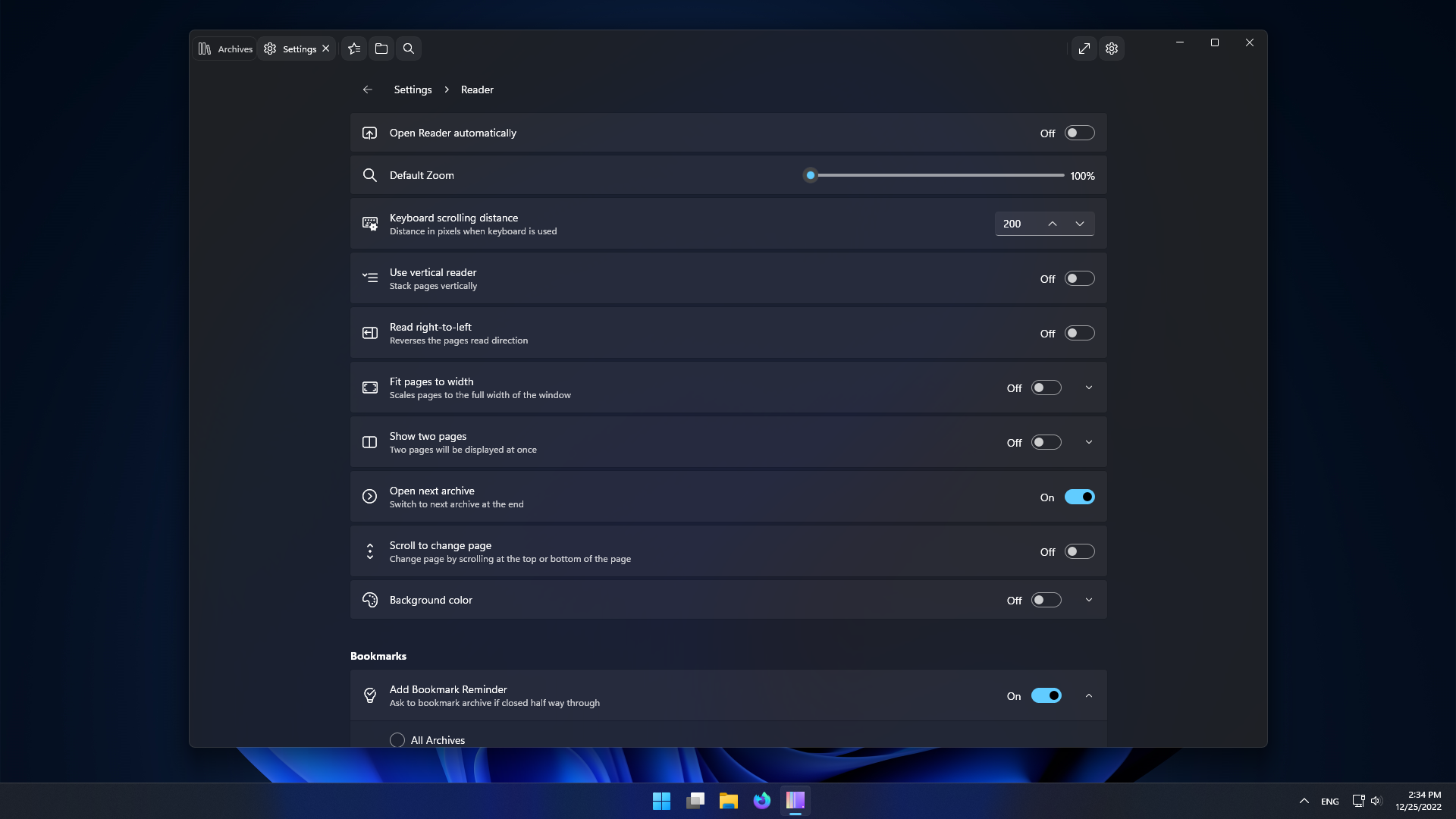
Reader
Scrolling at top/bottom changes page accordingly, prev/next.
Up/Down keys to scroll vertically
Right/Left to change page.
Space to scroll down.
Esc to close the reader.
N to open next archive.
Click or Ctrl + R to open random archive.
Shift + Click or Shift + R to open new archive.
Click on the left/right of the window to change pages.
Back/Forward buttons to change page.
Scroll by clicking and dragging the page or with wheel.
Screenshots


 Guerra24