
CImg
 CImg copied to clipboard
Published
20 hours ago •
 GreycLab
GreycLab
error when trying to save image inside an existing cimg file
Hi, When I try to save a Cimg object inside an already existing cimg file , I get errors.
// create empty initial image
 CImg<float>::save_empty_cimg(fileNameCimg.toStdString().c_str(), 1000, 1000);

 // trying to insert cimg image inside existing file
// croppedRaster is sized (500,500)
croppedRaster.save_cimg(fileNameCimg.toStdString().c_str(), 0, 0,0, 0, 0);
[CImg] *** Warning ***cimg::fwrite(): Only 0/501 elements could be written in file
In addition if I save the cimg image as a tiff file, the croppedRaster image is not located at (0,0) but at (500,0)

This test works for me:
#include "CImg.h"
using namespace cimg_library;

int main() {
  CImg<int>::save_empty_cimg("test.cimg",1000,1000,1,3);
  CImg<int> img(500,500,1,2,0);
  img.rand(0,255);
  img.save_cimg("test.cimg",0,128,128,0,0);

  CImg<int>::get_load_cimg("test.cimg").display("test.cimg");
}
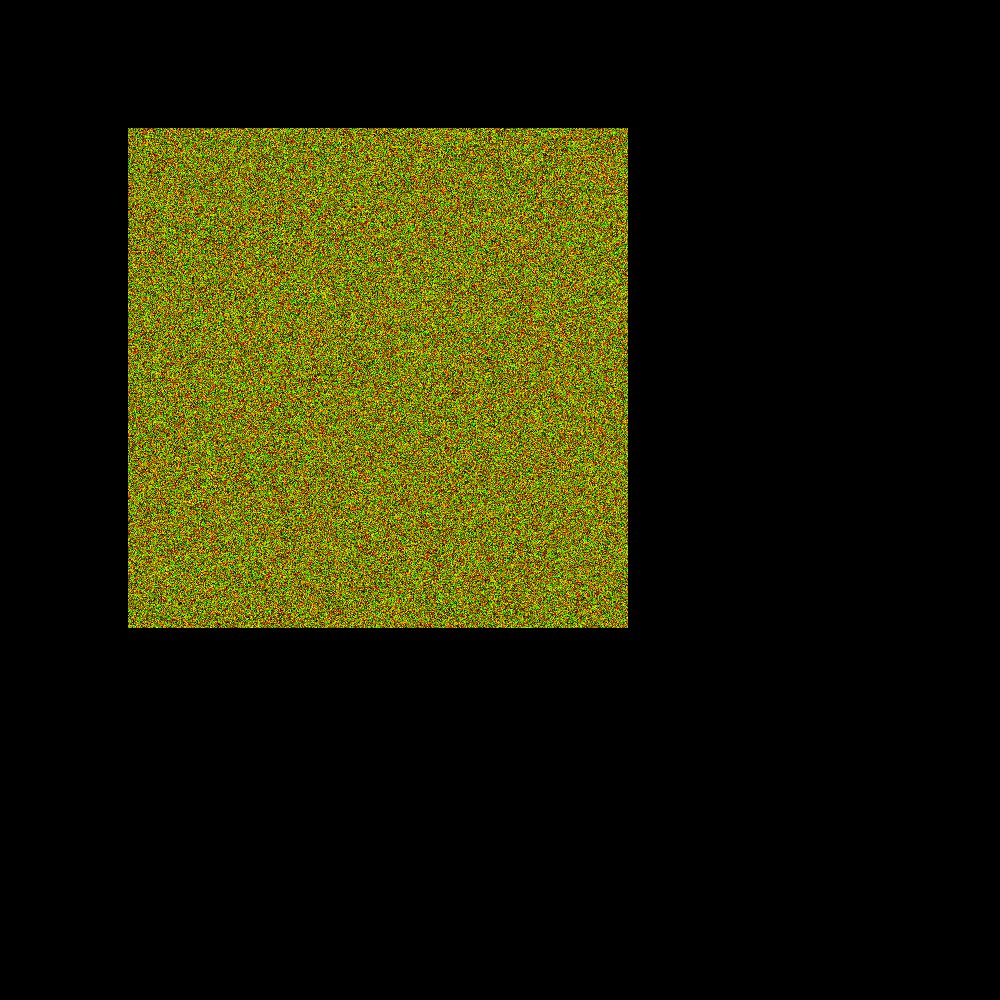

sorry for the late answer, I have tried your code and it works . However, if the subX,Y is (0,0) and not (128,128), I get some issues :
CImg<int>::save_empty_cimg("test.cimg", 1000, 1000, 1, 3);
			CImg<int> img(500, 500, 1, 2, 0);
			img.rand(0, 255);
			img.save_cimg("test.cimg", 0, 0, 0, 0, 0);

			CImg<int>::get_load_cimg("test.cimg").display("test.cimg");