

 GraxCode
Krakatau: Cannot run program "py", Add libraries to Krakatau
So, this is what I see when I try to decompile any class with Krakatau:
[05:02:41] [INFO] Successfully created Krakatau temp folder
java.io.IOException: Cannot run program "py": CreateProcess error=2, The system cannot find the file specified
        at java.lang.ProcessBuilder.start(Unknown Source)
        at java.lang.Runtime.exec(Unknown Source)
        at java.lang.Runtime.exec(Unknown Source)
        at java.lang.Runtime.exec(Unknown Source)
        at me.grax.jbytemod.decompiler.KrakatauDecompiler.decompile(KrakatauDecompiler.java:45)
        at me.grax.jbytemod.decompiler.Decompiler.decompile(Decompiler.java:53)
        at me.grax.jbytemod.decompiler.Decompiler.run(Decompiler.java:41)
Caused by: java.io.IOException: CreateProcess error=2, The system cannot find the file specified
        at java.lang.ProcessImpl.create(Native Method)
        at java.lang.ProcessImpl.<init>(Unknown Source)
        at java.lang.ProcessImpl.start(Unknown Source)
        ... 7 more


I do not have the "python" installed, but I tried to install it, but I also get this error
Oh, I installed another version of "python" and now I get this error, but in the "Temp" folder, the files are still there.
java.io.FileNotFoundException: C:\Users\User\AppData\Local\Temp\1015029260.zip (The system cannot find the file specified)
	at java.io.FileInputStream.open0(Native Method)
	at java.io.FileInputStream.open(Unknown Source)
	at java.io.FileInputStream.<init>(Unknown Source)
	at me.grax.jbytemod.decompiler.KrakatauDecompiler.decompile(KrakatauDecompiler.java:54)
	at me.grax.jbytemod.decompiler.Decompiler.decompile(Decompiler.java:53)
	at me.grax.jbytemod.decompiler.Decompiler.run(Decompiler.java:41)
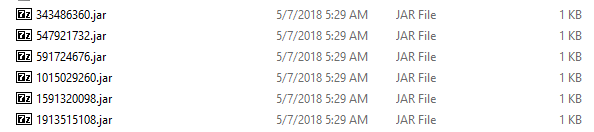
So, i am builded latest jbytemod and nothing changes, still an error with "Temp/*.zip" files, and why in "Temp" folder i see the jar files?
I changed zip to jar in KrakatauDecompiler.java
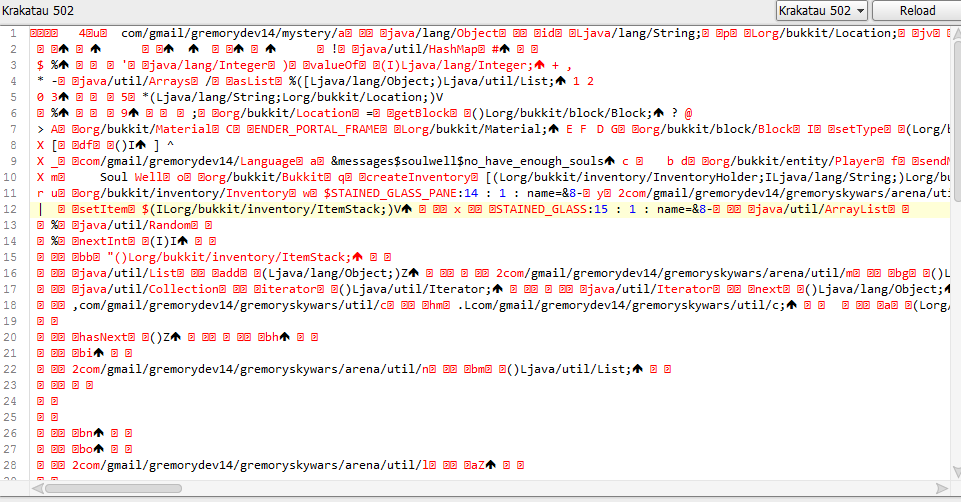
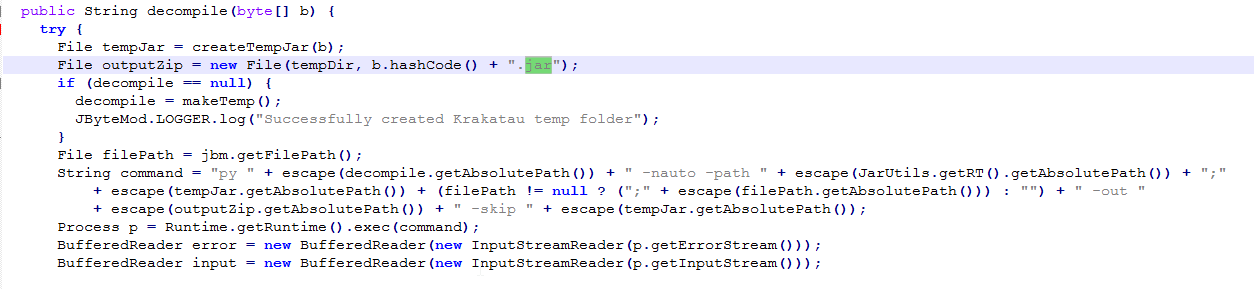 and now no one error in console and i see this scary "code":
.zip should be alright, could you please open a console window and type "python -V"?
Could you try setting the python path and decompiling in the latest build?
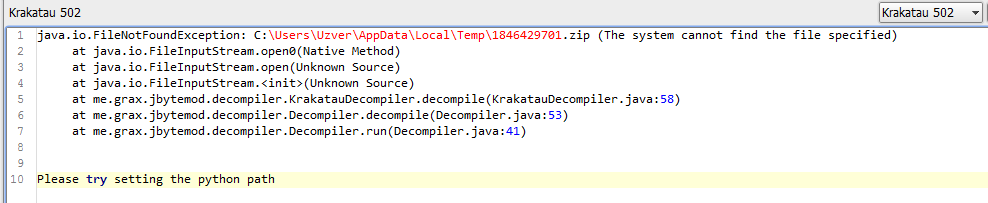
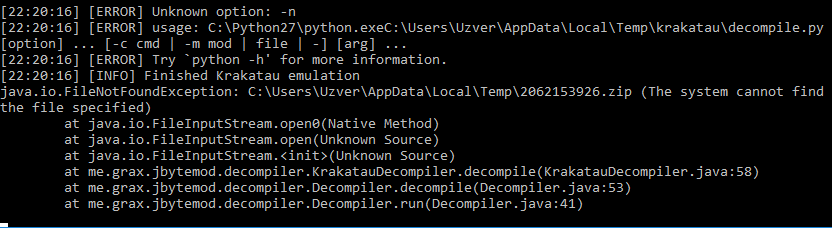
I added space after pythonPath to command string:
 and now it works
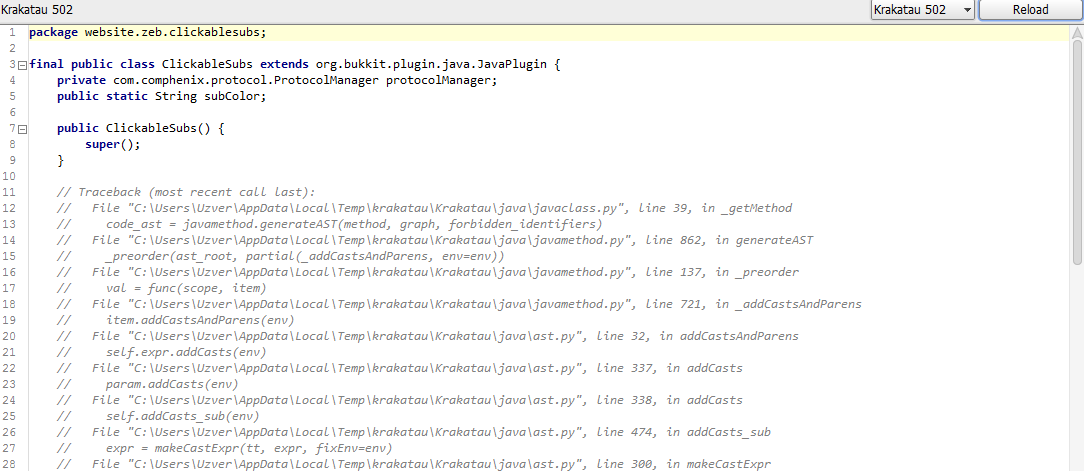 And I think you need to make some menu for adding additional libraries for this decompiler