
generative-ai
 generative-ai copied to clipboard
 GoogleCloudPlatform
Ricc gemini bash
This is my first attempt to bring my bash scripts to the Generative AI repo. Feel free to review the code and add comments!
I would expect @rominirani and @lavinigam-gcp to review the code, plus whoever wants to take a look!

General comment: Could the images be uploaded to a public Google Cloud Storage bucket instead of the repository? It keeps the repository cleaner/easy to find the tutorials.
You would just need to add a command to gsutil to download the images locally before running the rest of the scripts.
(This repository has gs://github-repo for this purpose)

General comment: Could the images be uploaded to a public Google Cloud Storage bucket instead of the repository? It keeps the repository cleaner/easy to find the tutorials.
You would just need to add a command to
gsutilto download the images locally before running the rest of the scripts.(This repository has
gs://github-repofor this purpose)
I agree. Let's move all the images/pdfs/mp3 and other file assets to gs://github-repo

My apologies folks - I'm a bit under pressure for two other projects. Will get to this hopefully next week.
My apologies folks - I'm a bit under pressure for two other projects. Will get to this hopefully next week.
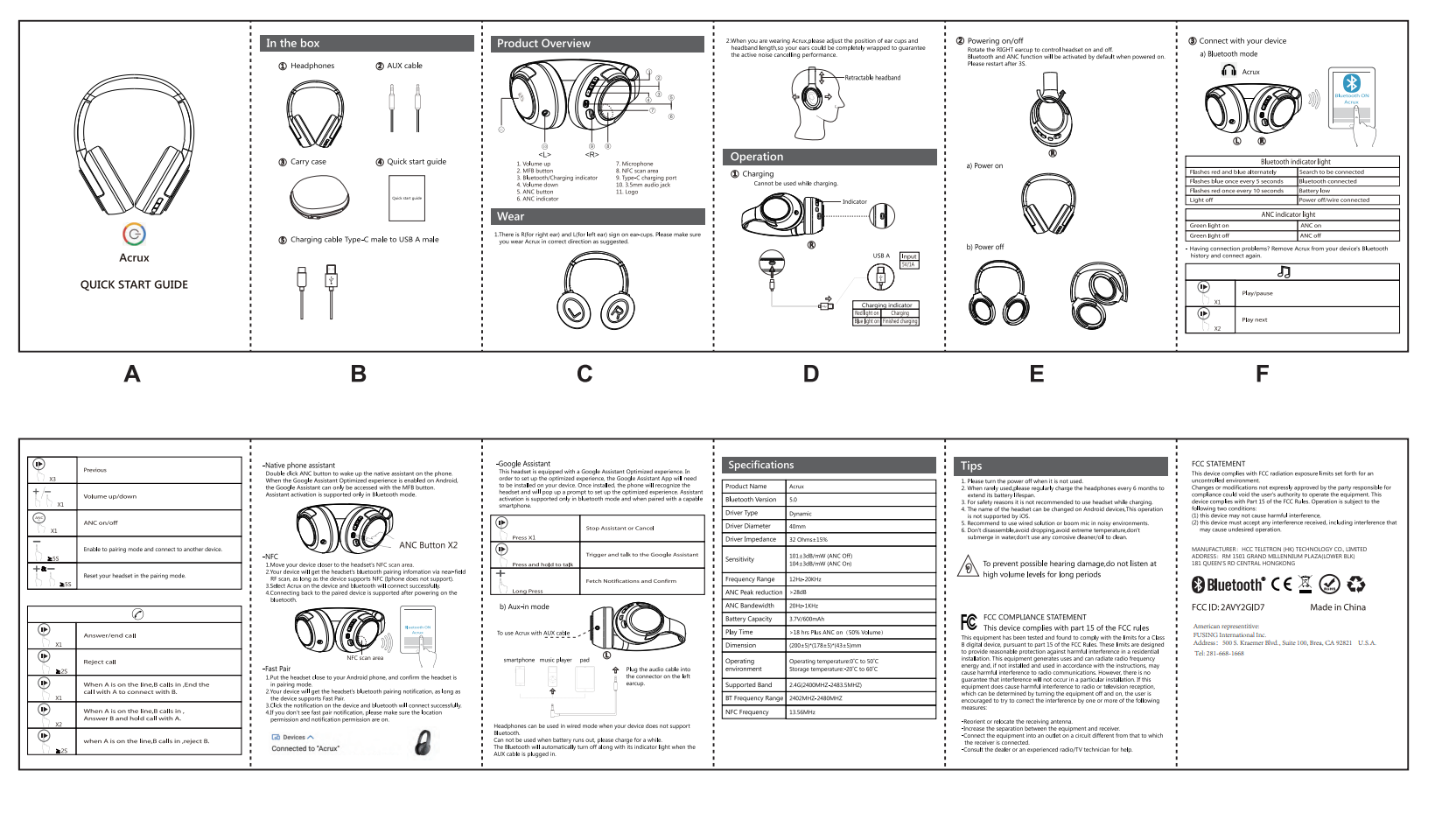
@palladius That's okay! Thanks for the reply. By the way, I uploaded the images/audio/instruction manuals to this GCS folder. It's open to the public internet for downloading, so no permissions needed.
gs://github-repo/use-cases/image-bash-jam/
File Tree
$ gcstree github-repo/use-cases/image-bash-jam/
github-repo
└── use-cases
    └── image-bash-jam
        ├── img
        │   ├── gemini-constellation.png
        │   ├── genesis-selling-england.jpg
        │   ├── italian-town.jpg
        │   ├── ricc-family-with-santa.jpg
        │   ├── ricc-logo.png
        │   └── saga-blue-hair.jpg
        ├── instruction-manuals
        │   └── instruction-manuals
        │       ├── Acrux-User-Manual-4700503.pdf
        │       └── Acrux-User-Manual-4700503.png
        └── mp3
            ├── italian-town.jpg.mp3
            ├── ricc-family-with-santa.jpg.mp3
            └── ricc-logo.png.mp3

6 directories, 11 files
I just pushed the new code. Took onboard ALL linter feedback and fixed the shell scripts. For readme, I did not fix them all - I hope there is some auto-linter I can leverage (not all FB is simly actionable by me unless I want to become a super-MD expert, and I'd rather have a script fix for me).
I've installed https://github.com/DavidAnson/markdownlint and I've linted the whle readme. Comment to myself - im sure there's a better way like linting inline. anuhow:
How to lint stuff:
npm install markdownlint --save-dev
node_modules/.bin/markdown-it README.md  > README.md.linted
diff README.md*
# check everything is ok
mv README.md2 README.md
Lint checks pass. I feel like I've been under a turbocharger (italian idiom). Kudos to this lint checker, really good!
I'm removing the images now. This though breaks the README. Can I use points the README to GCS bucket images (I presume its all public), or is it a CORS violation? Let me try.
All code works. Linter was fixed, but I'm still fixing the README for new lint error after new changes. Bear with me
I'm removing the images now. This though breaks the README. Can I use points the README to GCS bucket images (I presume its all public), or is it a CORS violation? Let me try.
You don't need to remove the images linked in the README, those would actually be better to include in the repo itself. I was only suggesting to move the images used for the actual scripts in the notebook (input to the models)
But if you want, you should be able to display the images from GCS in the README by linking like this:
Looks like this in the README

Holt, I believe I took your feedback onboard. If you can fix the voice, I wasnt able to trivially change enUS to enUSjourney can you give me a sample JSON that works?
Holt, I believe I took your feedback onboard. If you can fix the voice, I wasn't able to trivially change
enUStoenUSjourneycan you give me a sample JSON that works?
In the interest of time, let's save this for a later date. Thank you for trying it out!