Gifox
Gifox
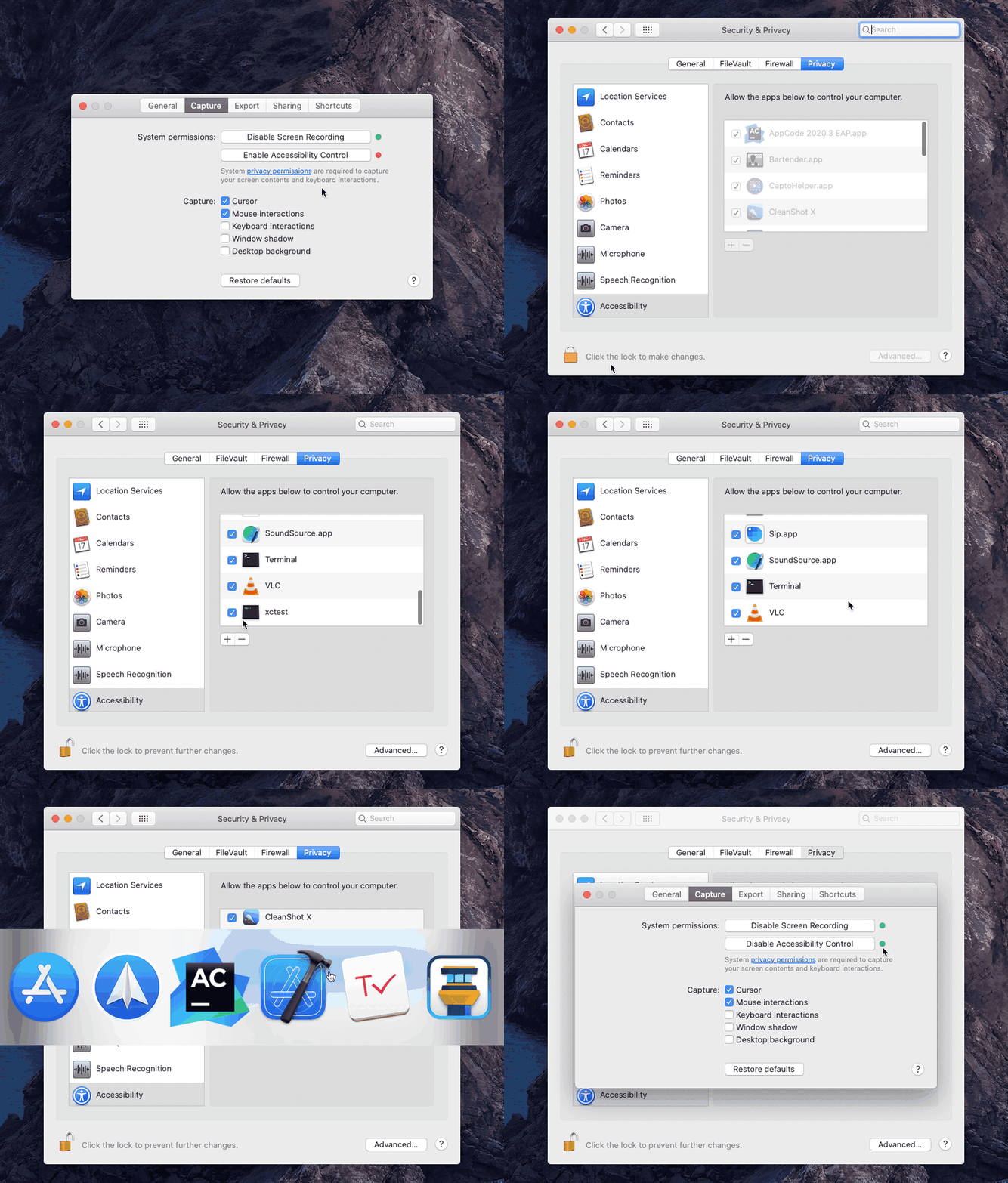
Asks to enable accessibility control, but there is no box to tick
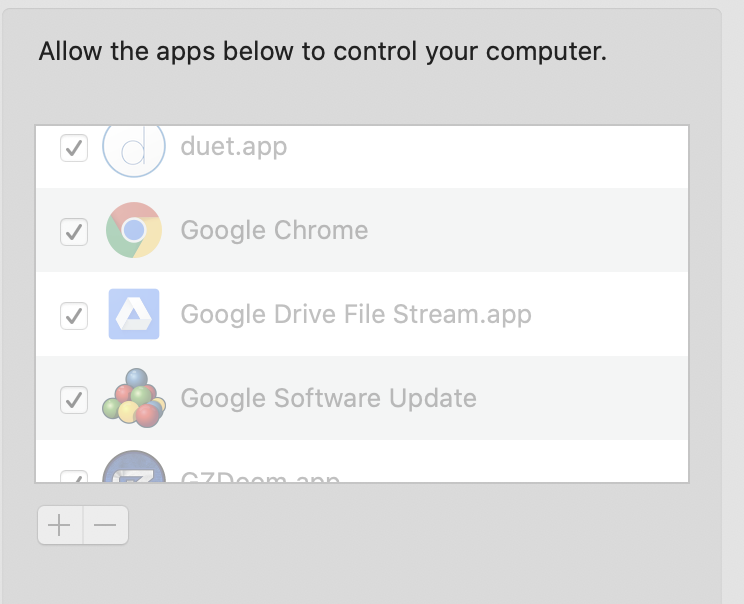

This (and reasons) is similar to #121, #131 is also pretty much the same and provides workarounds. The best thing to do is to select the app manually or try restarting the machine. Please let know if the issue remains? 👍

@iby Tried restarted Mac 10+ times and it doesn't work.
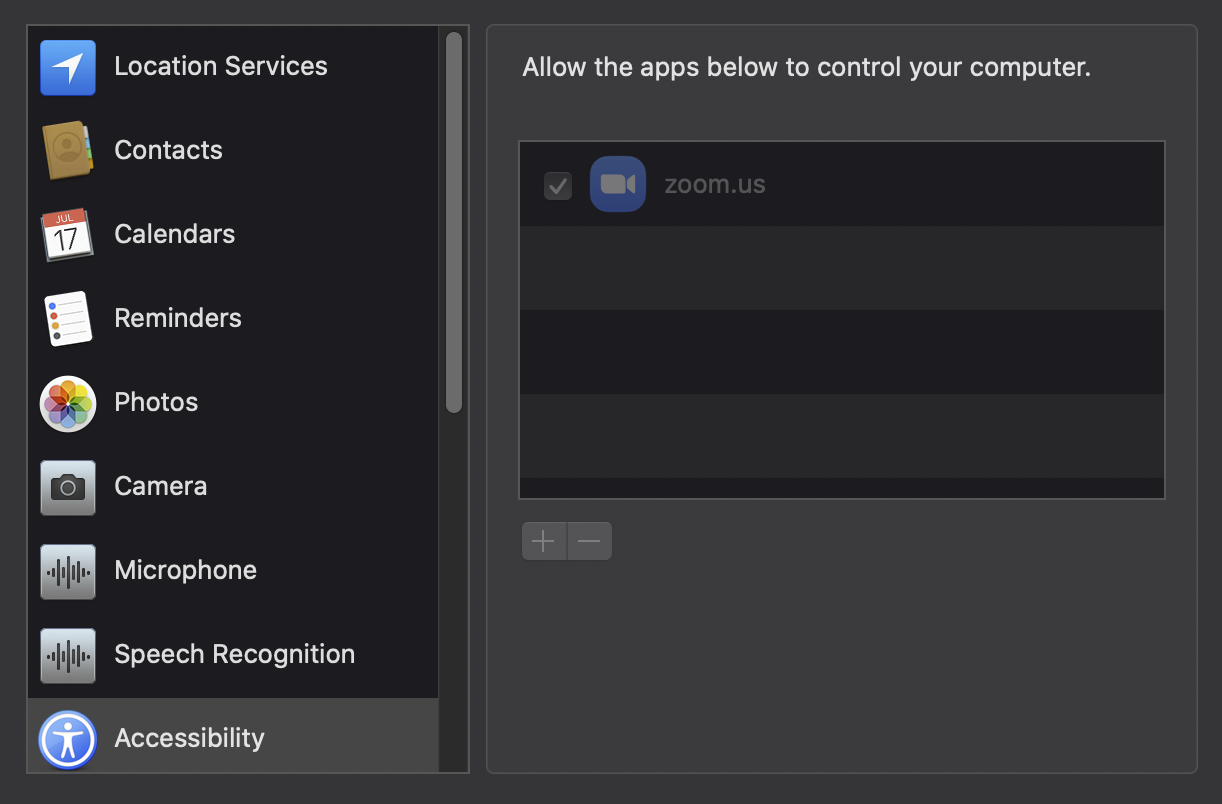
To reproduce:
- Download the free version from website. Enable both check boxes in Security & Privacy.
- Uninstalled app
- Download app from app store and purchase pro version.
- There is no Screen Recording or Accessibility option to check
- Restart PC
- Screen Recording option appears but still no Accessibility

Hey @javedbartlett, sorry to hear about the troubles! This is a very annoying issue, unfortunately, it's beyond Gifox – these are system security preferences and macOS is overly protective of them to make sure apps don't modify them without explicit user permission. For that reason, the only thing we can do is to request the system to allow the access, which is standard and works exactly the same for all other apps. Beyond that request, if something doesn't work it's outside our control because the system handles that. There's definitely more than one way things can go wrong as you can see from #121 and #131.
As per my earlier comment above and the workaround detailed in #131 comment, please try adding the app manually – that solves the problem in most cases. If something doesn't work or you run into other system permission troubles, please leave a detailed comment in the relevant issue, this one is a duplicate of #131.
@javedbartlett P.S. Yes, if you uninstall the app your security preferences likely to get reset. The best way to get them back is to request from within the app once more. Each request must be made separately, see here why. The reason they would disappear is, again, because of the system being over protective. Every time you download an app it will be treated as a threat when it comes to security, so macOS will require you to explicitly authorize it every time with some rare exceptions.
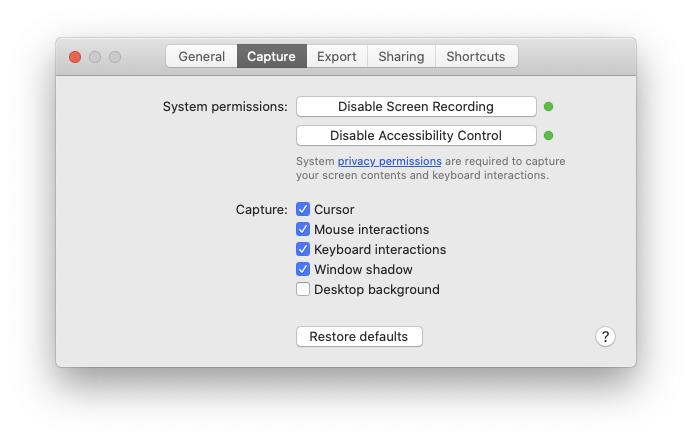
@iby This isn't working and I do not have the ability to manually add a program to privacy permissions. The app itself must request it.
@javedbartlett I double-checked everything and indeed the behavior differs between Mac App Store and direct-download versions – requesting for access inside Mac App Store version doesn't make the app automatically appear in Accessibility Control preferences like it does in. I didn't understand the issue at first, but now I do. So, reopening the issue and thank you for providing the details!
Also, you can still manually add it, make sure to unlock the preferences, then the ➕ button becomes active and you can select the app from your Applications folder, see below: