stream-chat-react-native
 stream-chat-react-native copied to clipboard
 GetStream
Channel/global user ban (v2 permissions) is not aligned with the UI
Bug description:
There are 2 types of user ban - global (app scope) or channel (messaging scope). Modyfing messaging scope enables user to see Block User button in the UI however the action performed after clicking it is a global ban (403 because the app scope was not modified). Creators should decide what they want to perform on Block User click - global or channel ban. If global then the option should appear in the UI after modifying app scope. Now it's mixed up.
Dev environment:
- stream-chat-react-native 4.6.1
- permissions v2
- react-native 0.66.3
- any device/emulator
To Reproduce:
- Go to your getstream dashboard
- Select your app
- Select Roles and Permissions
- Enable chat members in messaging scope to ban other channel members (see screenshot below)
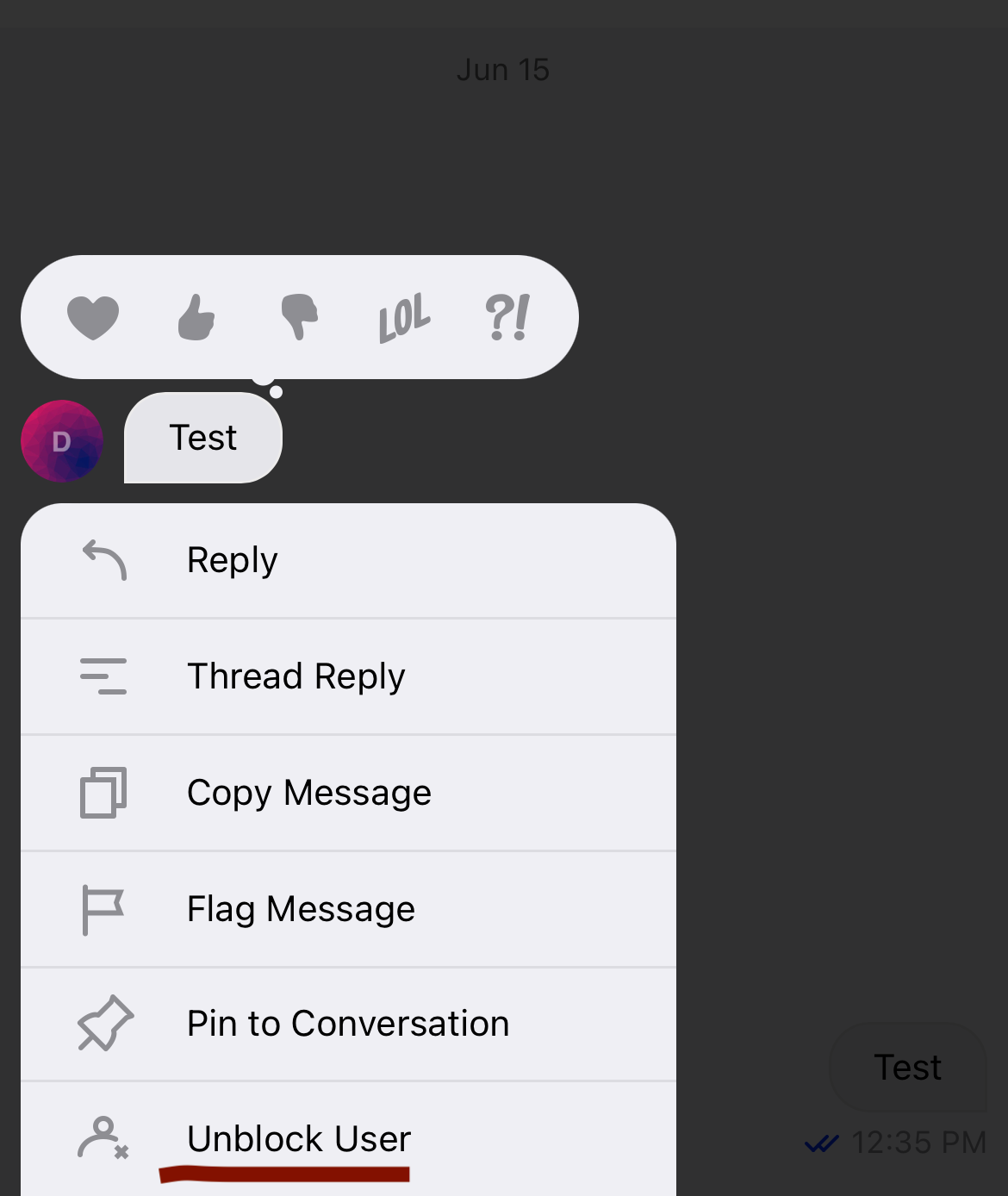
After saving you will be able to see new message action (see screenshot below)
So far it all makes sense. We granted permissions so now users should be able to ban each other within the channel.
- Click on Block User
I am getting 403 - It tries to modify the global ban instead of the channel ban.
Expected behavior
I expect to get 200. Granting permissions in ,,messaging'' scope made the Block User visible in the UI so I expect that this action can be performed.
Screenshots