
Flow.Launcher
 Flow.Launcher copied to clipboard
 Flow-Launcher
How to move the search bar higher?
Is there any chance to move the search bar higher? When I use Flow Launcher on Surface Pro in the landscape mode, the search results are hidden behind the touch keyboard.
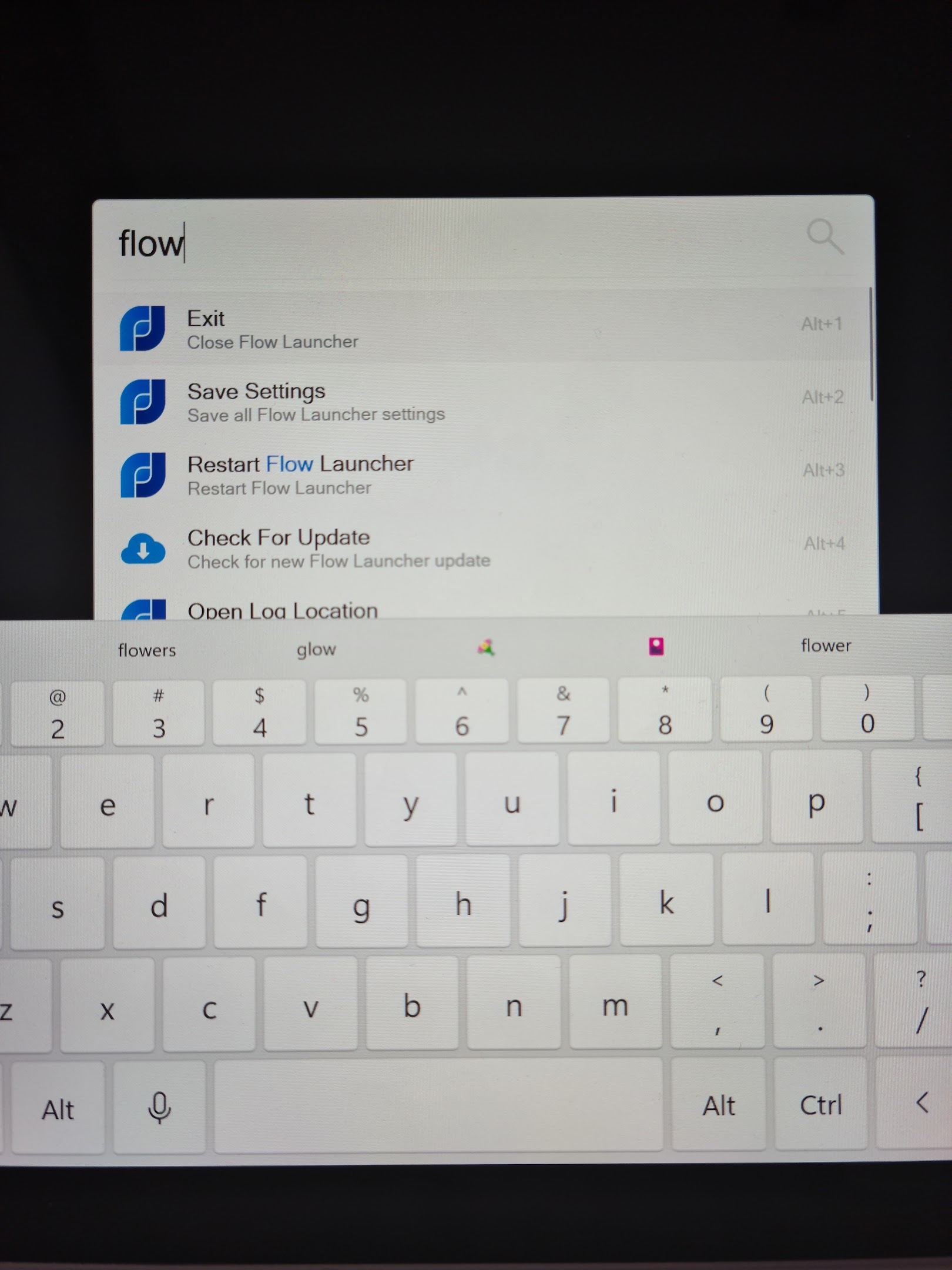
I tried to change the WindowTop setting in the Settings.json file, but it didn't help.

You can check the option of remembering last opened position in the setting and drag the window higher.

Yes, I know this option but then the search bar is not horizontally centered when I connect/disconnect from the monitor, rotate the tablet from/to portrait/landscape mode so it is even worse 😕
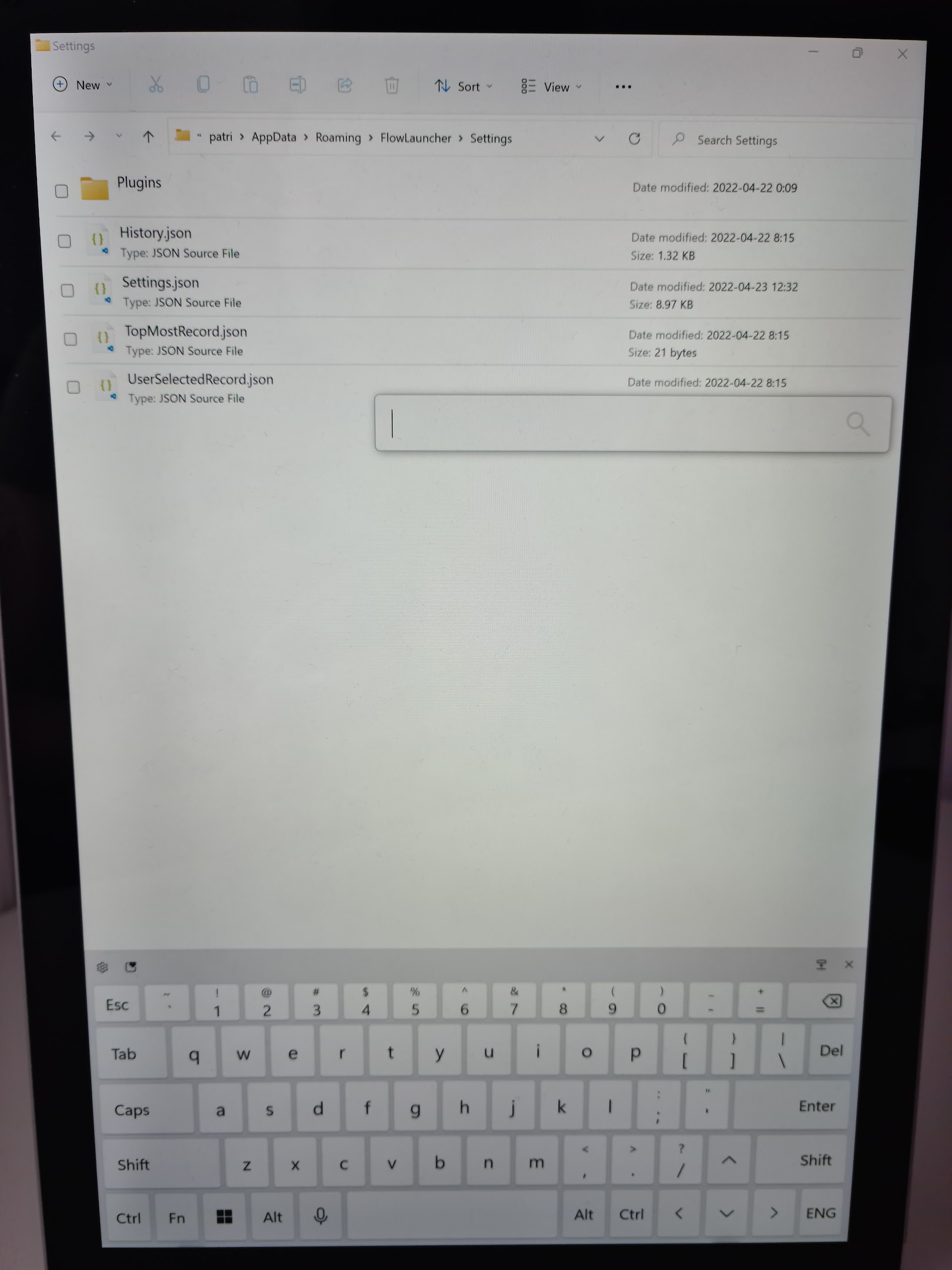
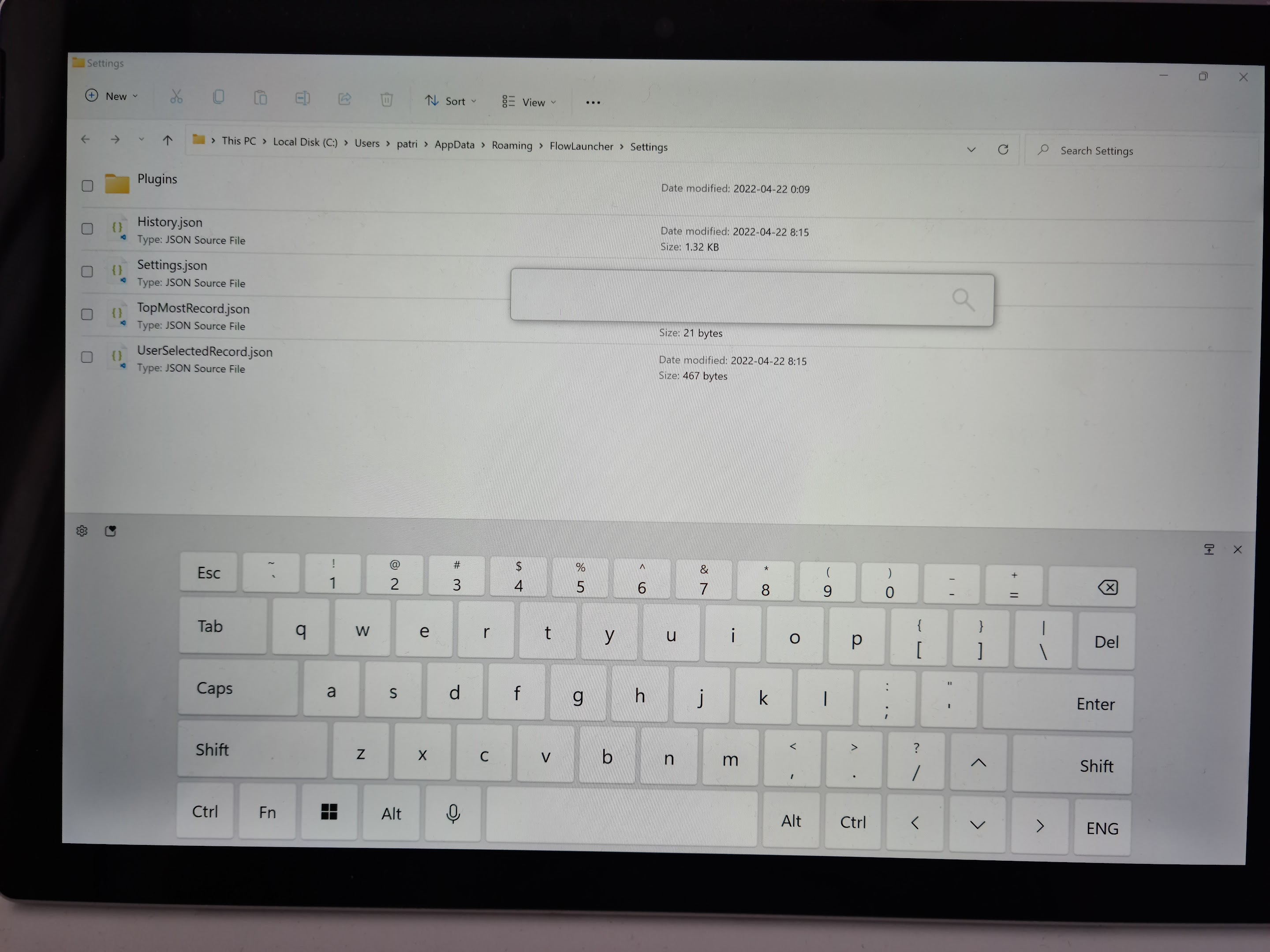
Ah I see your issue. That probably requires a bit change in the setting option, and the centered algorithm is not depending on the theme file. You can manually adjust part of the code here to hard code the search bar higher, but that probably is not something easy to be done in general for now. Sorry https://github.com/Flow-Launcher/Flow.Launcher/blob/15fd62a8b0cedbc181ab60493e8f7d9cf1d2a2d8/Flow.Launcher/MainWindow.xaml.cs#L183-L195 https://github.com/Flow-Launcher/Flow.Launcher/blob/15fd62a8b0cedbc181ab60493e8f7d9cf1d2a2d8/Flow.Launcher/MainWindow.xaml.cs#L466-L474
Thanks. This would help but I should always change the code (and probably build the app?) with each update so this solution isn't very convenient 😕.
Better solution would be to have a setting for example "Window Vertical Position" with a few options.
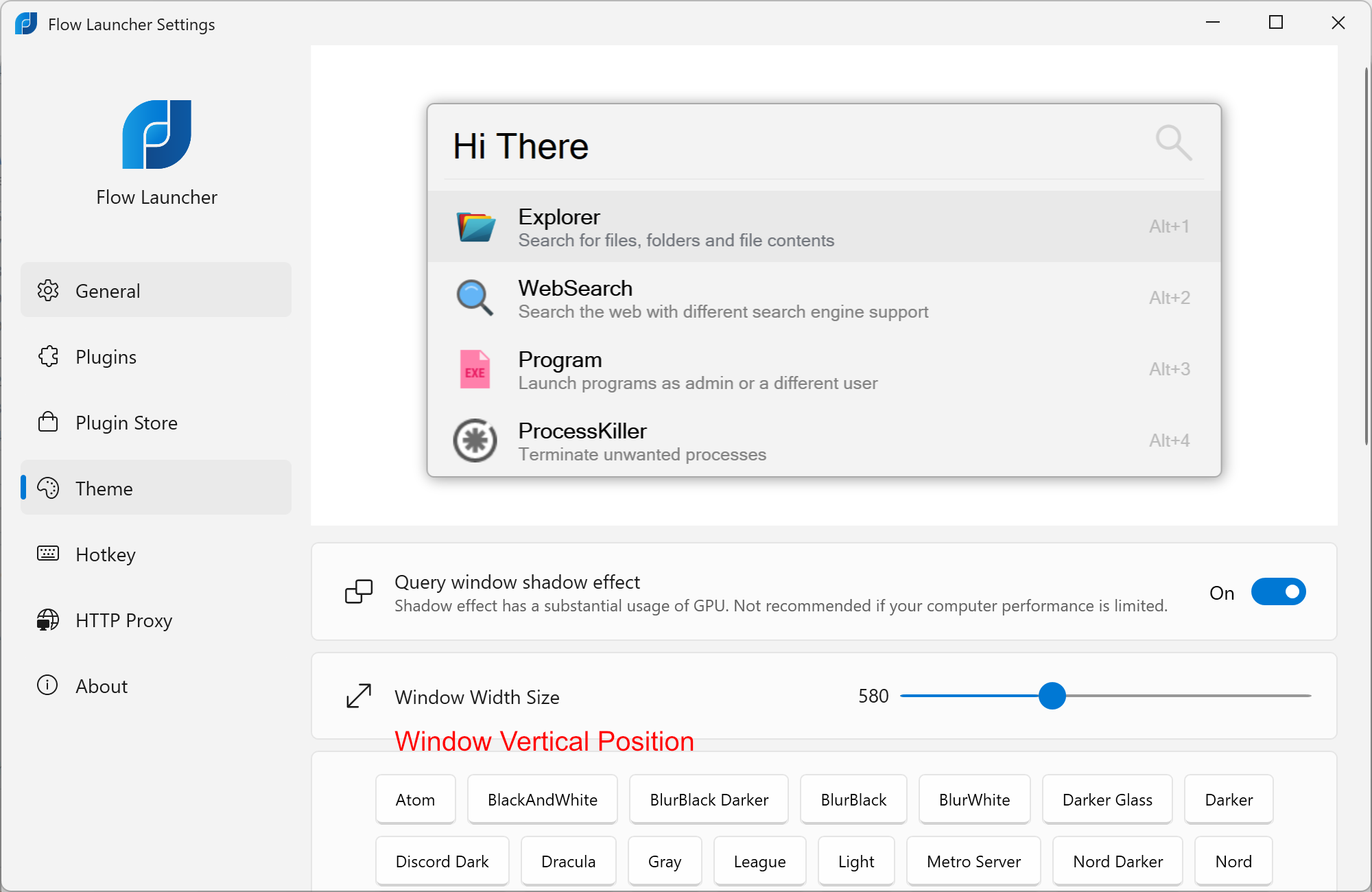
I think that many people use touch devices today.
When remember last launch position is not selected, the bar will re-centers will itself in tablet mode on next appear, so this is a request to add an height option on top so it will be center position + user defined height right?

When remember last launch position is not selected, the bar will re-centers will itself in tablet mode on next appear, so this is a request to add an height option on top so it will be center position + user defined height right?
Correct.
I agree that additional settings for the window position are needed. I've tried it before, but there were many things that needed to be fixed.
Yeah I agree. @onesounds what do you think about implementing this.

I'm also voting for this option. I use the portable version of this app and use it on multiple computers in different screen scenarios (one 4K screen vs. two 1080p screens), and unless I untick to save the window position, it's always at the top. Some kind of vertical position + centred would surely help, even best if it could be set in %. I understand it's probably not the most sought-after feature, and probably not concerning too many people.

This issue is stale because it has been open 30 days with no activity. Remove stale label or comment or this will be closed in 5 days.
![github-actions[bot] avatar](https://avatars.githubusercontent.com/in/15368?v=4 "Published by a pub.dev verified publisher")
This issue is stale because it has been open 45 days with no activity. Remove stale label or comment or this will be closed in 5 days.
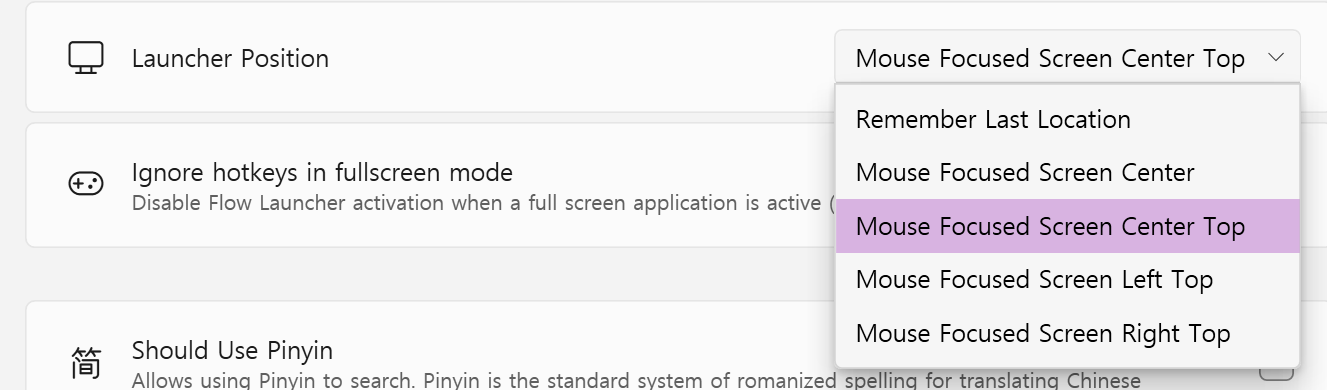
https://github.com/Flow-Launcher/Flow.Launcher/pull/1367
I don't think it's enough, but I'm going to add a setting that always opens at a specific location. I think it will be helpful when rotating the screen. Please use it later and give me your opinion.
This issue is stale because it has been open 45 days with no activity. Remove stale label or comment or this will be closed in 5 days.
This issue is stale because it has been open 45 days with no activity. Remove stale label or comment or this will be closed in 5 days.
This issue was closed because it has been stale for 7 days with no activity. If you feel this issue still needs attention please feel free to reopen.
This issue is stale because it has been open 45 days with no activity. Remove stale label or comment or this will be closed in 5 days.
This issue is stale because it has been open 60 days with no activity. Remove stale label or comment or this will be closed in 60 days.\n\nAlternatively this issue can be kept open by adding one of the following labels:\nkeep-fresh