
app
 app copied to clipboard
 Festify
Broken Layout / "t.tracks is undefined" in Firefox
Hi guys,
encountered a breaking bug in Firefox...
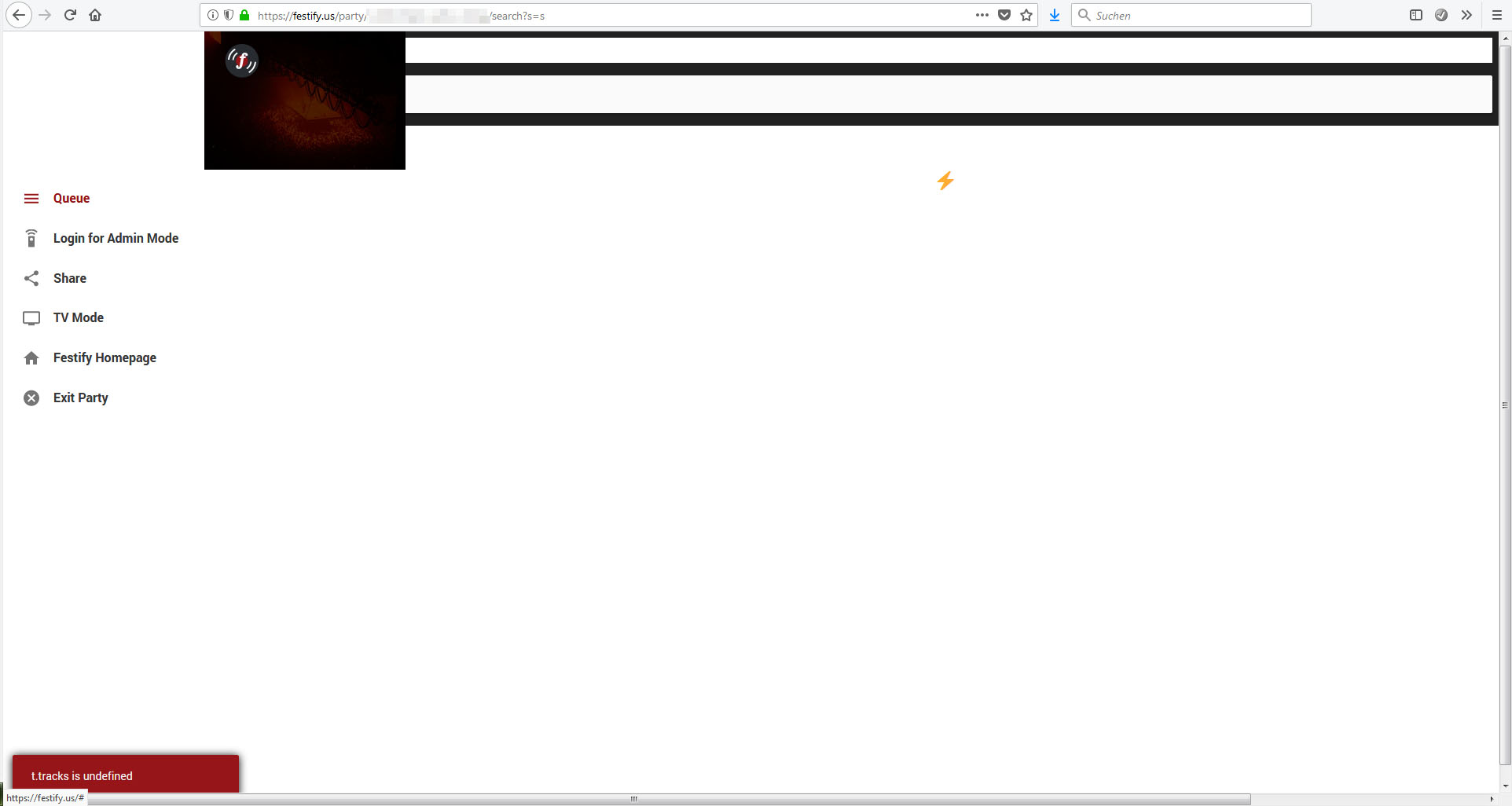
This happens when a tab containing Festify is in background for a while and songs are added / the queue gets updated from other clients, then returning to the tab again ~~and using the search~~...


Uuh, that looks bad :o Could you provice further information as to which OS and version of Firefox you're using?

Sorry, forgot to include the info in the initial post...
Error occured on Win7, FF 61.0.1 (64-Bit)
User Agent String: Mozilla/5.0 (Windows NT 6.1; Win64; x64; rv:61.0) Gecko/20100101 Firefox/61.0
Edit: This also happens on mobile devices. Tested with Mozilla/5.0 (Android 4.2.2; Mobile; rv:61.0) Gecko/61.0 Firefox/61.0
Manually refreshing / reloading the page seems to be the only thing a user can do to temporarily fix the problem.
I can also reproduce this bug using Ubuntu 18.04 in FF 61.0.1 (64-Bit) on a different workstation.
User Agent String: Mozilla/5.0 (X11; Ubuntu; Linux x86_64; rv:61.0) Gecko/20100101 Firefox/61.0
This is how it looks like:

Edit: The bug seems to be unrelated to the search function, as it also occurs when just looking at the queue without doing anything in particular.
Only error message in console: "TypeError: d is undefined - party-track.ts:311:12"
Here are some screenshots of how the bug affects Firefox on Android devices (Mozilla/5.0 (Android 4.2.2; Mobile; rv:61.0) Gecko/61.0 Firefox/61.0):
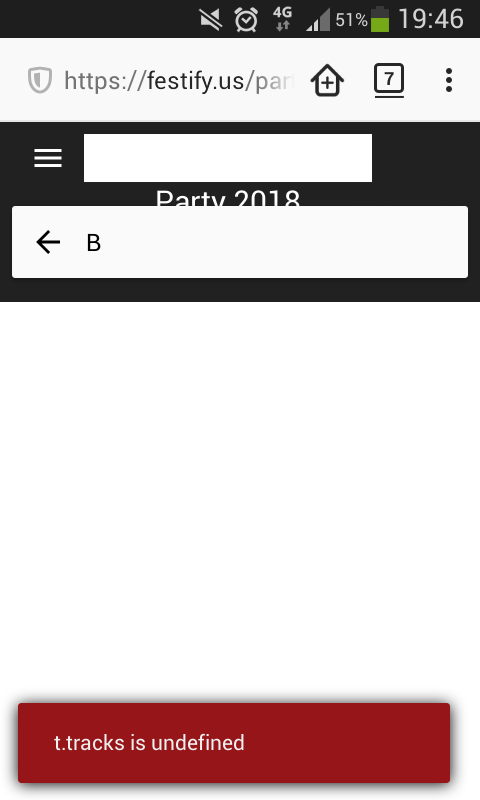

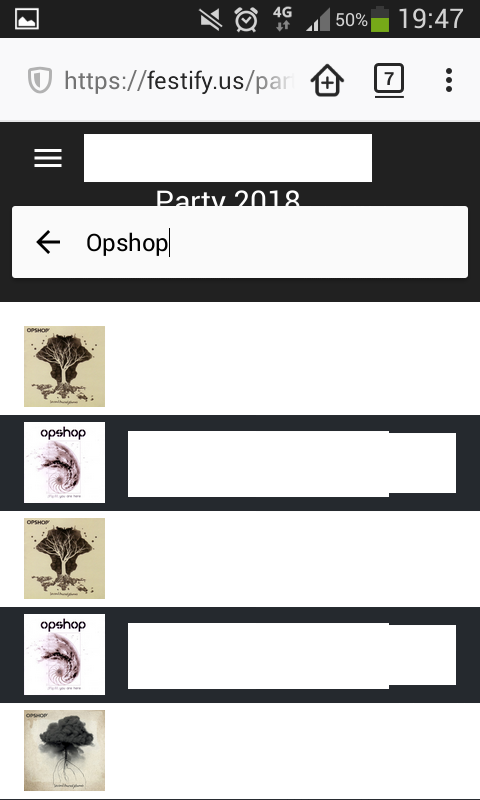
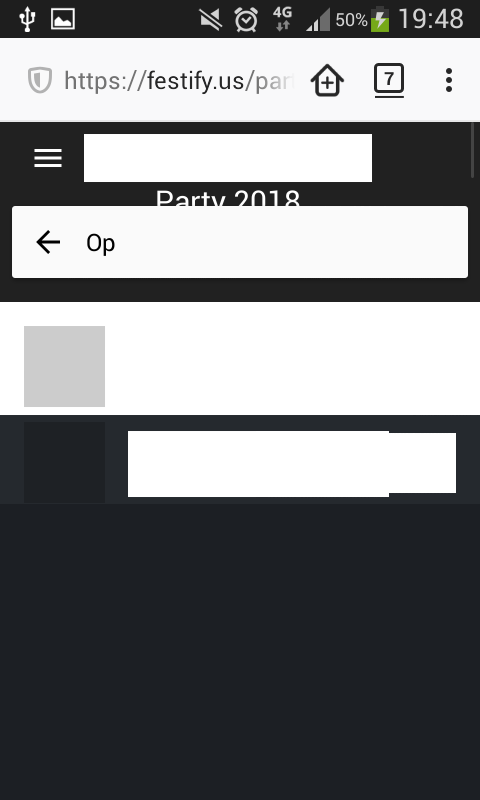
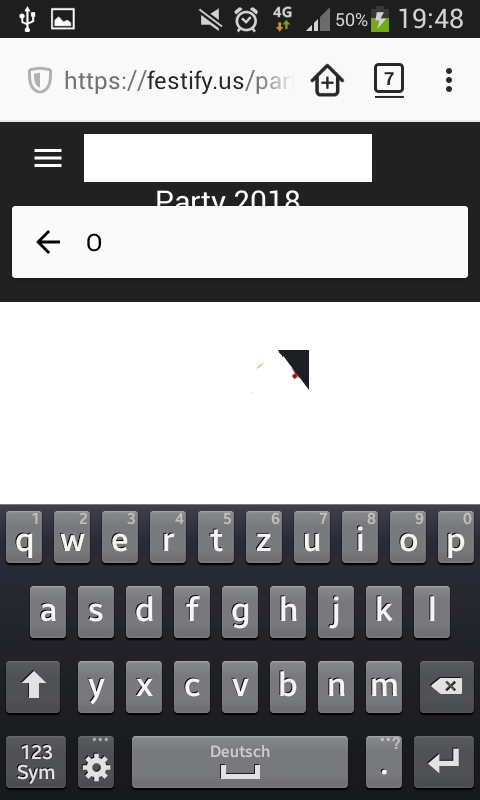
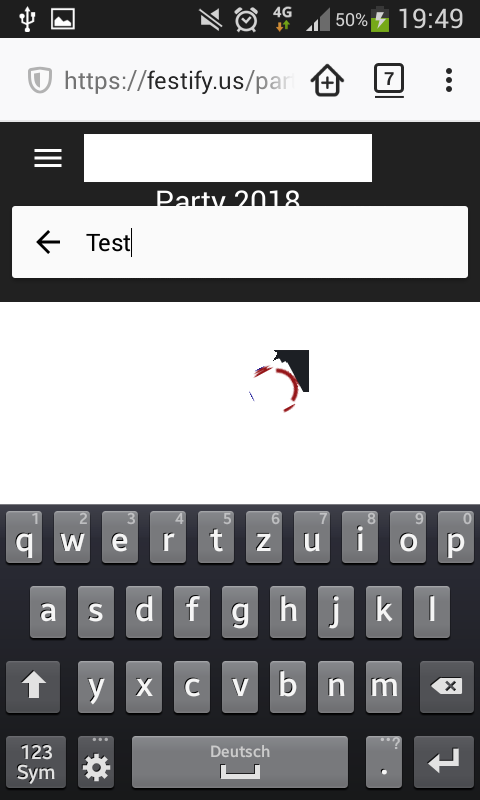
This looks serious...
I assume this is something that can't be fixed till tomorrow evening, am I right? :(
Steps to easily reproduce the bug:
- Have 2 devices ready.
- Device 1 opens party url in Firefox (to just keep an eye on the queue)
- Device 2 opens party url in any supported browser and logs in as admin
- Device 2 adds fallback playlist to the queue
- Device 1 will end up with a messed up layout (that stays broken until the page is manually reloaded)
I assume this is something that can't be fixed till tomorrow evening, am I right? :(
I wouldn't bet on it, I'm sorry. Exams phase at university has started so we're quite busy with studying :) That said, we'll try to look into this and fix it as soon as possible. Maybe we can make something work, maybe not. :)
In the meantime, Festify runs very stable in Chrome. So if you want to host a party, that's probably the safest browser to use :)
Hey @cmar0ck, I've tried reproducing this bug in BrowserStack (Win7 / Firefox 61) and on my own machine (macOS Mojave, Firefox 61), but couldn't get it to break at all. Could you give us some more information on which kind of playlist you're adding as a fallback? If you have the Spotify link to it, that'd help aswell. Also, could you tell us which country your Spotify account is registered in?
I suspect there could be issues related to the playlist you're trying to add as a fallback playlist but don't know for sure yet.
Hi guys, I use a German Spotify account but the issue is not playlist related, as I created and tested several other playlists, all with the same result of the breaking layout, affecting Firefox versions across devices. Just install the current version of Firefox on your mobile device (should be available on Android and iOS) and try the steps I posted earlier. It seems this is a rendering issue in the Mozilla/Quantum engine that occurs when a push is received from the underlying Node.js of Festify.