
GooglePlacesRow
 GooglePlacesRow copied to clipboard
 EurekaCommunity
Location not showing up
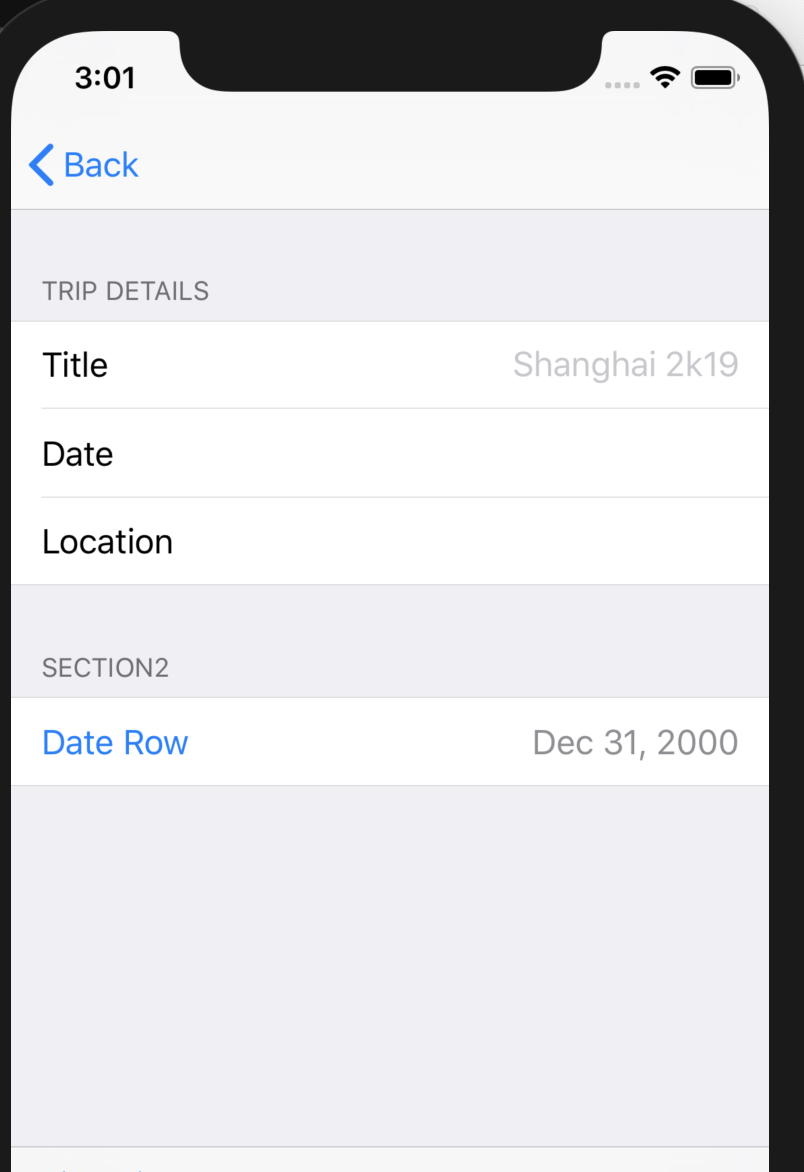
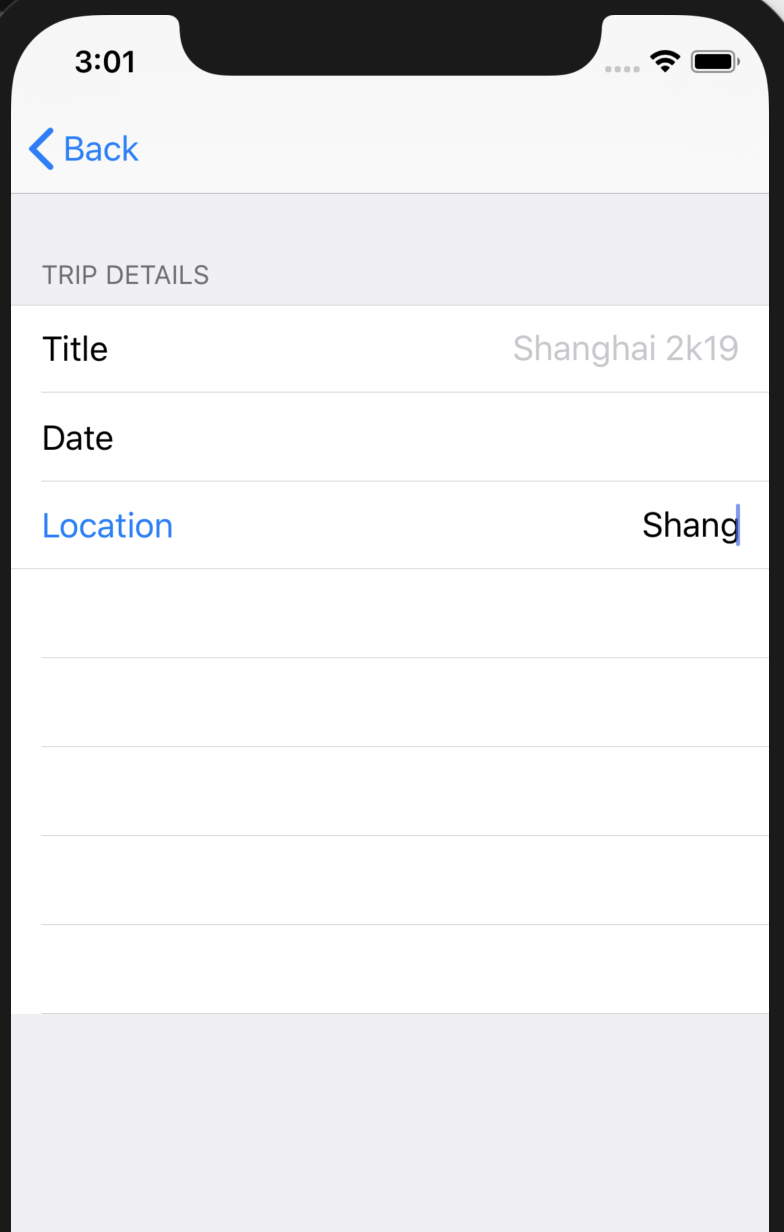

Did you implement onNetworkingError? You can debug the error coming from GooglePlaces using that

having the same problem here, so I used my api key in the example project and it worked, but in my project i get back a 403 forbidden error.

Google normally returns a very descriptive error message. Try debugging the code to see the message.
i enabled places api and i used it on the example project, but i get this error response on my project.
Error Domain=com.google.places.ErrorDomain Code=-9 "The Places API for iOS is not enabled. See the developer's guide (https://developers.google.com/places/ios-api/start) for how to enable the Google Places API for iOS." UserInfo={NSLocalizedFailureReason=The Places API for iOS is not enabled. See the developer's guide (https://developers.google.com/places/ios-api/start) for how to enable the Google Places API for iOS., NSUnderlyingError=0x6000030b49f0 {Error Domain=com.google.places.server.ErrorDomain Code=-1 "(null)" UserInfo={NSUnderlyingError=0x6000030b5500 {Error Domain=com.google.GTLRErrorObjectDomain Code=403 "Places SDK for iOS has not been used in project 58126678414 before or it is disabled. Enable it by visiting https://console.developers.google.com/apis/api/placesios.googleapis.com/overview?project=58126678414 then retry. If you enabled this API recently, wait a few minutes for the action to propagate to our systems and retry." UserInfo={GTLRStructuredError=GMSx_GTLRErrorObject 0x6000030f9590: {errors:[1] message:"Places SDK for iOS has not been used in project 58126678414 before or it is disabled. Enable it by visiting https://console.developers.google.com/apis/api/placesios.googleapis.com/overview?project=58126678414 then retry. If you enabled this API recently, wait a few minutes for the action to propagate to our systems and retry." code:403 status:"PERMISSION_DENIED"}, NSLocalizedDescription=Places SDK for iOS has not been used in project 58126678414 before or it is disabled. Enable it by visiting https://console.developers.google.com/apis/api/placesios.googleapis.com/overview?project=58126678414 then retry. If you enabled this API recently, wait a few minutes for the action to propagate to our systems and retry.}}}}}
Try enabling Places SDK for iOS instead of or in addition to Places API.
thanks for replying, but i enabled Maps SDK for IOS and i still get the same error.
I don't think the problem is with enabling or something like that, because my api key works perfectly fine on the example of GooglePlacesRow.
It might be some kind of setting in my project that i'm not aware that it needs to be changed etc.
Well, the only GooglePlaces setup that is done in the Example project is in the AppDelegate, which is:
        GMSPlacesClient.provideAPIKey(apiKey)

        print(GMSPlacesClient.openSourceLicenseInfo())
For the license, the docs say it "Returns the open source software license information for the Google Places API for iOS. This information must be made available within your application.". I don't think it is related to your problem.
The only case I can think of why an API Key could work for the Example project, but not your own is that you restricted the key, in the Google console, to the bundle id of the example project.
I am also getting this error. My api key works fine on the example project, but not in my app. The key has no restriction.
This is the error from Google:
Error Domain=com.google.places.ErrorDomain Code=-3 "An internal error occurred in the Places API library. If you believe this error represents a bug, please file a report using the instructions on our community and support page (https://developers.google.com/places/ios-api/support)." UserInfo={NSLocalizedFailureReason=An internal error occurred in the Places API library. If you believe this error represents a bug, please file a report using the instructions on our community and support page (https://developers.google.com/places/ios-api/support)., NSUnderlyingError=0x600003f6b1e0 {Error Domain=com.google.places.server.ErrorDomain Code=-1 "(null)" UserInfo={NSUnderlyingError=0x600003f69bf0 {Error Domain=com.google.GTLRErrorObjectDomain Code=403 "The request is missing a valid API key." UserInfo={GTLRStructuredError=GMSx_GTLRErrorObject 0x600003f87630: {errors:[1] message:"The request is missing a valid API key." code:403 status:"PERMISSION_DENIED"}, NSLocalizedDescription=The request is missing a valid API key.}}}}}
Later Edit: I have found the issue. It was related to CocoaPods. https://github.com/CocoaPods/CocoaPods/issues/7155
