
ConvertTo-Jpeg
 ConvertTo-Jpeg copied to clipboard
 DavidAnson
PNG to JPG conversion with transparency
I need to convert png images to jpg but when converting it converts them to JPG with transparency even from PNG images that don't have transparency, is there a way to prevent this from happening so they convert to jpg images with a white background?
thank you

Not sure what you're seeing, but I don't think the JPEG format supports transparency.
https://www.google.com/search?q=jpeg+transparency+support&ie=UTF-8&oe=UTF-8&hl=en-us&client=safari

I am referring rather to the fact that a black background remains in the image instead of white as is usually seen in jpg images, but I just verified that it only happens when converting PNG images with transparency to jpg, the following images are an example What I'm talking about, the first one is in png format with transparency, when you convert it with the script a you can see the image with a black background as shown in the second image.
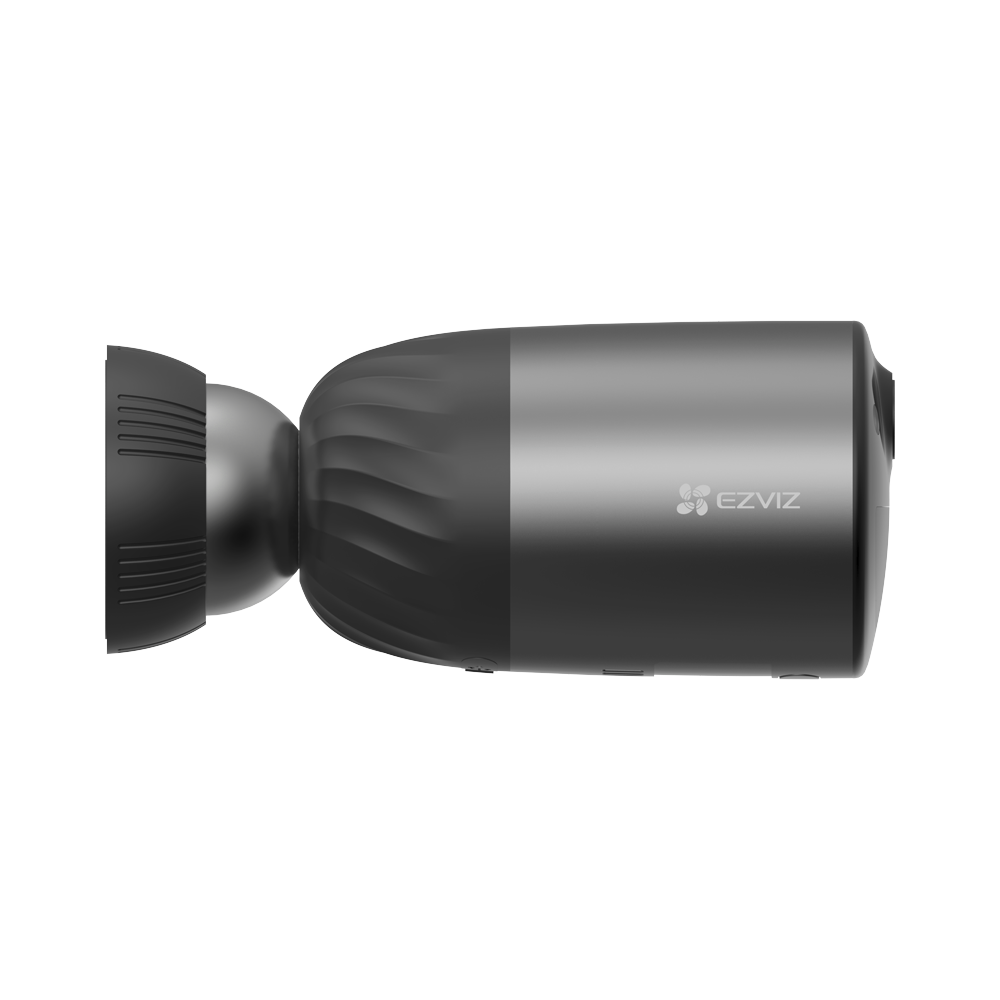 c
c
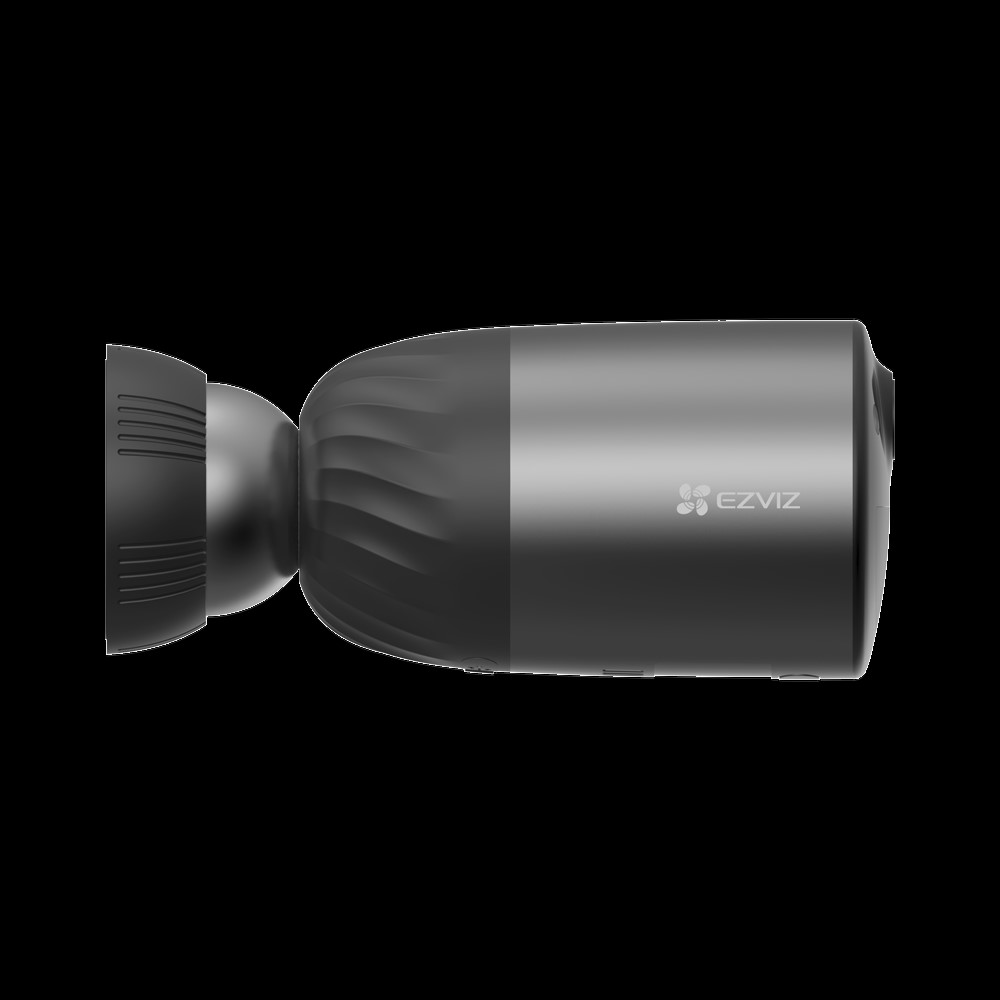
I'm not sure white is any better choice than black as a replacement color for transparency, but it's not something this script currently chooses. There may be a way to tell the conversion functions to use white, but I didn't find it after a couple of searches just now, sorry!
ok I understand, I'll investigate about it, in any case thank you very much.