
PyQtTerminal
 PyQtTerminal copied to clipboard
 CountryTk
usage?
How is this supposed to be used?
I tried adding the standard:
if __name__ == "__main__":
    import sys
    from PyQt5.QtWidgets import QApplication
    app = QApplication(sys.argv)
    main = Terminal(None)
    main.setGeometry(1, 1, 800, 600)
    main.show()
    sys.exit(app.exec_())
but it just displays a black window with no way to interact. What am I missing?


I made a fork because it did not work for me either.
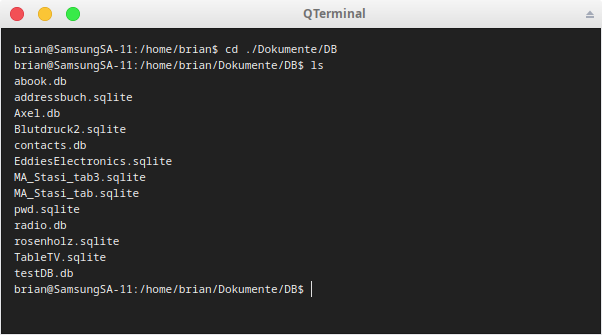
I have removed a lot of code and changed a lot. Added saving and reading prefs (to store commands list and window geometry) Added dragging files or text to the window. Have fixed that 'ls' never ended and you had to press Return to finish.
Maybe not perfect, but it seems to work.

Hi @Axel-Erfurt ! I tried you project with command 'python ~/Desktop/QTerminal/QTerminal.py' A window show up but when I hit any key, the window shutdown and have error below, please help me! Thank you.
Traceback (most recent call last): File "/home/mte/Desktop/QTerminal/QTerminal.py", line 160, in keyPressEvent super().keyPressEvent(e) TypeError: super() takes at least 1 argument (0 given) Aborted (core dumped)

oh dear. sorry I was working on all of that and I got no email notifications. I am still tweaking it. I am uploading all the fixes now. sorry everyone.
