
koler
 koler copied to clipboard
Published
20 hours ago •
 Chooloo
Chooloo
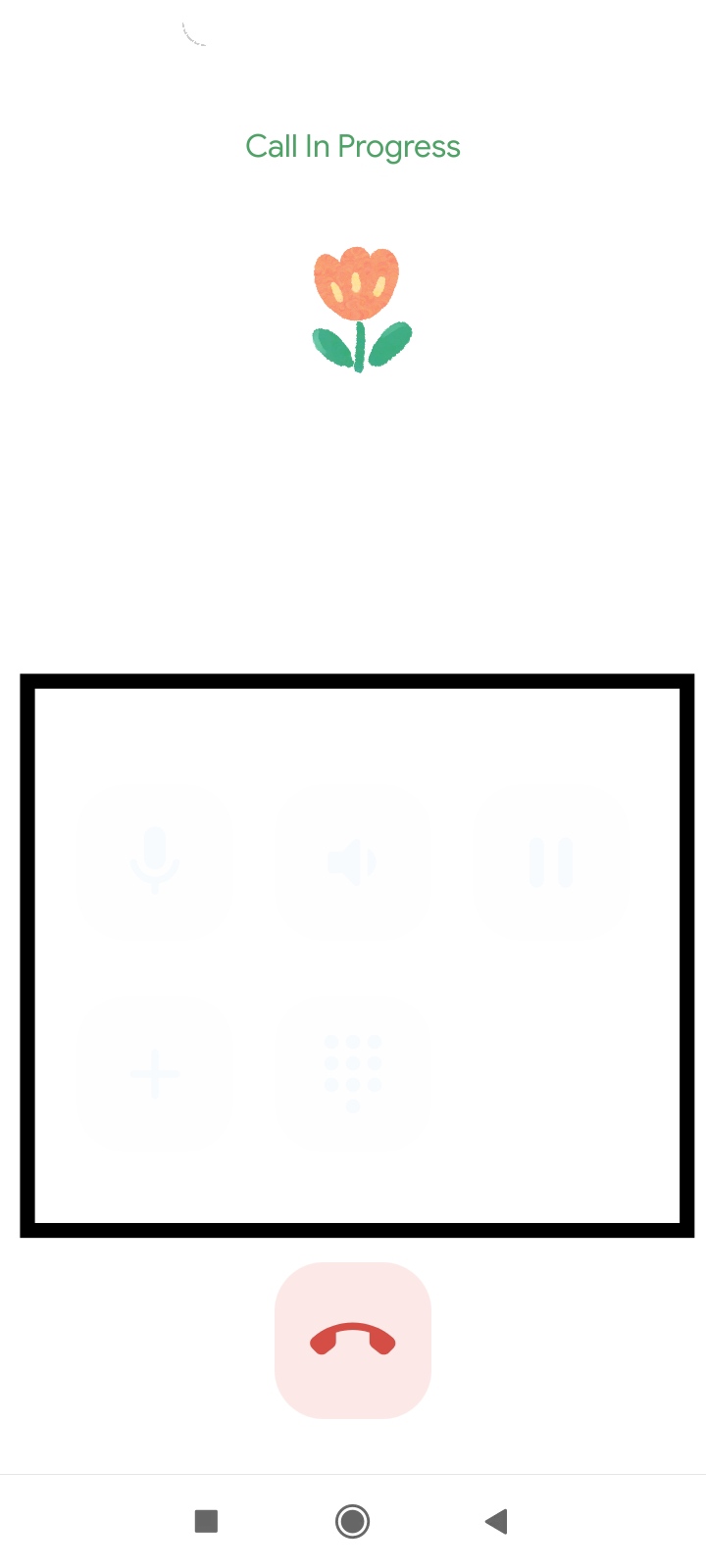
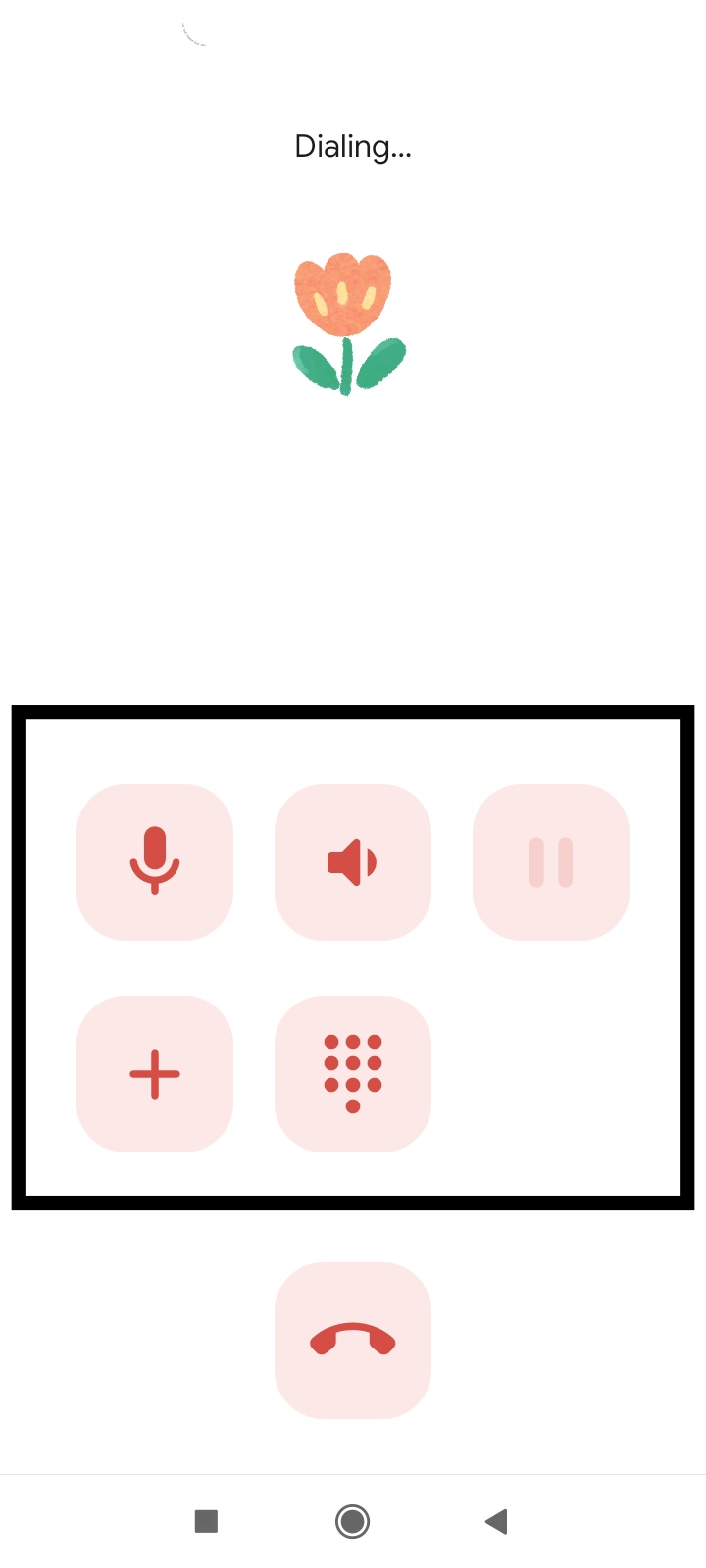
Call screen buttons not visible
Checklist
- [x] I am using the latest version - 1.4.3
- [] I checked, but didn't find any duplicates (open OR closed) of this issue in the repo.
- [] This issue contains only one bug. I will open one issue for every bug report I want to file.
Steps to reproduce the bug
Actual behaviour
Expected behavior
Screenshots/Screen recordings
Logs
Device info
- Android version/Custom ROM version: Android 10 Official
- Device model: Redmi 9c
In receiving call screen buttons not visible and they're transparent but in outgoing call buttons are visible. I'm not sure this is a bug or not. Koler very useful for me because other calling apps, even official app has very delay in opening and working but this app work very good in my device.


It may be a bug of animations! Try disabling animations in settings...
Thanks so much, it's solved with "enabling" animation in app and android. Android animation was also inactive. With disabling animation, buttons disappear.