BookStack
 BookStack copied to clipboard
 BookStackApp
Support Page Cover Images and Page Grid View
Hello, I would like to request the ability of viewing pages in a grid view with cover images.
I think this would be highly beneficial to people like me who want to save a lot of bookmarks stored in chapters for something that I was researching across a certain period of time.
For example, I am researching how I can use libraries in python for information visualization purposes. During my first research attempt, I would come across a lot of articles, tutorials and libraries. By having a grid view, I can quickly lookup articles based on their images as opposed to the current way of memorizing bits of text in articles in one page.
Also, I can have another chapter for when I do another round of research which is much more refined based on my progress that I've made in the earlier chapter.

Title updated to reflect the full request, since page cover images are needed to fulfil and that's likely to be the more contentious subject.

I would like to second this request. Shelves, Books, Chapters and Pages should all have the option to display a cover image as well as grid view. Bonus points if we can add or hard code the number of columns for grid view.
List view with images look great for Books...
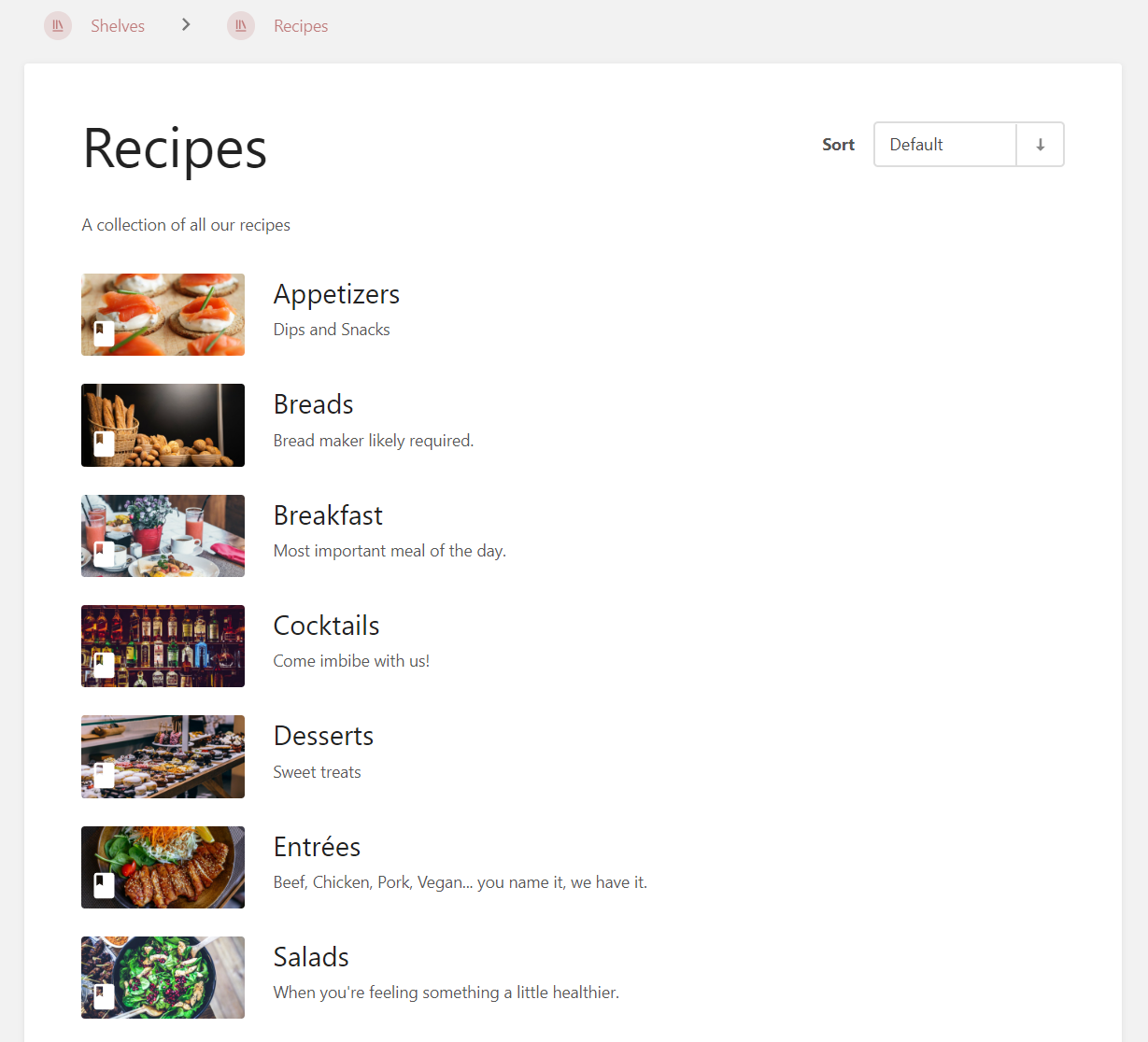
However list view for pages.... far less attractive.

This forces myself and others to READ each title instead of using a visual que when quickly scrolling.
Grid view also looks nice, but I see far less items. I would love to see grid view be given an option to support 3, 4, 5 + pages per row. Perhaps even given the option to remove Created & Updated information from the bottom to squeeze a bit more in.
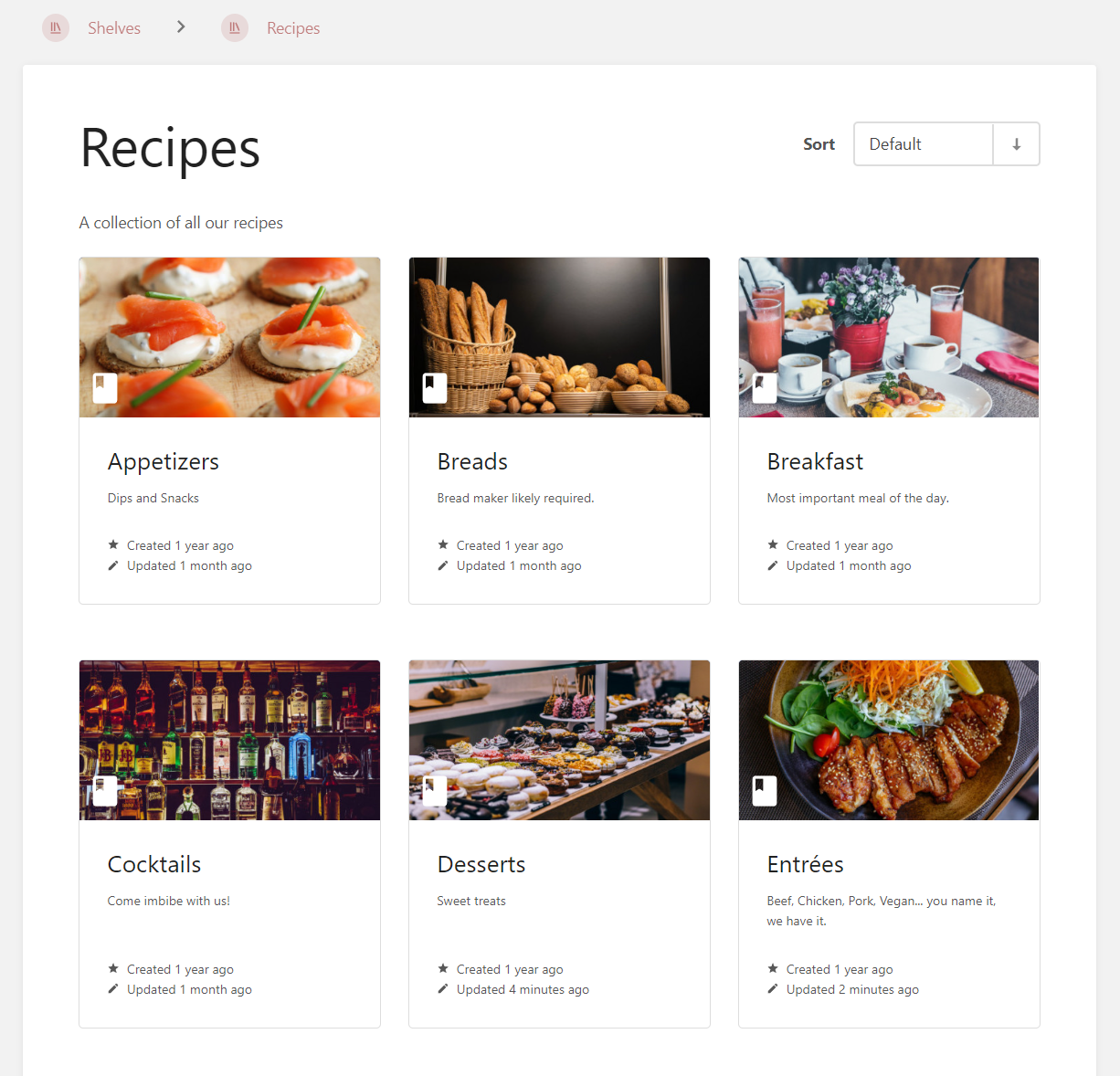
And finally, in addition to Cover Image support for Shelves, Books, Chapters and Pages I would love to see support for a Description. Currently what is showing below my cocktail recipe is just the start of the ingredient list. It would be AMAZING if I could have a brief description OF the cocktail.
For example have this:

Instead of this:


With the knowledge of 2024 and the current state of the product, how would the chapter listing with and without images look?
Just an example: