
Blazor.Diagrams
 Blazor.Diagrams copied to clipboard
 Blazor-Diagrams
Connected Links sometimes not attached to port of custom nodes
I designed my own custom nodes that inherits the NodeModel class. My plan is to make a simple workflow.
Sometimes when I move the custom nodes around, the links appear not attached to the node's port as if not connected as shown in the photo below. How can I solve this issue to make the links always attached to the port?


Hello, sorry you're having such an issue. Could you show me how you create your diagram and everything? Give me as much information as you can so I can reproduce it on my end and fix it. Thank you!

I have the same issue with latest version 2.1.6. In my case this happens when I open a menu in the top of the page that shifts the whole canvas down.

@zHaytam Yes i can confirm that this issue still exists in the current version.
Consider the following gif.
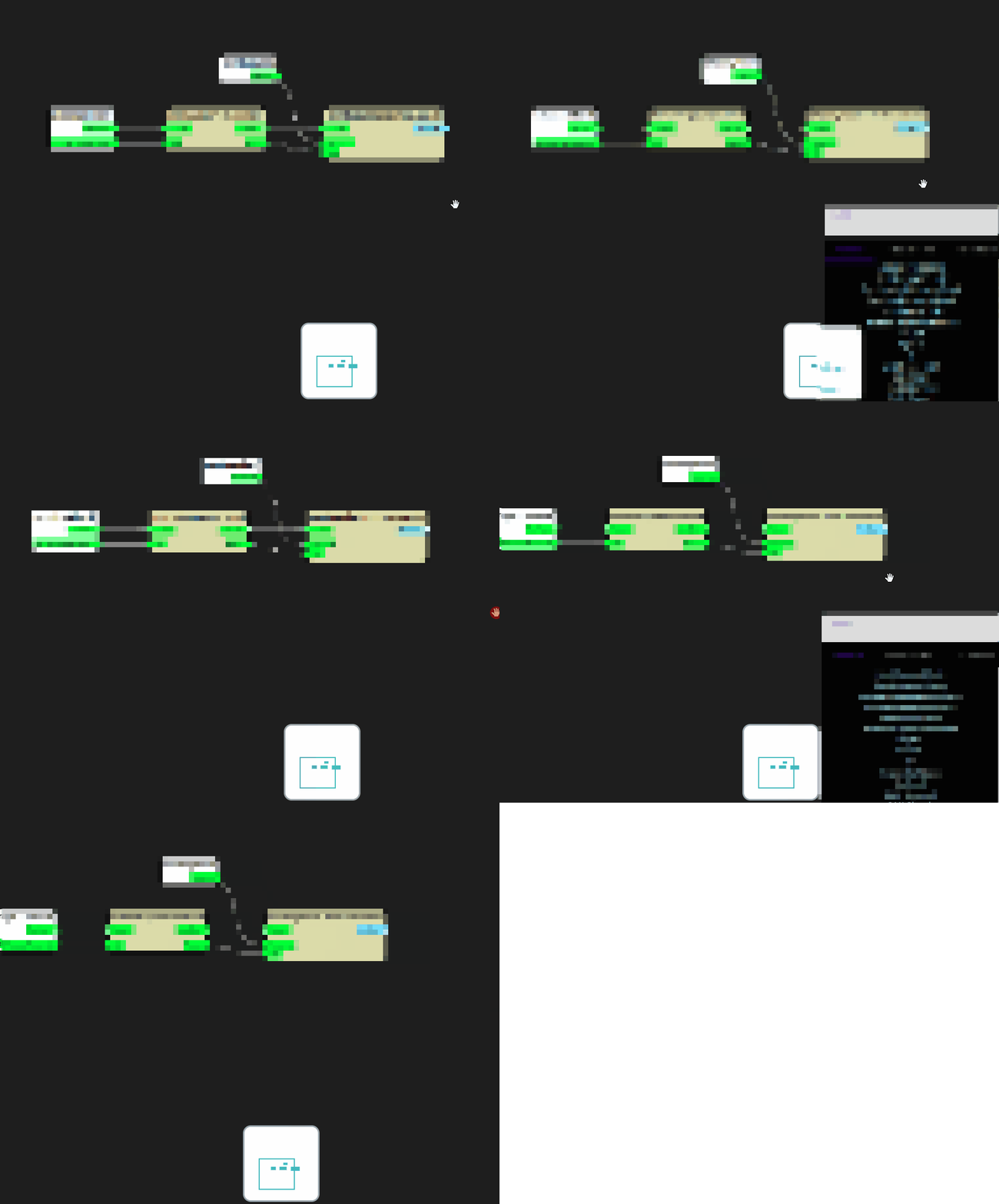 What happens here is that i have a context menu element inside the Diagram html tag.
<DiagramCanvas>
  <Widgets>
   <div style="position: absolute; visibility: @(ContextMenuVisible ? "visible": "hidden"); transform: translate(@(ContextMenuPosition.X.ToString(CultureInfo.InvariantCulture))px, @(ContextMenuPosition.Y.ToString(CultureInfo.InvariantCulture))px) ">
     <NodeCreationContextMenu @ref="contextMenu"/>
   </div>
  <SelectionBoxWidget/>
  <NavigatorWidget Width="100" Height="100" DefaultStyle="true"/>
 </Widgets>
</DiagramCanvas>
when it opens on the corner the whole canvas is translated (its the html engine which does it automatically). After this new links will not be positioned correctly anymore. Widgets are moving out of position as well which you can see on the gif too.

Hello, the GIF is very blurry so I can't really see anything, unfortunately. Could you create a very simple/basic project to reproduce the issue? Then I can debug it and fix it. Because I need to know exactly what happens to the layout when you guys do what you do. Thank you!
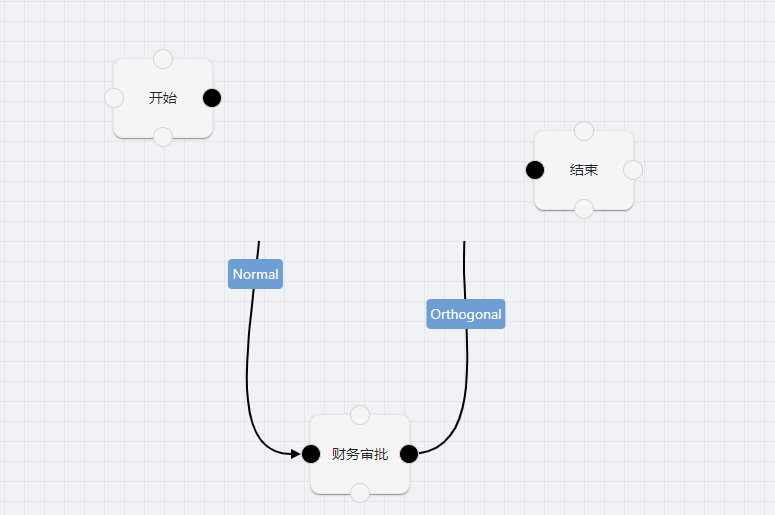
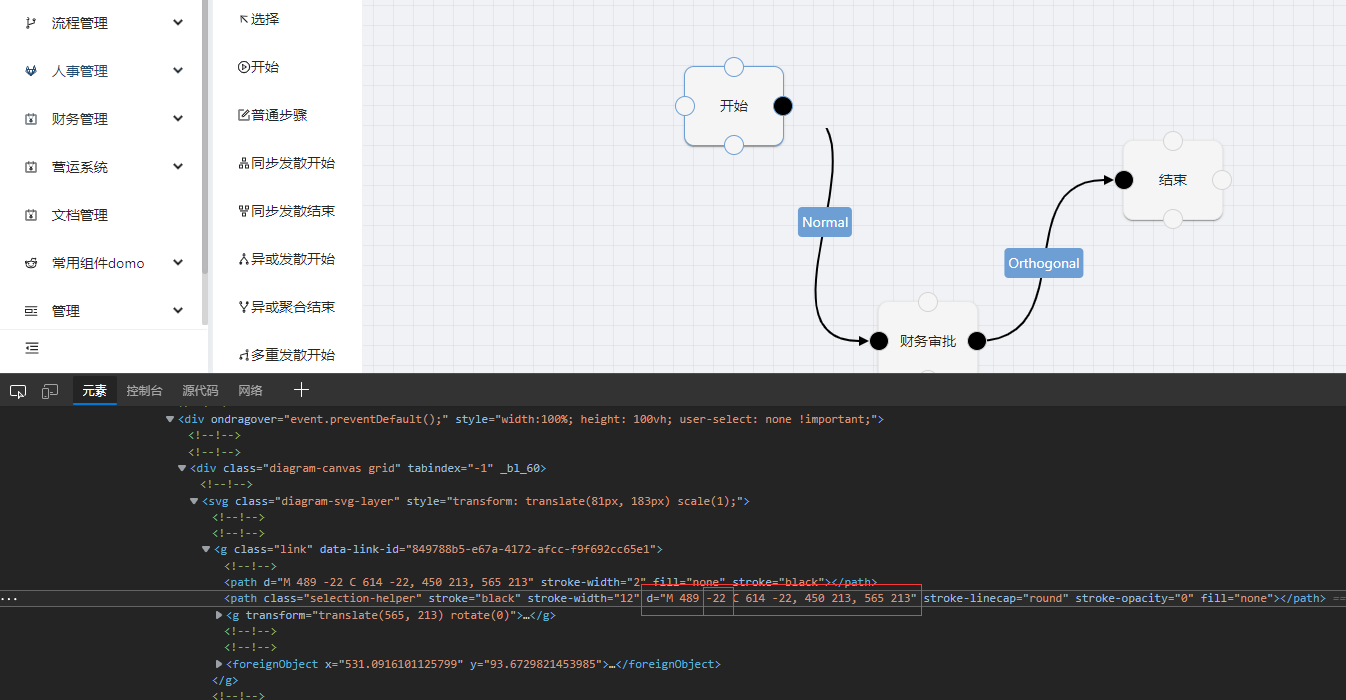

Hello, would it be possible to have a runnable simple project where the issue show? I really need one of you to create a project for me to run and do tests on, because I can't know the issue from pictures/GIFs unfortunately.
this is ok . in .diagram-svg-layer style add attribute [overflow: visible !important;]