
bideveloperextensions
 bideveloperextensions copied to clipboard
Published
20 hours ago •
 BIDeveloperExtensions
BIDeveloperExtensions
Expression Editor pops up when accessing the variable window description field.
Describe the bug The Expression Editor pops up when clicking on the description textbox of the variable window. Version
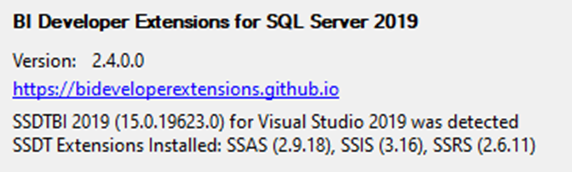
To Reproduce Steps to reproduce the behavior:
- Open an SSIS package.
- Open the variables window.
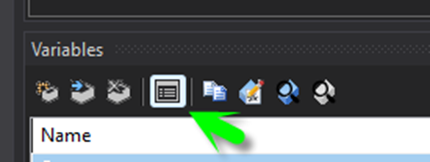
- Click on the Variable Grid Options button
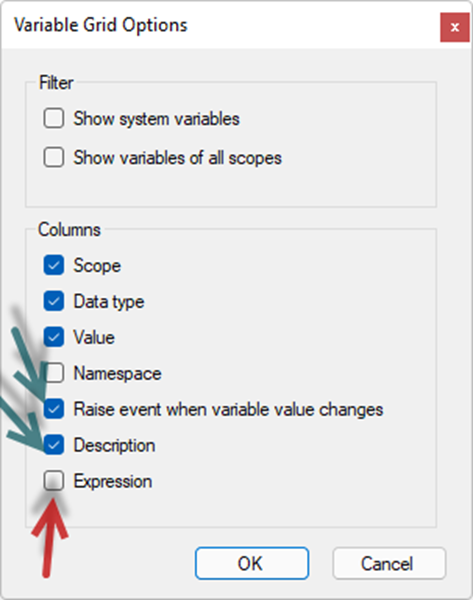
- Select the following check boxes (see image below): a) Raise event when variable value changes b) Description
- Uncheck box next to Expression
- Click <OK>
- Now click on the DESCRIPTION textbox in the Variables window to enter the variable description.

- This causes the Expression Editor to pop up.
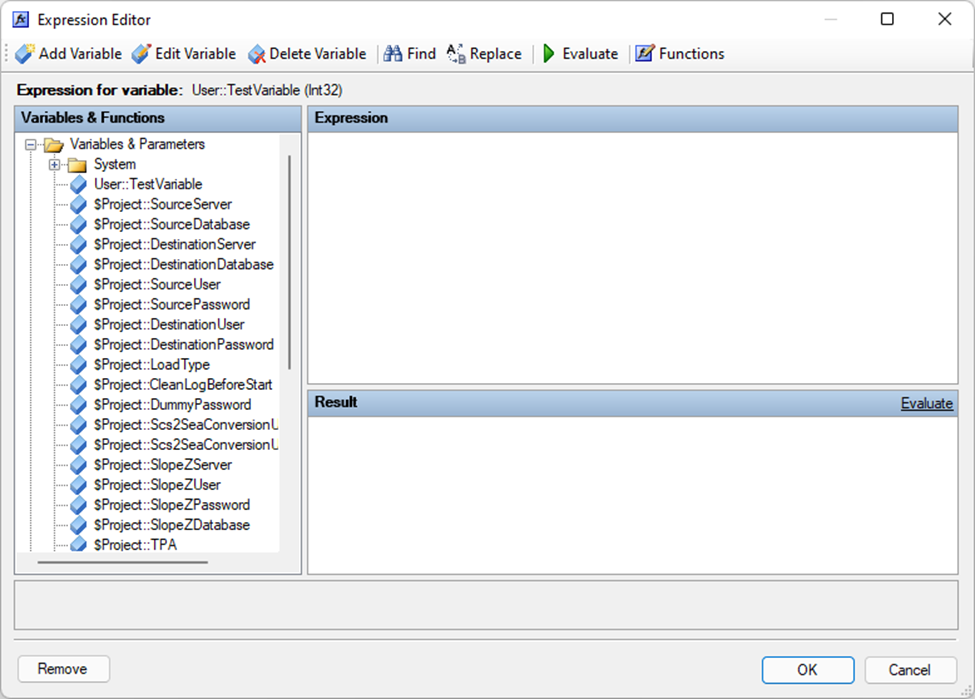
Expected behavior The Expression Editor should not pop-up. This should place me into the Description field so that I can either edit or add text.

