
azure-devops-cli-extension
 azure-devops-cli-extension copied to clipboard
 Azure
Azure
[Feature Request] Enabling/disabling project features (extensions)
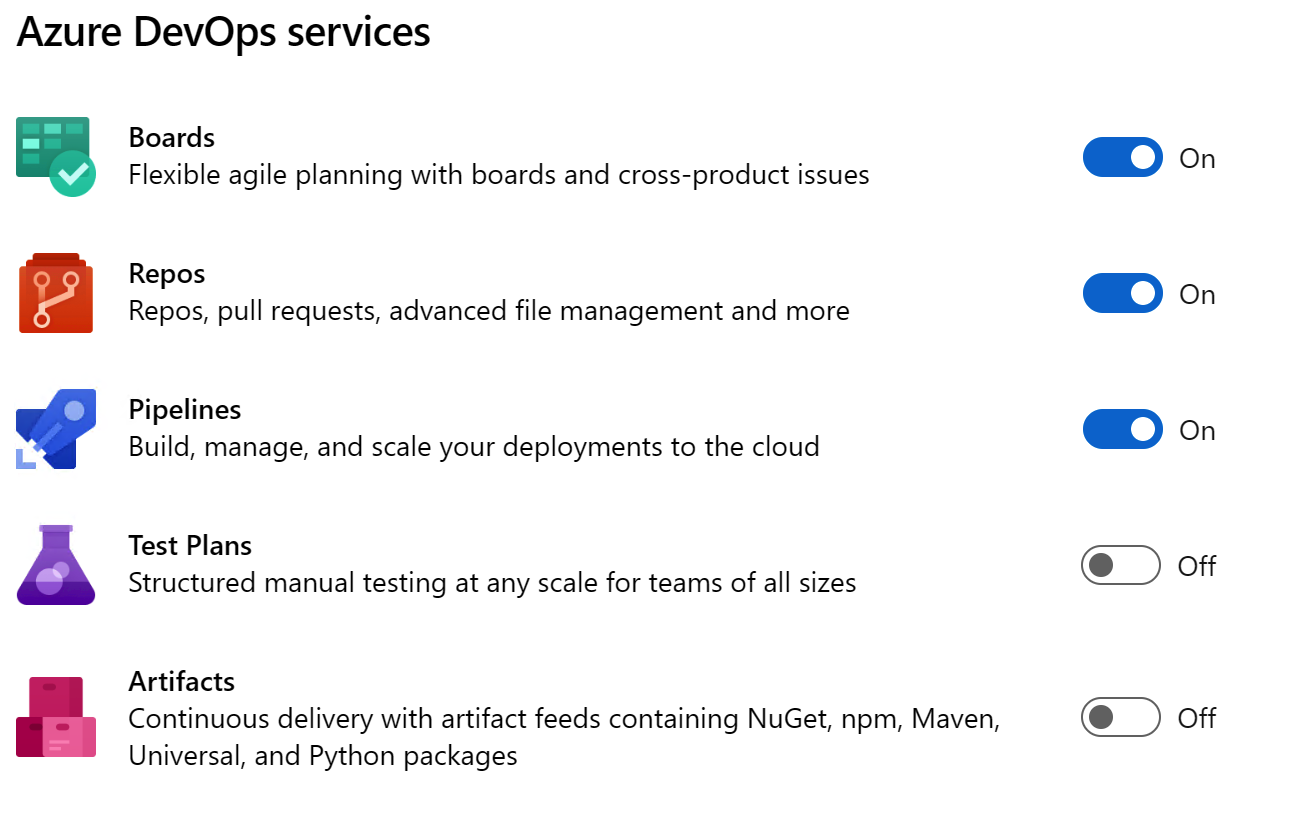
Is your feature request related to a problem? Please describe. Like to enable/disable the project features (DevOps Services such as Boards, Repos, Pipelines, Test Plans and Artifacts) through the azure devops cli. Currently I can achieve this only in the web ui under project settings or by replicating the REST command via HTTP.
Describe the solution you'd like
Extending the az devops extension enable|disable with a --project parameter to control, in which projects the extension should be active.
e.g. az devops extension disable --organization https://dev.azure.com/xyz --feature ms.vss-test-web.test
An alternative solution could be to extend the az devops project create|update command. The sub-command update doesn't exist, tough.
Additional context


+1 Using the az cli for this instead of the UI/HTTP calls would be very helpful


+1 I'm preparing to migrate about 500 repos for about 300 clients to Azure DevOps from aging TFS server. The thought of clicking on 300 separate Projects to turn off these sliders is not appealing.
