
BatchExplorer
 BatchExplorer copied to clipboard
 Azure
Azure
Batch Explorer is showing that the task is working but its not
Describe the bug
The status for task sometimes shows that it working but it's not. Here is the example
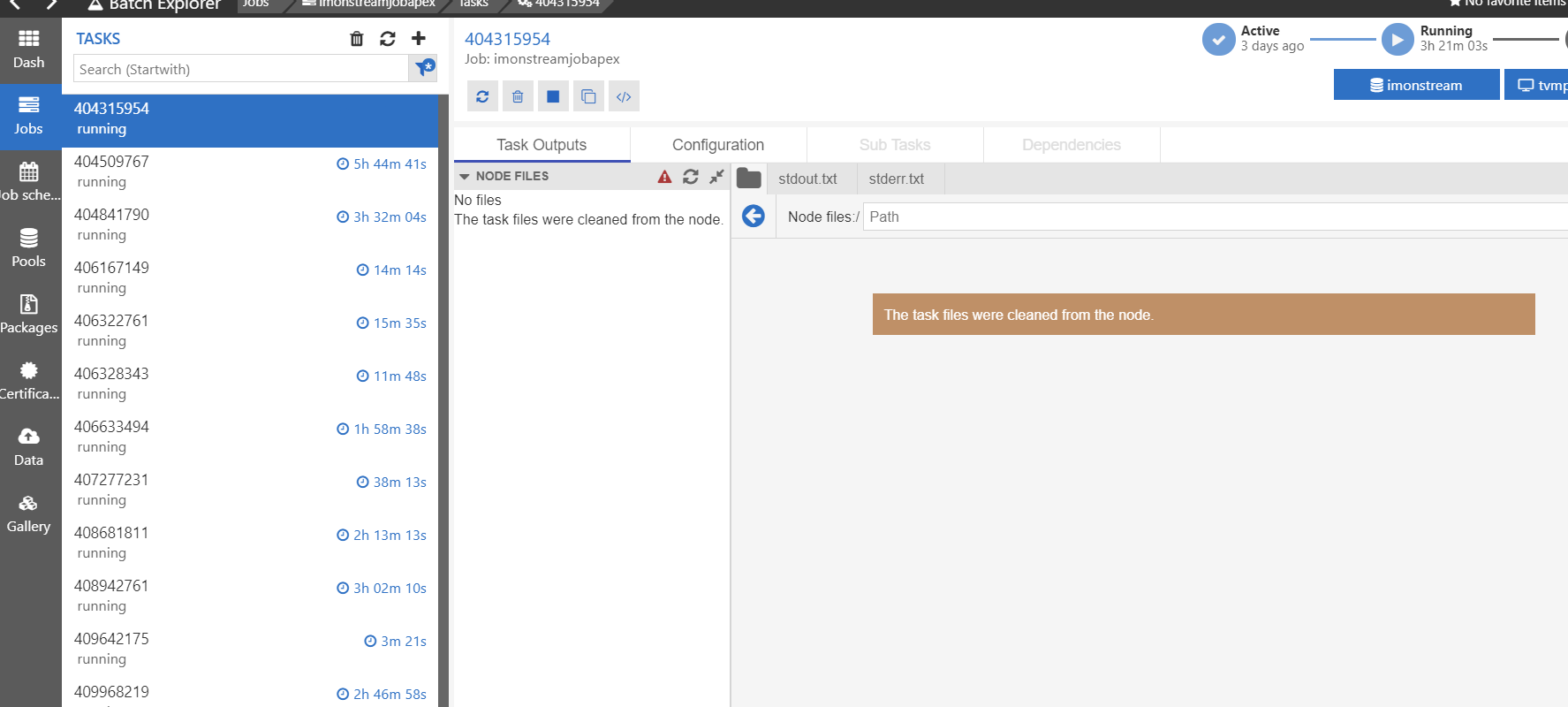 The task already cleaned from the node but it still shows status - running.

hhm intresting, you mean the task should be in completed state or is deleted and should not show?
Does nothing happens when manually clicking refresh?
Is there also any errors in the logs? ctrl+shift+i or could you send the app.log Profile > View logs

Hmm, it seems that's an Azure Batch bug cause on Azure portal the situation is the same.
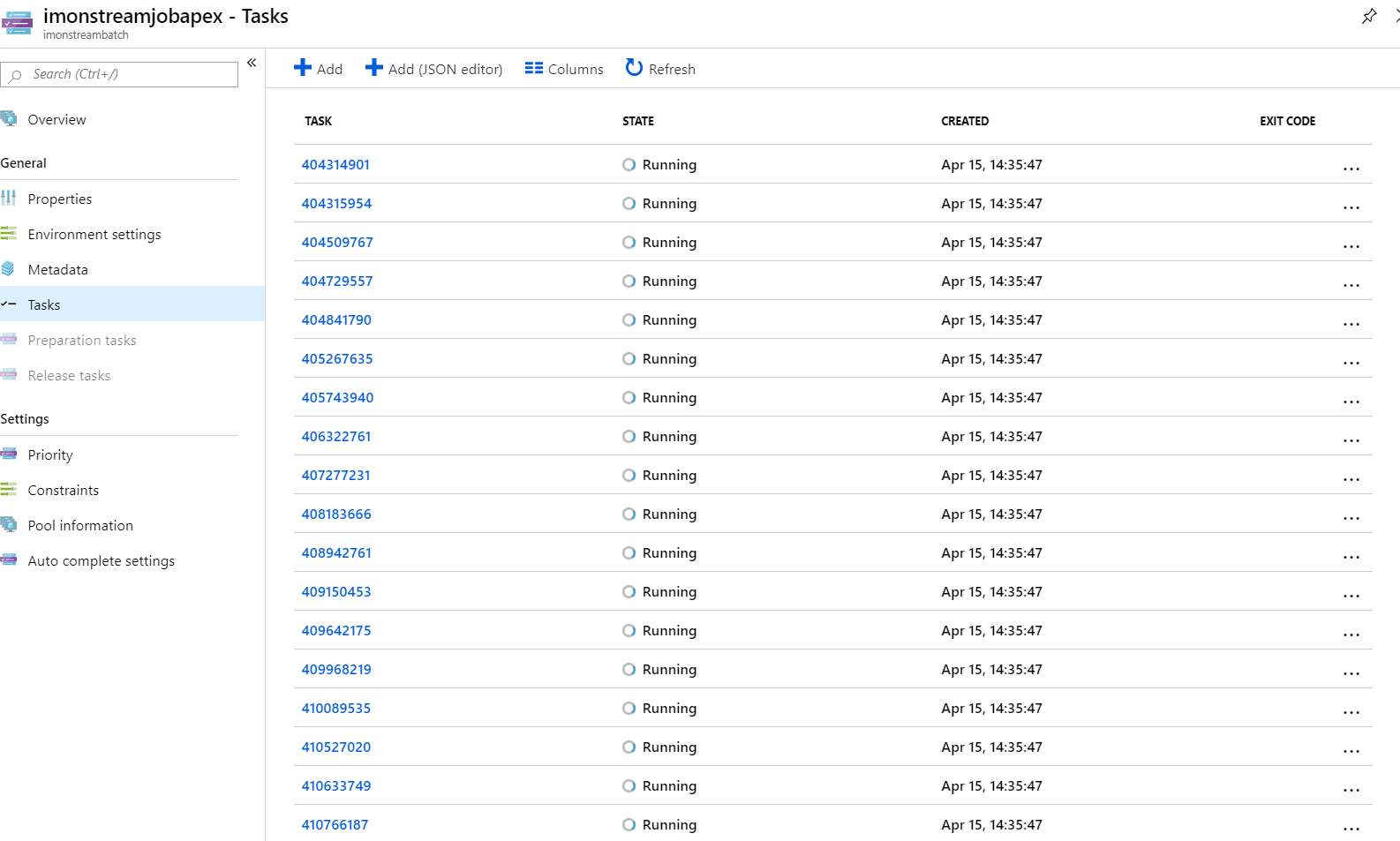 Only 10 of these task in real "running" state. Others were completed and cleaned from the nodes.
I see, if its an issue with the service I would recommend opening a support request.
It wouldn't be a timing issue? when you refresh the page does the same task(That should be completed) still show as running or they are completed?
Nope, as you can see they sit in these states indefinitely (3 -5 - 9999999999 hours).
I cant create support ticket because
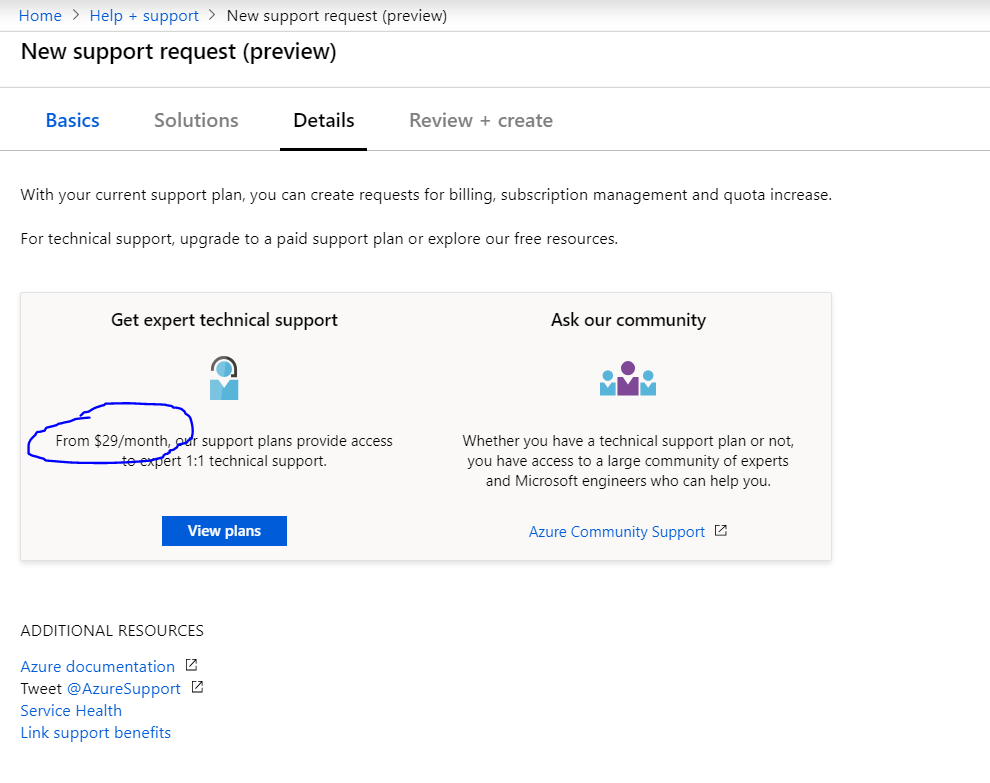 I don't think that I need to pay $29 to send a bug report and be a tester on behalf of the product team.
How long do you expect your task to run? We believe this is related to the nodes getting preempted
From 1 hour till 5 hours. If Vm was preempted then the task should go back to the queue automatically, or am I wrong?
This is an issue where the state will apparently stay in running when the node gets preempted but it will still go back in the queue and run as expected on another node later. @alfpark can confirm.
Correct, the task state will remain in running state if the VM is preempted. We realize this is not an optimal user experience, and we are working on improvements in this area.
