
google-docs-add-on
 google-docs-add-on copied to clipboard
 Automattic
Images in exported posts do not have sizing options
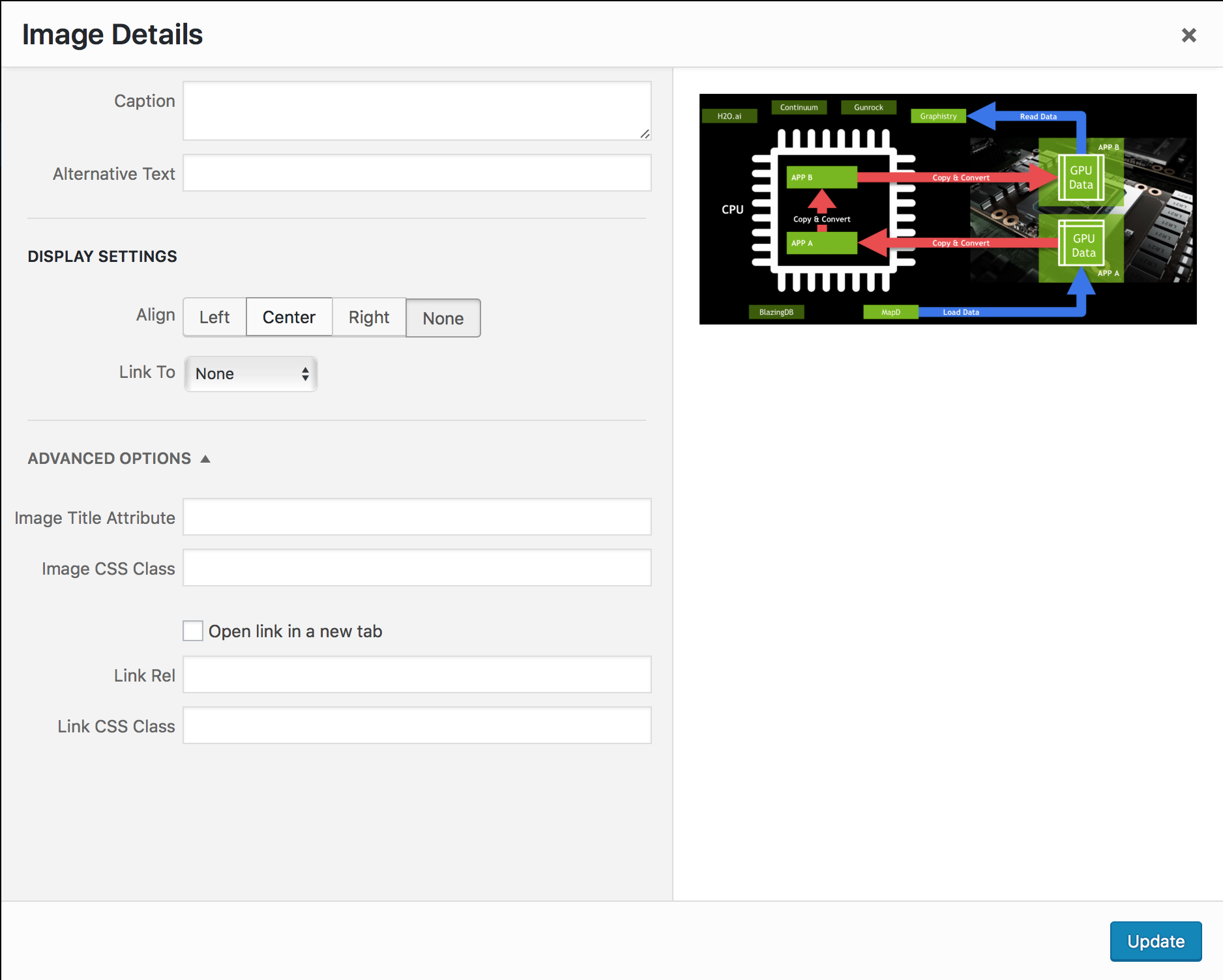
When I export a doc to wordpress the images in the doc do not have sizing options. If I click the edit button for one of the images I see this dialog, with the normal image size chooser missing.
Here is what it looks like if I manually add the image. (Image size chooser circled.)
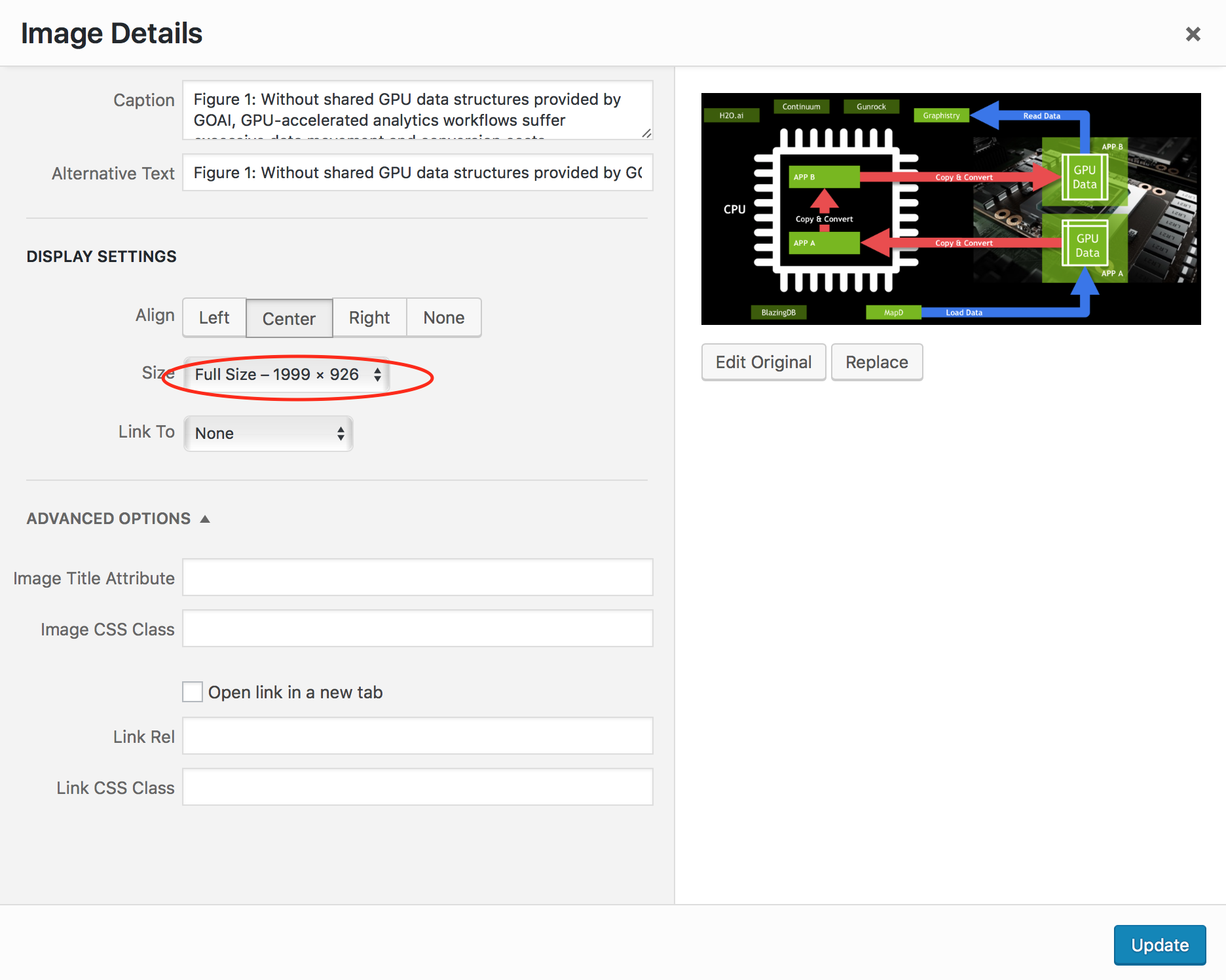
If I remove the image and re-add it in Wordpress, I get the normal dialog with image size chooser.

This is a bit of a stumper. I've been digging through the WordPress core code to figure out what causes that image selector to appear. I'll update when I know if this is something we can fix.

Linked issue: images appear to carry over with their pre-in-Doc formatting. No formatting done on the image using Google Doc, e.g. cropping, is transferred.

I've also seen this same issue in action. The rest of the post was coming through fine, but cropping on images done in Google Docs was not transferring HC 6250049
