MissionPlanner
 MissionPlanner copied to clipboard
 ArduPilot
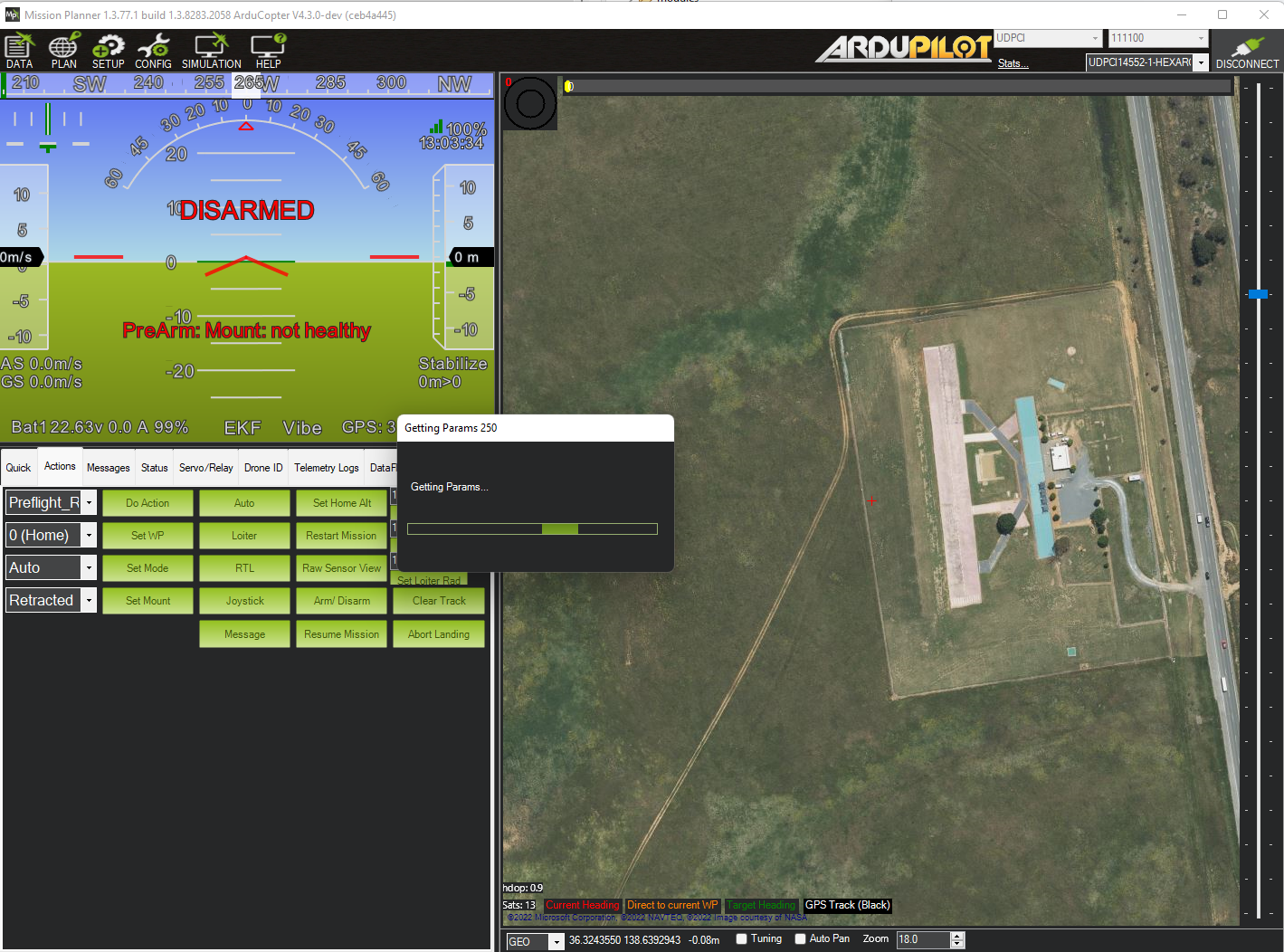
Stuck, "Getting Params 250"
For some reason when running Mission Planner connected via HereLink to the vehicle, MP got stuck displaying the message, "Getting Params 250". It never seemed to give-up and the pop-up window was modal so the only solution was to restart MP.


@meee1,
I'm not sure but if the "250" is a component ID then this is what I see. The "vehicle 10" is probably the Gremsy gTuneDesktop application.
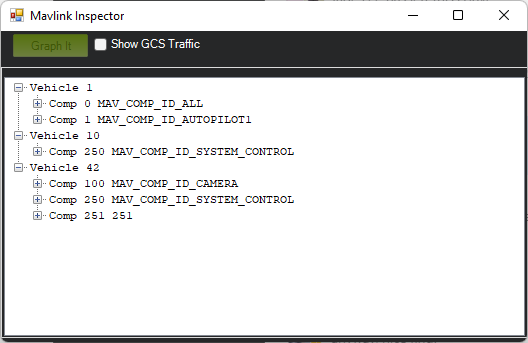
So this may be a real edge-case that users will almost never see. I was just surprised that MP would get stuck like this though because I guess that means a timeout is not being implemented properly somewhere right?
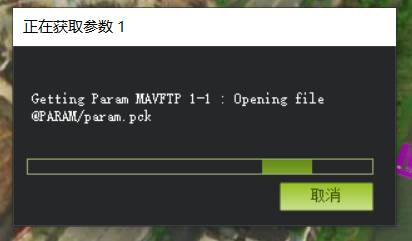
After downloading the Rover firmware, when the Mission Planner is connected through UDPCI, there will often be a problem of stuck or unable to obtain parameters, requiring multiple connections or restarting the MP software.