
hexo-theme-prontera
 hexo-theme-prontera copied to clipboard
 AngryPowman
A light theme for Hexo: http://powman.org
hexo-theme-prontera
A light theme for Hexo. Online Demo: http://powman.org
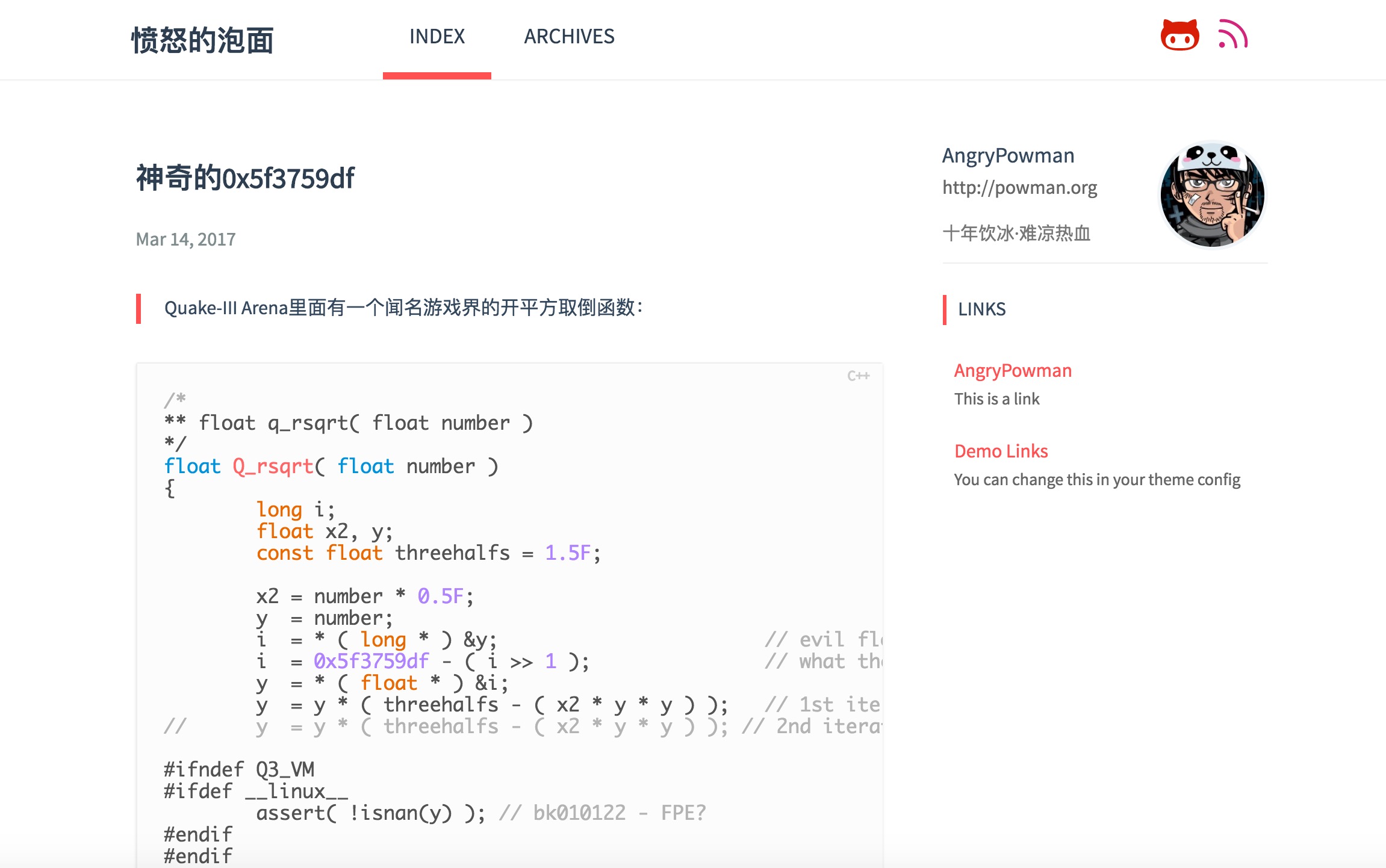
Theme Features
- Custom Navigation Menu
- Custom Shortcut Icons
- Archive List
- ABOUT Information
- Links
- Supported
Duoshuo Commentanddisqus - Supproted
Google AnalyticsandTencent Analytics
Dependencies
- hexo-renderer-jade
- hexo-generator-feed
Installation
Install
Init Hexo
Once Hexo is installed, run the following commands to initialise Hexo in the target
$ hexo init <folder>
$ cd <folder>
$ npm install
For more detail on Hexo official website: https://hexo.io/docs/setup.html
Install Dependencies
Theme Prontera is using Jade for its templates.
$ npm install hexo-renderer-jade --save
$ npm install hexo-generator-feed --save
Install Theme
Clone theme from Github:
$ git clone https://github.com/AngryPowman/hexo-theme-prontera themes/prontera
Using
Change your theme config _config.yml to prontera on the root of your Hexo directory:
# Extensions
## Plugins: https://hexo.io/plugins/
## Themes: https://hexo.io/themes/
theme: prontera
Change theme style
You can just change the constant $MAIN_COLOR in themes/prontera/source/scss/_partial/base.scss to change the basic color.
NOTICE: Do remember to run gulp after you modify a scss file.
License
MIT
 AngryPowman