
vscode-sqlite
 vscode-sqlite copied to clipboard
 AlexCovizzi
DB is not opening
Hi Alex,
I was using this extension a couple of months ago without problem, everything was working as expected. Today, I tried to use it again but nothing happened, no errors, no messages, no DB :-(
My guess is that the latest update broke something, (I'm running vscode 1.59.1 the latest at the time of writing this post)
I followed your instruction from this post
I also uninstall ALL extensions related to SQL and installed vscode-sqlite again and nothing.
is there anything else that I can do to debug this problem???
thanks for the extension, your contribution to the community, and your help :-)

Not working for me or any other guys in my team. I have a brand new laptop with the latest version of vscode.

I can add myself to this list, the extension has stoped working for me as well.

I have had this issue as well. Set log level to Debug but am getting no debug output either. Nothing seems to happen and I am getting no warnings to hint at what may be wrong.


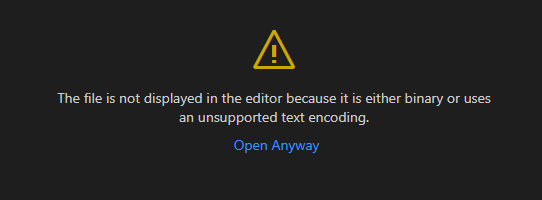
I have the same issue, vscode-sqlite v0.14.1 VS Code 1.72.2 on Mac (arm64)
Log level is set to debug, but there's no output (just says Activating extension and then Extension activated)

