

 AgoraIO-Extensions
No connection between Agora 5.1.1 (web) and Agora 3.2.1 (Android)
We're using Flutter and planning on publishing a web version of our app using the latest version of the Agora package (5.1.1)
https://pub.dev/packages/agora_rtc_engine/versions/5.1.1.
The bug occurs when we try to establish a connection between that version and our android published app using agora package (3.2.1)
https://pub.dev/packages/agora_rtc_engine/versions/3.2.1

Not getting any errors just this [log] userJoined 100 0 15:34:22:590 %cAgora-SDK [DEBUG]: 15:34:22:590 %cAgora-SDK [INFO]: agora-iris 15:34:22:591 %cAgora-SDK [DEBUG]: 15:34:22:594 %cAgora-SDK [INFO]: 15:34:22:594 %cAgora-SDK [DEBUG]: 15:34:22:595 %cAgora-SDK [DEBUG]: 15:34:22:595 %cAgora-SDK [DEBUG]: 15:34:22:595 %cAgora-SDK [DEBUG]: 15:34:22:618 %cAgora-SDK [DEBUG]: 15:34:22:618 %cAgora-SDK [DEBUG]: 15:34:22:621 %cAgora-SDK [INFO]: 15:34:22:621 %cAgora-SDK [DEBUG]: 15:34:22:696 %cAgora-SDK [INFO]: 15:34:22:696 %cAgora-SDK [DEBUG]: 15:34:22:697 %cAgora-SDK [DEBUG]: 15:34:22:698 %cAgora-SDK [DEBUG]: agora-iris 15:34:22:705 %cAgora-SDK [DEBUG]: 15:34:22:706 %cAgora-SDK [DEBUG]: agora-iris agora-iris agora-iris agora-iris agora-iris agora-iris agora-iris agora-iris agora-iris agora-iris agora-iris agora-iris agora-iris agora-iris agora-iris agora-iris agora-iris agora-iris
Remote side is a black screen


Hi @littleGnAl , sorry for the late reply, connection works from agora_rtc_engine: 5.1.1 (Web) to agora_rtc_engine: 5.1.1 (Android) with the provided example, we wanted to confirm that there can be issues to connect with lower versions of the package before upgrading our app.
How about the connection between the agora_rtc_engine: 5.1.1 (Android) and the agora_rtc_engine: 3.2.1 (Android)
Hi @littleGnAl , yes connection agora_rtc_engine: 5.1.1 (Android/iOS) and the agora_rtc_engine: 3.2.1 (Android/iOS) works well
Hello @Ben-chedli, do you mind uploading SDK logs so that we can analyze the problem more easily.
// Set the log level to LogLevel.Info
final logConfig = LogConfig(level: LogLevel.Info);
_engine = await RtcEngine.createWithContext(RtcEngineContext(
    config.appId,
    logConfig: logConfig,
));
...
await _engine.joinChannel(config.token, _controller.text, null, config.uid);

...
// Call uploadLogFile after the connection done
await _engine.uploadLogFile();
But you will need to provide the channelId and the uid that pass to joinChannel function.
Hi @littleGnAl sorry for the late reply, we're quite busy trying to figure this issue out as it is a top priority for our business, we finally managed to update our app to work with the latest Flutter sdk and Agora versions, the result was that it works great with desktop web agora but not on mobile browser! Is this a known issue that you are aware of ?
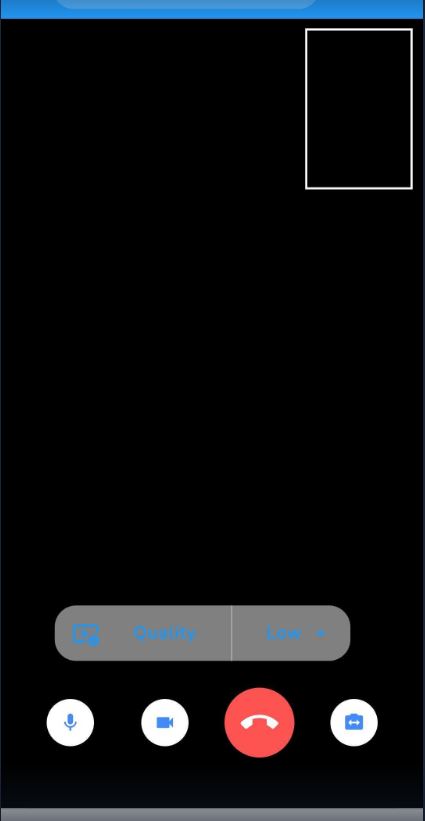
@littleGnAl we lastly tried the example code provided in https://pub.dev/packages/agora_rtc_engine/example and the result was the same when the app is deployed ..
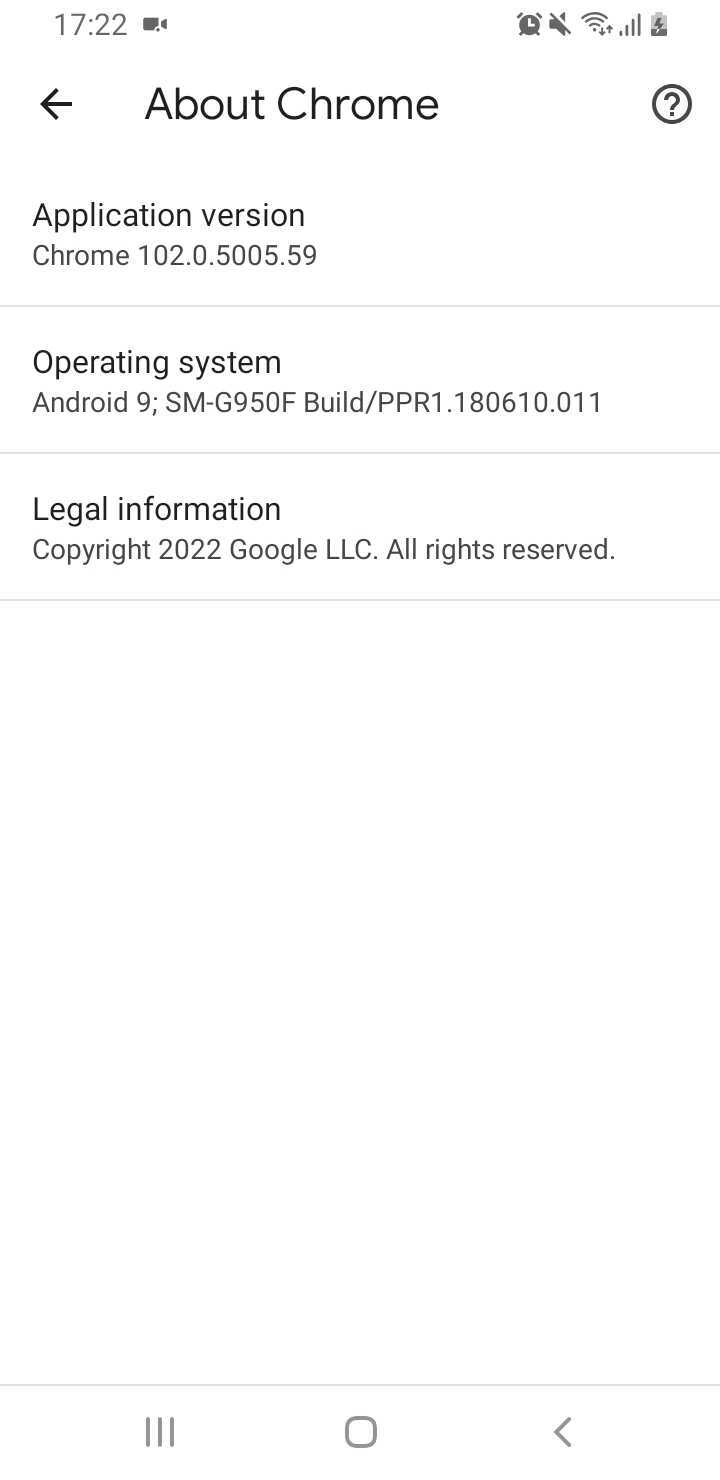

Hello @Ben-chedli, we have tested the connection of web (agora_rtc_engine: 5.1.1) and Android (agora_rtc_engine: 3.2.1), but it works fine, so it's better to analyze the SDK log to see what actually happen.
Hi @littleGnAl , i have now added the logConfig and run the app, one more specification is that we have upgraded our app to agora_rtc_engine: 5.1.1 now and not using agora_rtc_engine: 3.2.1 anymore! A new issue seems to be that the web version runs fine on the PC web browser but doesn't run on the android device browser ! //From windows chrome browser/
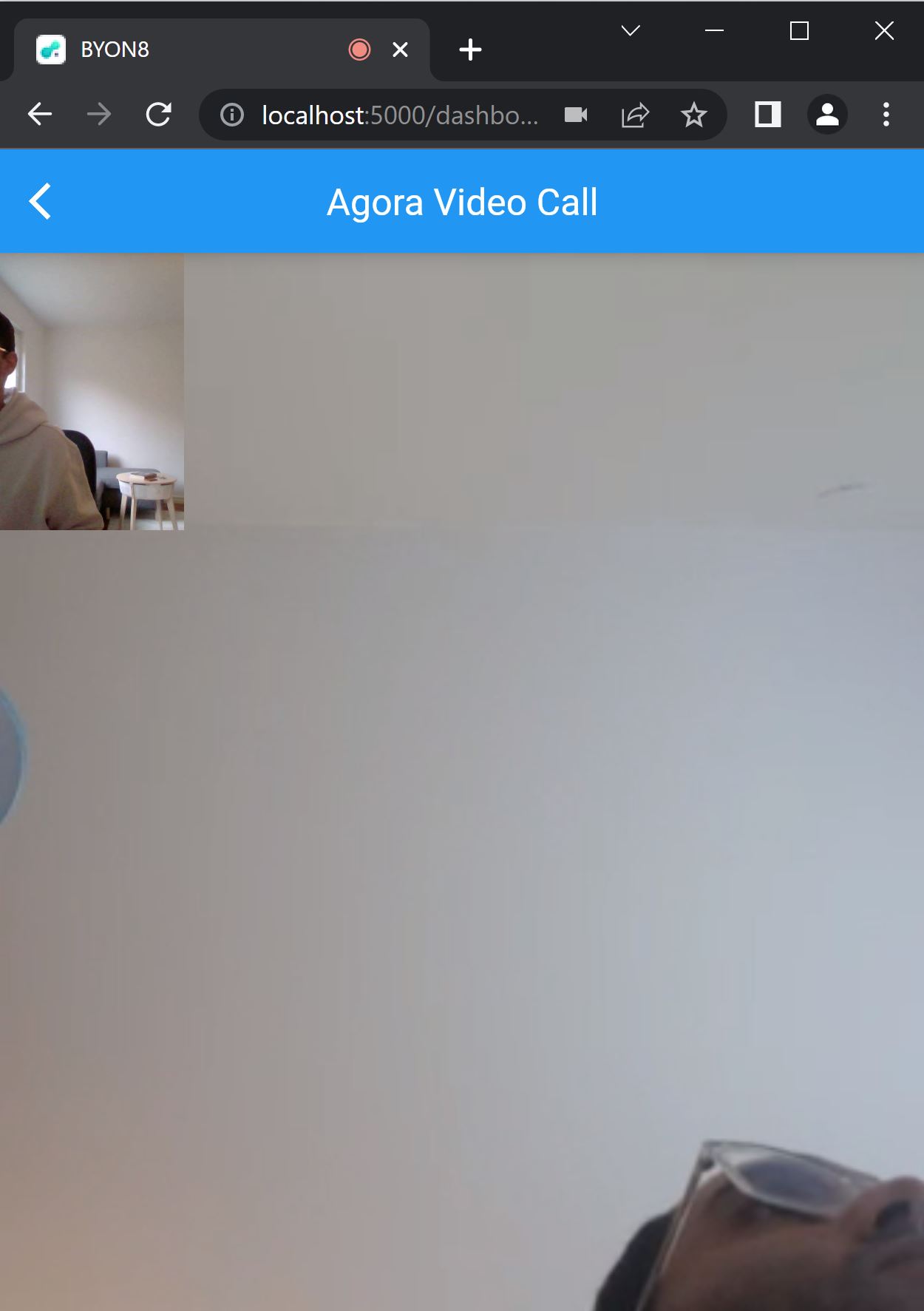
//From Android device chrome browser after deployment/

ew issue seems to be that the web version runs fine on the PC web browser but doesn't run on the android device browser !
same for me it is working perfectly on chrome or safari on my mac but doesn't work on chrome on android

The web support for agora_rtc_engine 6.x has landed in the main branch, If you still face issues, please try the latest code in main branch to see if it works or not.
Without additional information, we are unfortunately not sure how to resolve this issue. We are therefore reluctantly going to close this bug for now. If you find this problem please file a new issue with the same description, what happens, logs and the output. All system setups can be slightly different so it's always better to open new issues and reference the related ones. Thanks for your contribution.
![github-actions[bot] avatar](https://avatars.githubusercontent.com/in/15368?v=4 "Published by a pub.dev verified publisher")
This thread has been automatically locked since there has not been any recent activity after it was closed. If you are still experiencing a similar issue, please raise a new issue.