

 AdguardTeam
Fonts are blurry after 4.1 update
After the v4.1 update, the fonts are looks blurry. I added screenshots for that and you can check these. I'm using Chrome v104.0.5112.81.
Screenshot
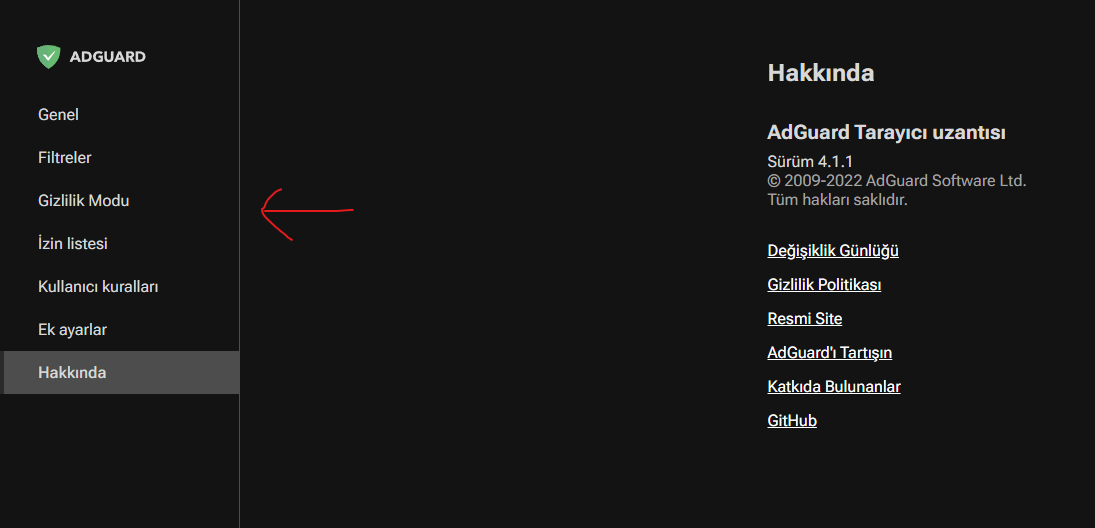
Screenshot
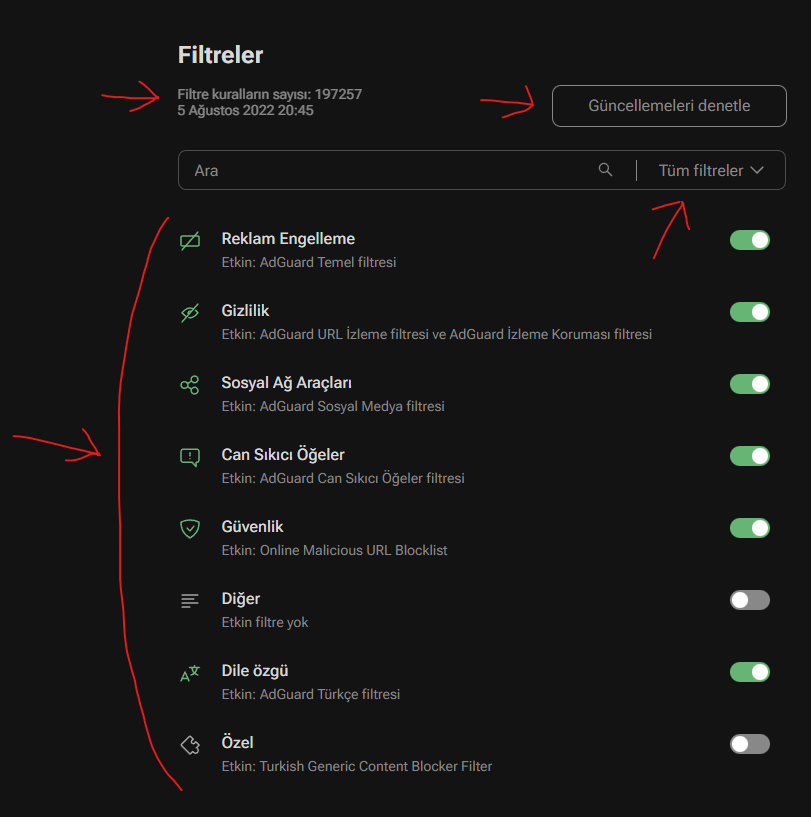
Font settings
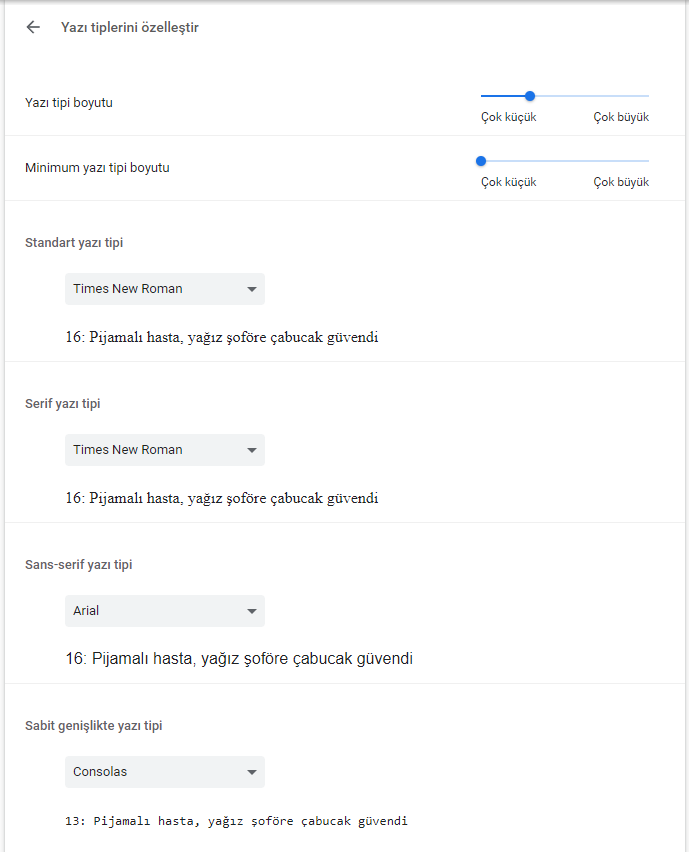

По моему наоборот шрифты стали лучше. По крайней мере в версии для Edge из Microsoft Store...

I don't see any blurring of fonts. Are you looking at windows/mac? And what is the screen resolution, is there scale?

@kaprielov Yes I'm at Windows. My screen resolution is 1920x1080. There's no scale, I'm using 100% scale.
We cannot reproduce this problem. What version of windows do you have? Are Advanced scaling settings enabled?
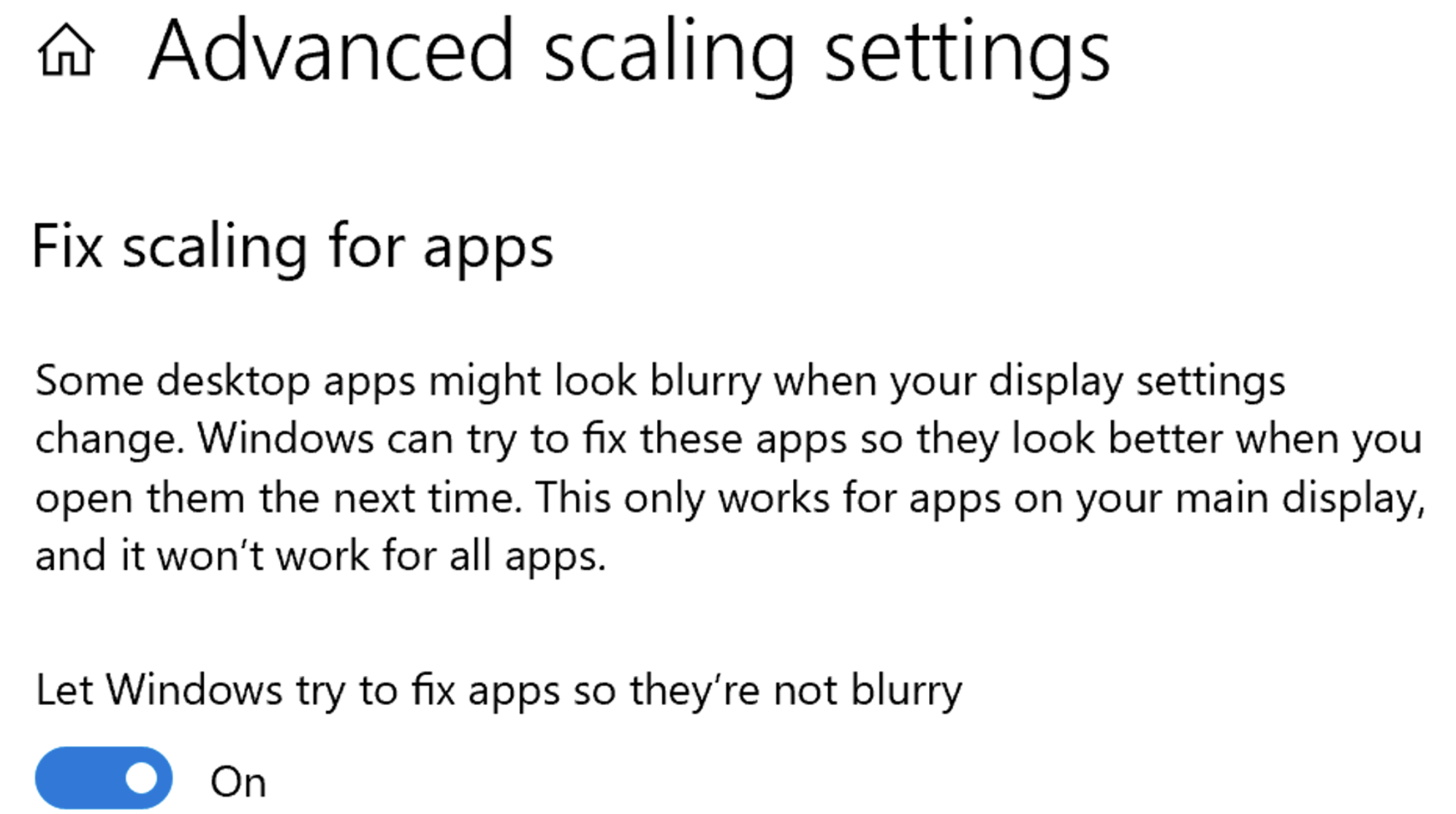
@kaprielov I'm using Windows 10 v21H2. Yes, fix scaling for apps setting is enabled. Also this problem same for the Firefox too after 4.1 update.
@gork7777 Do you have a way to compare the fonts in the previous version with the fonts in the current version?
@kaprielov Well, actually there's a comparison in the above issue, you can have a look at it.
@gork7777 From your screenshots it is not quite clear what the problem is. Can you install an earlier version and take comparative screenshots with 4.1?
@gork7777 You can find earlier versions here in the Assets section. Download and unzip the zip. Then open the extension page in google chrome(chrome://extensions), and turn on developer mode (top right corner). Click Load unpacked in the upper left corner of the page. Then select the folder containing the manifest.json file.
@kaprielov Here is the comparison:
v4.0.204
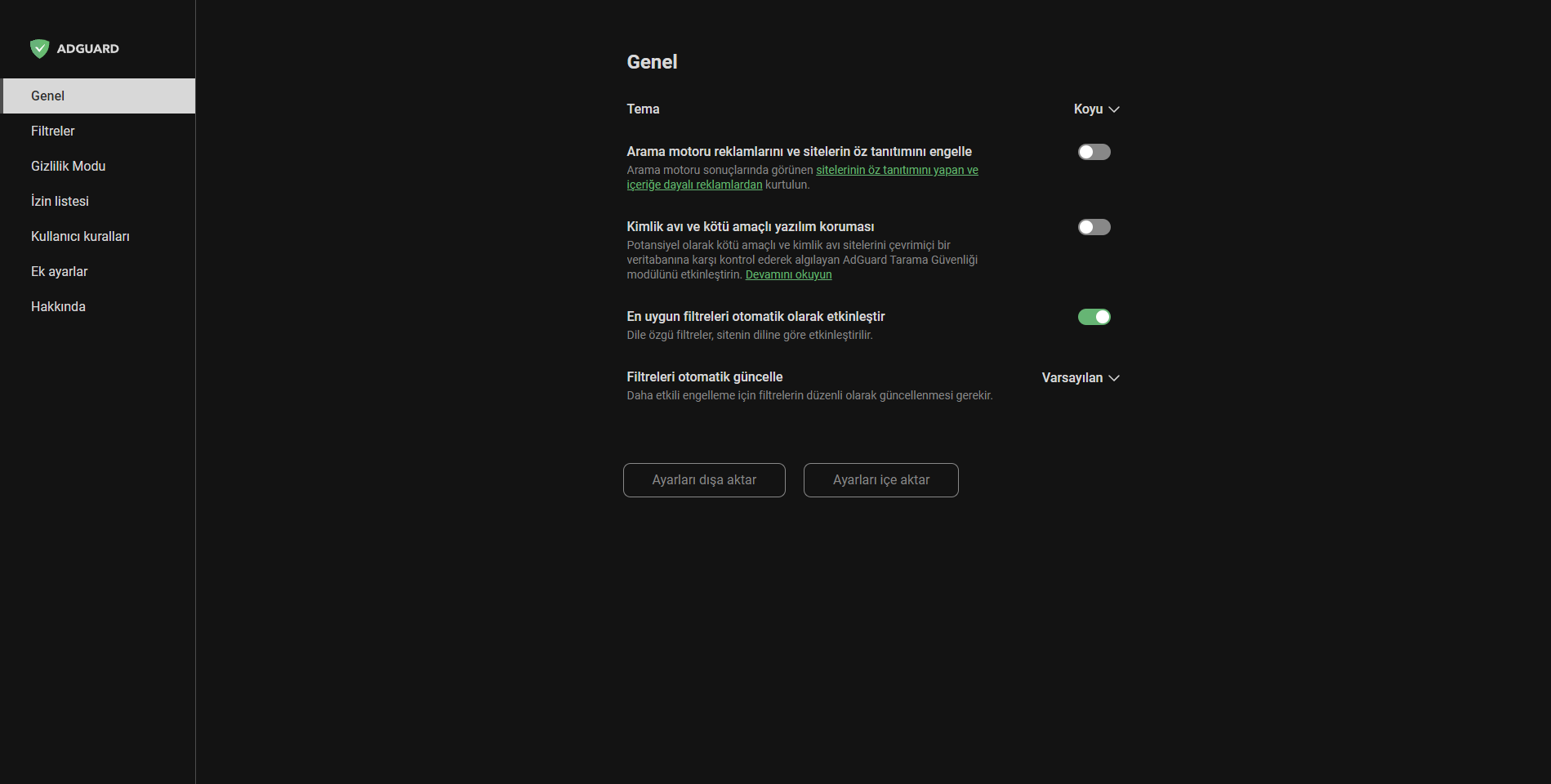
v4.0.204
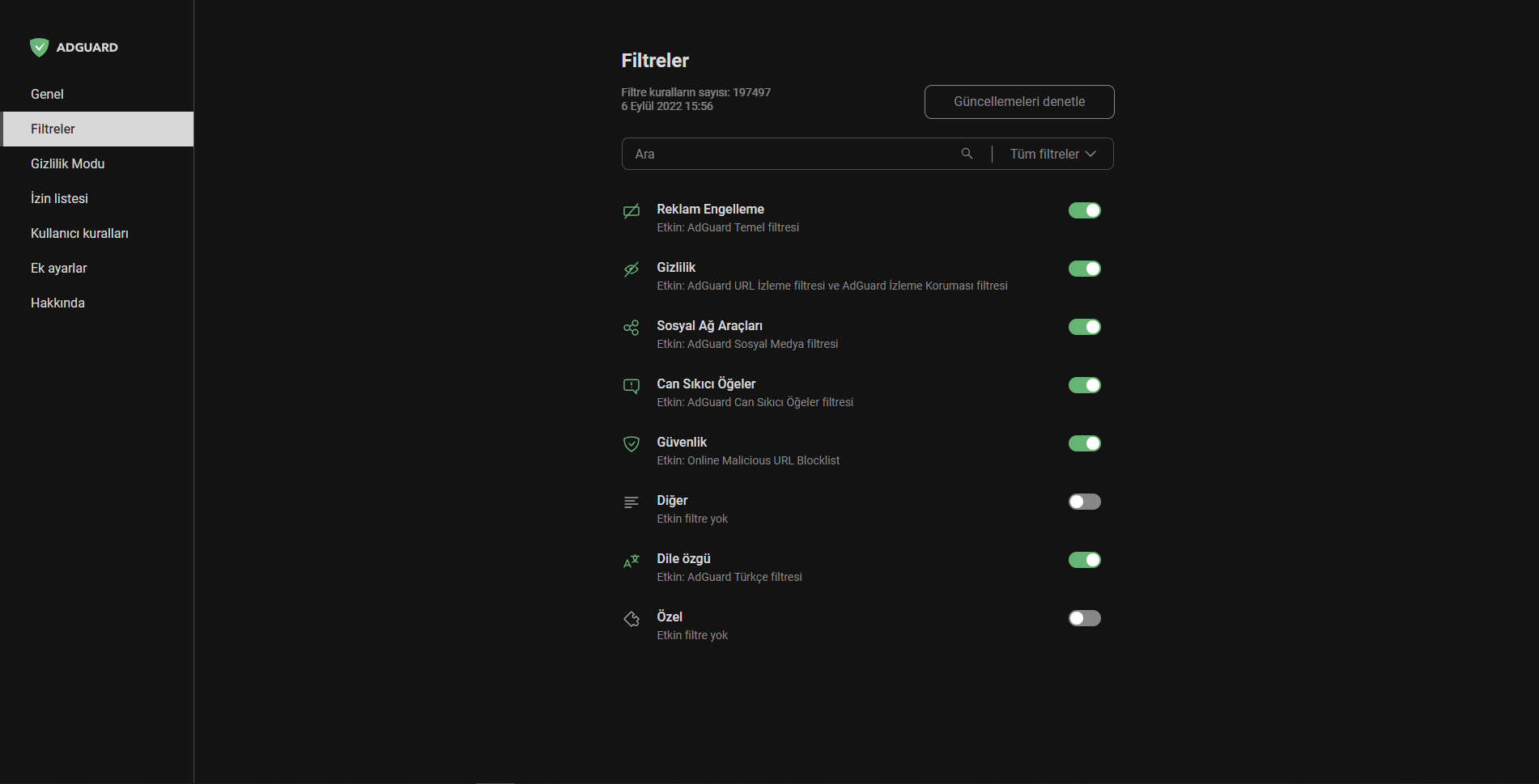
v4.0.204
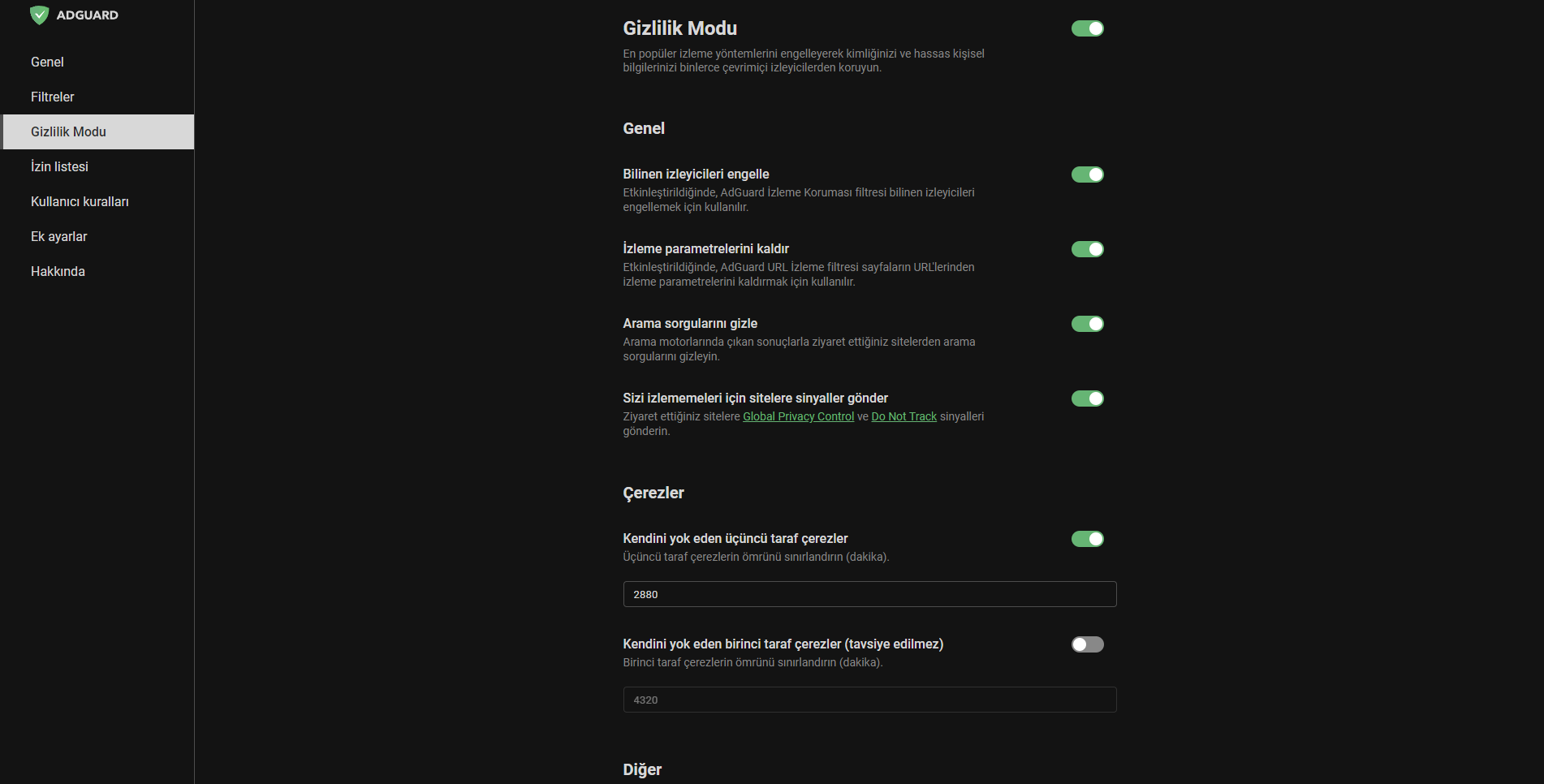
v4.0.204
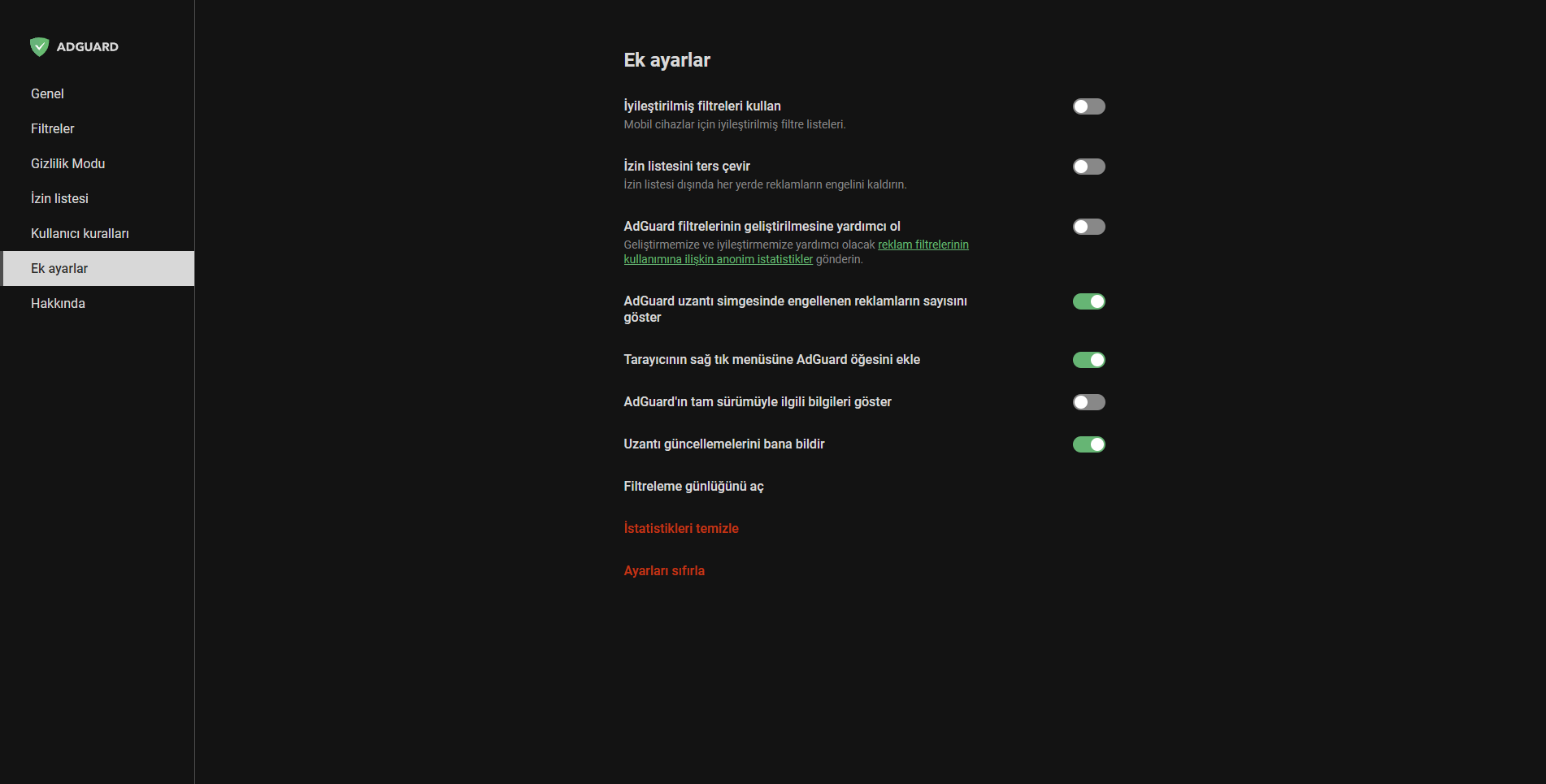
v4.1
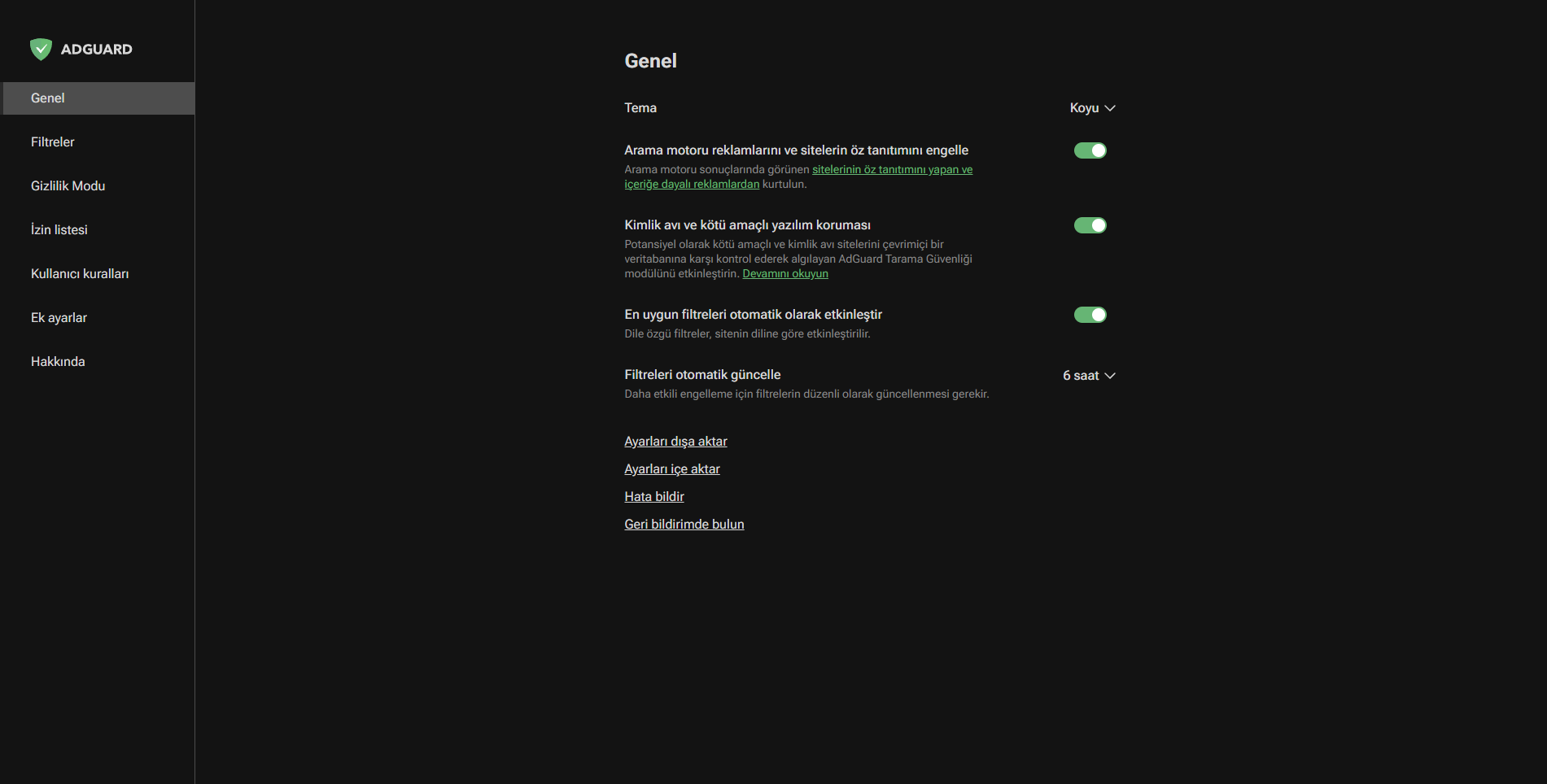
v4.1
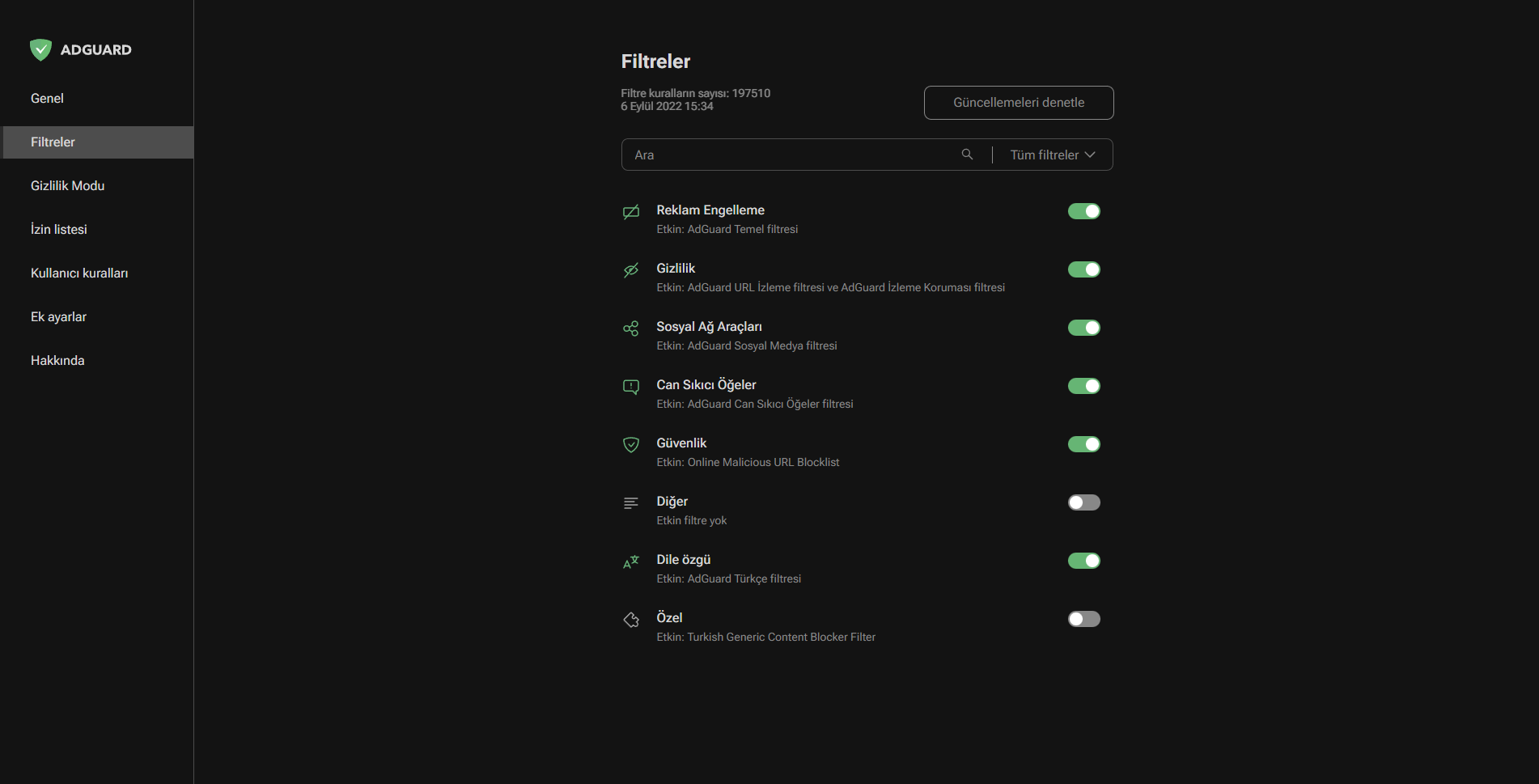
v4.1
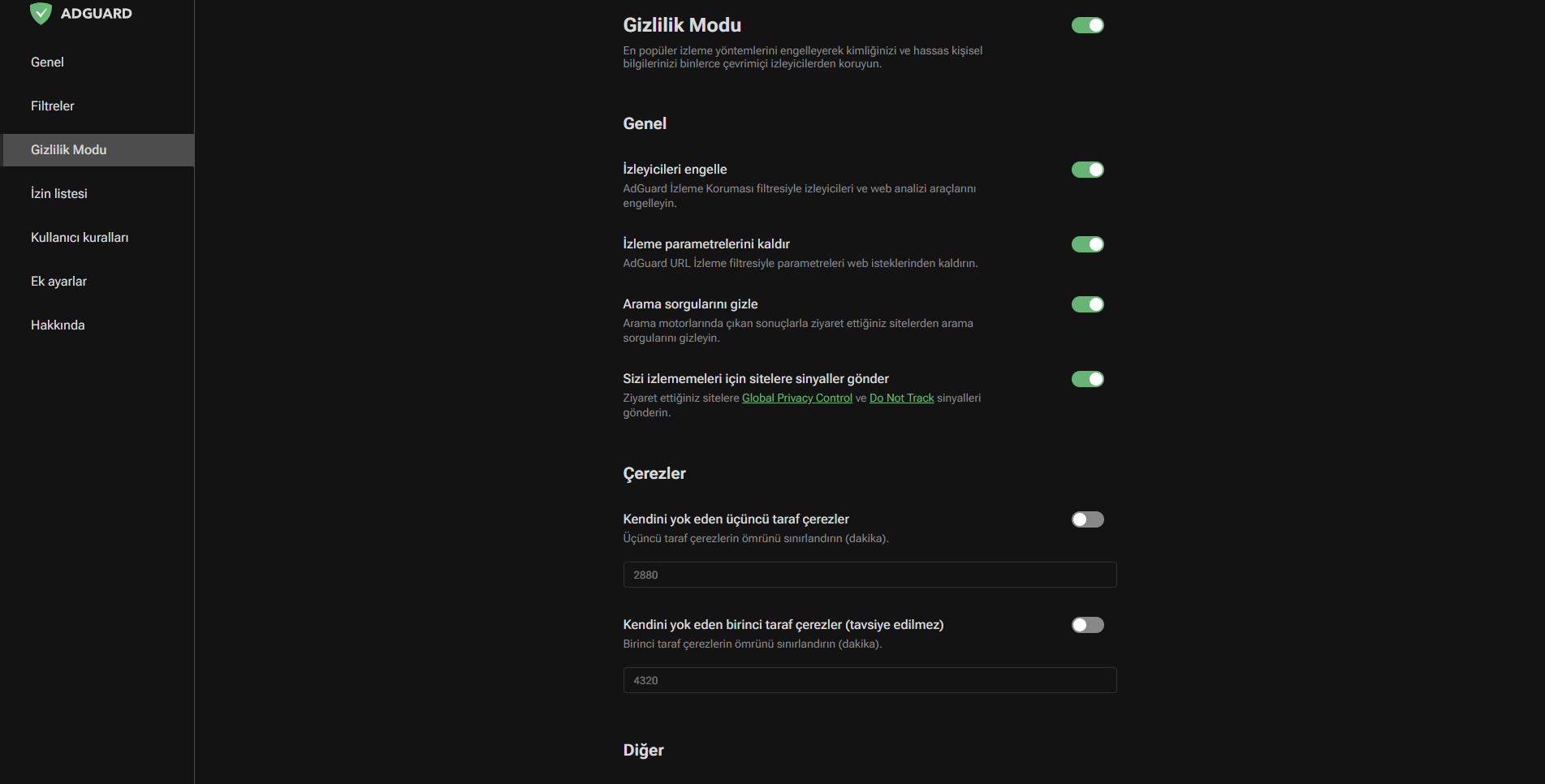
v4.1
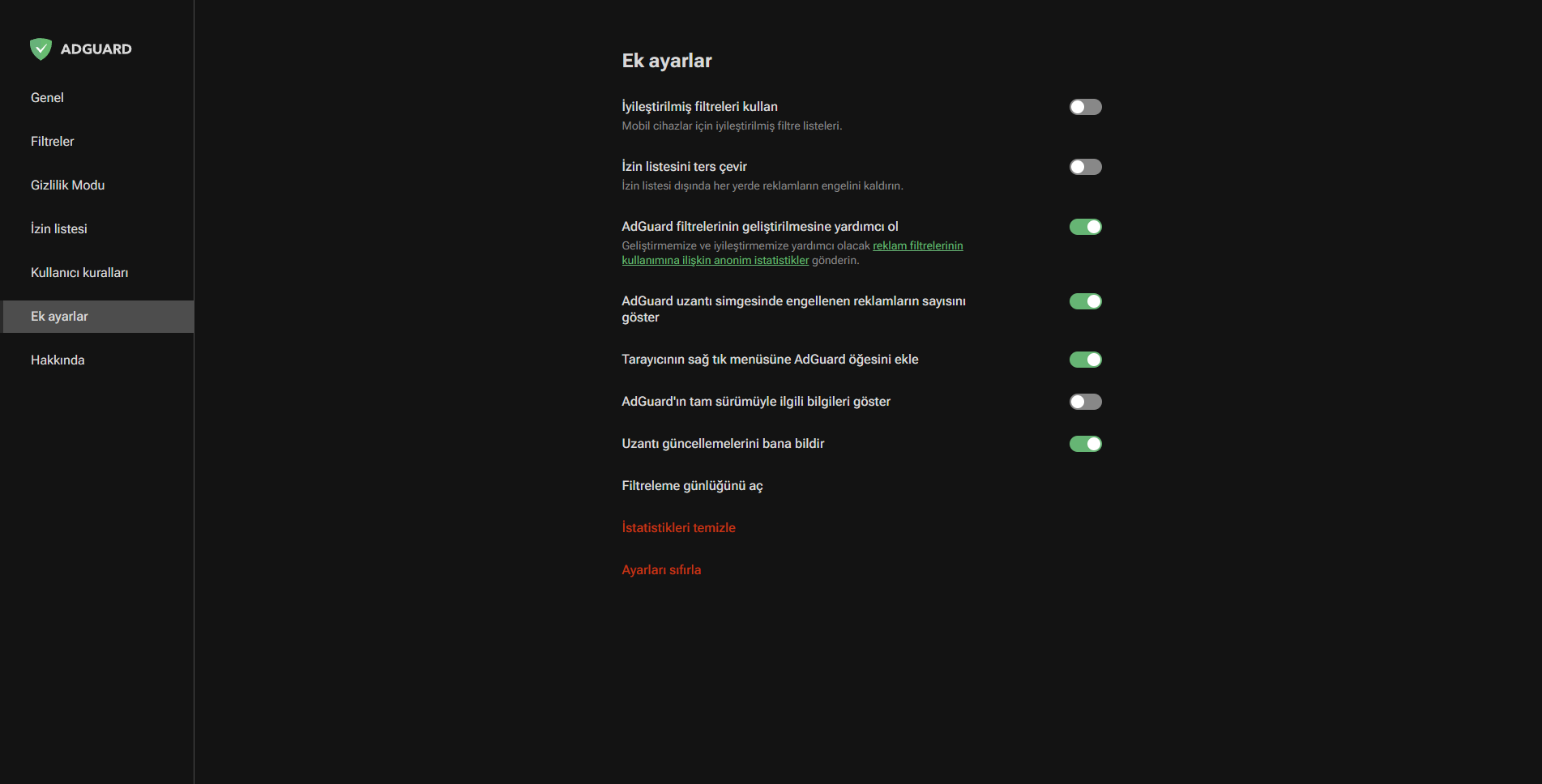
@gork7777 I've put screenshots from 4.1 and 4.0 next to each other and do not see if fonts are blurry. They've changed a little, but they are not blurry.

@maximtop Well, but in 4.0 fonts are more readable and looks nice to me at least. And in this same issue there are 2 more issues too: https://github.com/AdguardTeam/AdguardBrowserExtension/issues/2159, https://github.com/AdguardTeam/AdguardBrowserExtension/issues/2180
@gork7777 Are fonts on your computer blurry as well here https://fonts.google.com/specimen/Roboto+Flex?
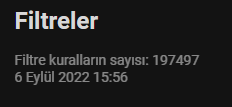
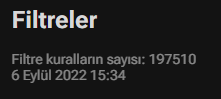
@maximtop It looks a little blurry when it's a 14px font. I guess it gets blurry as the pixels get smaller maybe? It's not blurry at 16px. You can also see the difference quite a bit if you look at these two comparisons:
v4.0
v4.1
@gork7777 It seems to be a problem in the font. Please create an issue here. https://github.com/googlefonts/roboto-flex/issues

Why change the font to Roboto Flex?
We found it more flexible for our purposes