
stable-diffusion-webui
 stable-diffusion-webui copied to clipboard
 AUTOMATIC1111
[Bug]: Live Preview is non-functional
Is there an existing issue for this?
- [X] I have searched the existing issues and checked the recent builds/commits
What happened?
Recently git-pulled to the master-branch. Everything works fine except for the Live Preview window. Generate button reverts back to orange almost instantaneously after clicked, implying the batch is already finished when I can see in the konsole that it's still generating images. The Interupt and Skip buttons appear fr a split secod and then reverts back to generate way too early regardless of what is being generated, the batch number, resolution, whether its on img2img or txt2img, etc. No live preview appears but the final results will still appear as expected.
Steps to reproduce the problem
- Go to txt2img/txt2img
- Press Generate
- Generate button appears too early and live preview does not appear.
See attached video for a reproduction of the bug.
https://user-images.githubusercontent.com/100316723/212816170-9182afc7-1523-42db-88f5-e7e8b661ee5e.mp4
What should have happened?
A live preview of the image generation process should appear.
Commit where the problem happens
e0e80050091ea7f58ae17c69f31d1b5de5e0ae20
What platforms do you use to access UI ?
Other/Cloud
What browsers do you use to access the UI ?
Google Chrome
Command Line Arguments
No response
Additional information, context and logs
I'm using this on a PaperSpace install:
https://rentry.org/865dy

I have the identical issue w/ the exact same install on paperspace.
Also my webui seems to crash if I generate anything bigger than 512x512.


Same issue here - in the latest pull version, the processing of the image is visible, but when finished then the box is empty again (latest pull)
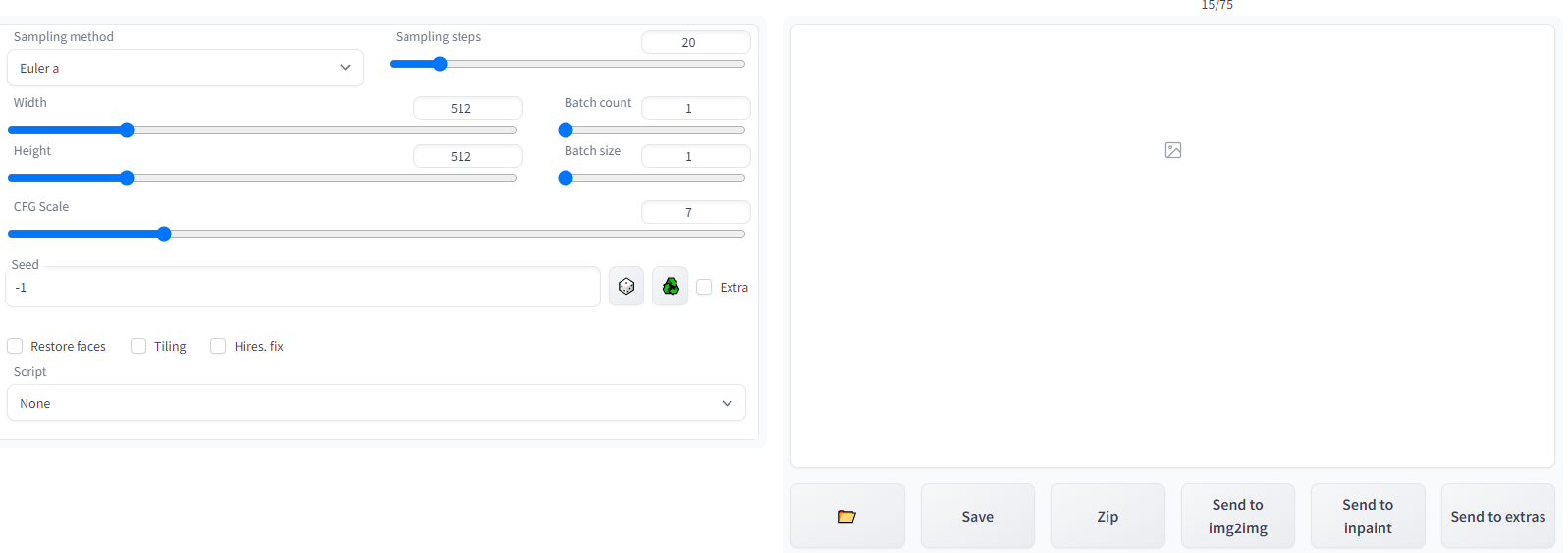 Images are saved in the correct folder

same exact issue here on colab.
my very very very stupid "second" notebook that symlinks an entire Google Drive folder with a "local" webui install from back in December and launches that still works fine though...

I tested with the latest 6faae2323963f9b0e0086a85b9d0472a24fbaa73 version and the error still occurs on colab
I have the identical issue w/ the exact same install on paperspace.
Also my webui seems to crash if I generate anything bigger than 512x512.
reverting back to an older commit (!git checkout 24e21c07108c0691636c0a54bf3936b847102330) fixed the issue with live preview. It's probably a good idea to not update to the latest commit until a good amount of time has passed, or just don't git pull the latest one at all for now.
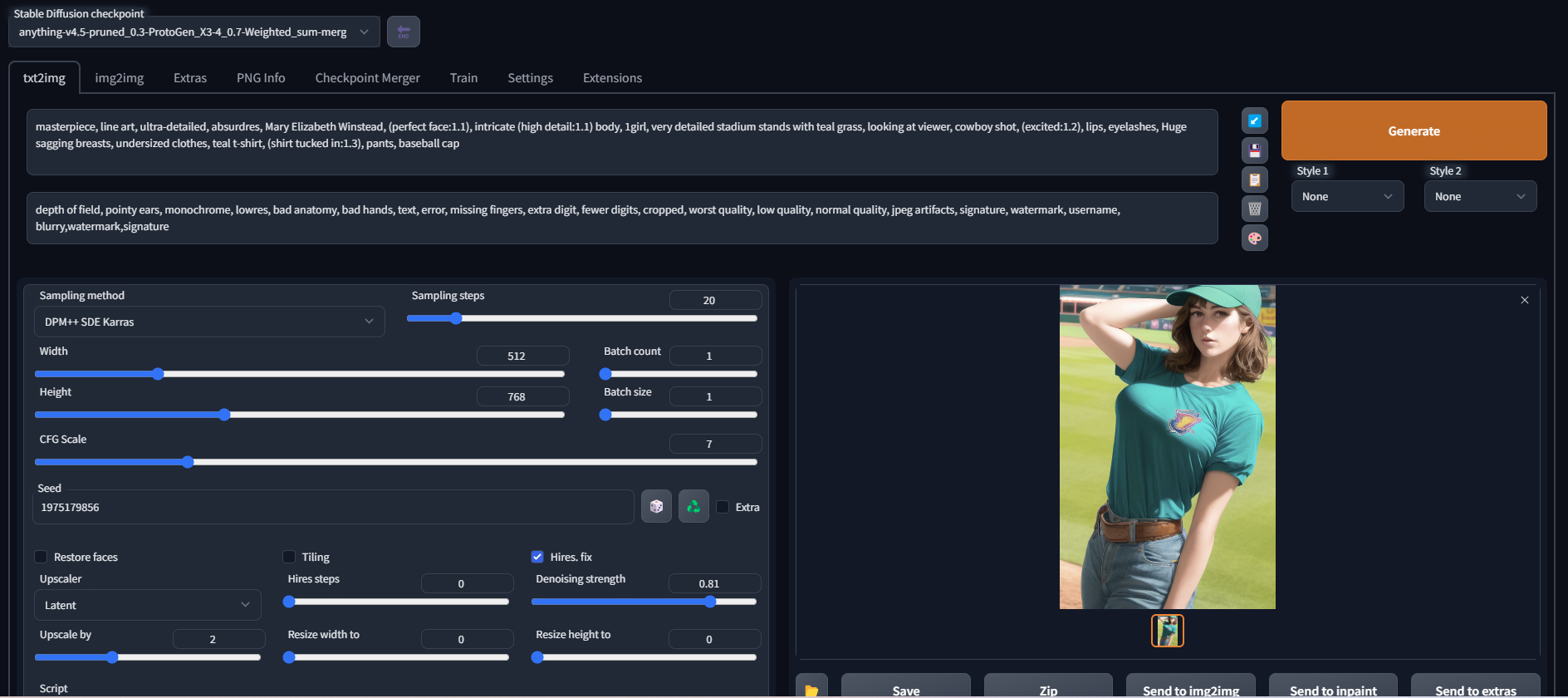
I haven't tested it yet, but it's probably the result of this rework. A programmer would review the code, what could be wrong with this revision?
It's a big change, so difficult to review. It might be related to #6898 but I have no real idea how to debug it.

Any of you can check your logs?
I'm getting the same issue, but I also have this error showing up in my console:
RuntimeError: Input type (c10::Half) and bias type (float) should be the same (full log here)
~~Not sure if it is related, so I wanted to make sure before opening an issue.~~ Nvm that, disabling the live preview completely eliminates the error. I'll dig around and see if I can find a workaround. I'm running on Colab btw.

@As4shi there was nothing in my logs that would give me any clue as to what was wrong, just a 404 error for what should've been the internal/progress address.
See here: https://github.com/AUTOMATIC1111/stable-diffusion-webui/issues/7128#issuecomment-1402579822
Removing --gradio-debug from my launch arguments fixed previews for me, and it brought the progress bar, and Interrupt/Skip buttons back. I have no idea why enabling it breaks the API endpoint for progress...
@vt-idiot thanks for the info. Not sure what was wrong in my case tho, it suddenly started working after I switched to another Colab account, even tho I did reset the runtime a couple times in the first one and nothing changed.
@vt-idiot this trick also "fixed" gradio for me, and I can see events in the console without the option. Weird. I am very happy about it, thanks!
How the heck does live preview still not work on newest version of defoum and automatic? That's half of the fun of using the deforum extension, seeing the preview generate at like 1 frame per second live.

I have same problem after reinstalling SD automatic in bat file with argument git pull every time i launch Stable diffusion. It a resonantly new since i updated it two days ago. I read progress bar post at, https://github.com/AUTOMATIC1111/stable-diffusion-webui/commit/064983c0adb00cd9e88d2f06f66c9a1d5bc116c3 and Jan,15 update https://github.com/AUTOMATIC1111/stable-diffusion-webui/commit/d8b90ac121cbf0c18b1dc9d56a5e1d14ca51e74e . Unfortunately i did not find a source of a problem.

I took a look at the devtool, it seems like the progress with the job id return 404 not found....

I took a look at the devtool, it seems like the progress with the job id return 404 not found....
Me, too. How did you solve it


I fixed this bug, by doing this:
edit file: modules/sd_samplers_common.py
change line35:
x_sample = sd_vae_approx.model()(sample.to(devices.device, devices.dtype).unsqueeze(0))[0].detach()
to:
        sample2 = sample.to(devices.device, devices.dtype).unsqueeze(0)
        model = sd_vae_approx.model().to(devices.device, devices.dtype)
        x_sample = model(sample2)[0].detach()
tips: be aware of the indentation

I fixed this bug, by doing this: edit file:
modules/sd_samplers_common.pychange line35:x_sample = sd_vae_approx.model()(sample.to(devices.device, devices.dtype).unsqueeze(0))[0].detach()to:
        sample2 = sample.to(devices.device, devices.dtype).unsqueeze(0)
        model = sd_vae_approx.model().to(devices.device, devices.dtype)
        x_sample = model(sample2)[0].detach()
tips: be aware of the indentation
This fixed it for me. Thanks!

I fixed this bug, by doing this: edit file:
modules/sd_samplers_common.pychange line35:x_sample = sd_vae_approx.model()(sample.to(devices.device, devices.dtype).unsqueeze(0))[0].detach()to:
        sample2 = sample.to(devices.device, devices.dtype).unsqueeze(0)
        model = sd_vae_approx.model().to(devices.device, devices.dtype)
        x_sample = model(sample2)[0].detach()
tips: be aware of the indentation
worked like a charm! 😀
