
stable-diffusion-webui
 stable-diffusion-webui copied to clipboard
 AUTOMATIC1111
inpaint full resolution seems to be broken
Describe the bug I updated about an hour ago and now when using inpaint at full resolution I get strange image errors. I can't say for sure the latest update caused this, but earlier this morning I was not having the issue.
ORIGINAL

Inpaint at full resolution OFF
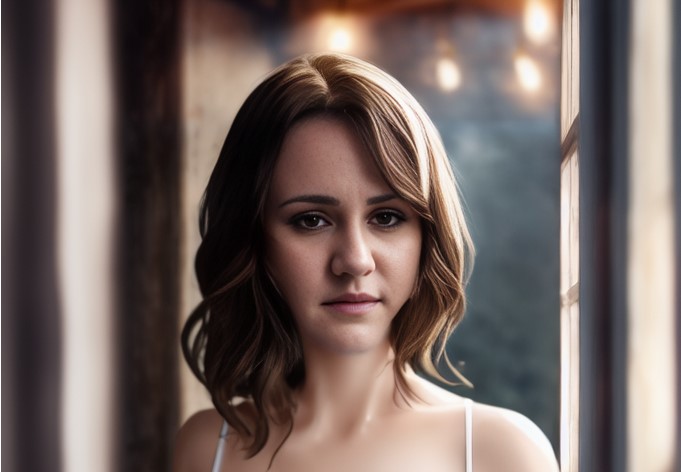
Inpaint at full resolution ON, padding pixels 12
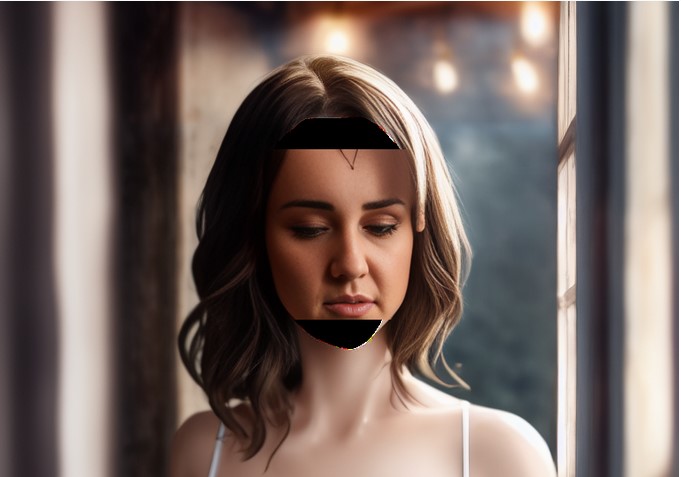
Inpaint at full resolution ON, padding pixels 96
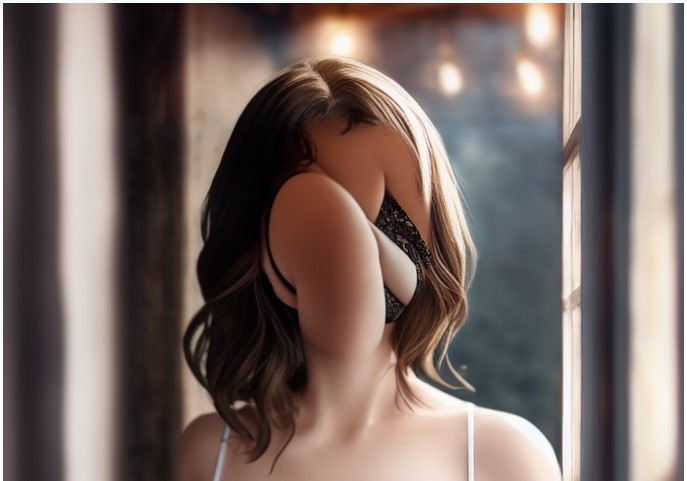

+1 . About half the time, full res inpainting results in just black or tan fills of the brush area.

I've had these black bars showing up for a while depending on resolution settings, but they never seem to appear if the resolution is square. Sometimes I can push the aspect ratio up to a point while inpainting at full resolution, and then those black bars start appearing.

the black bars appear when you have tall res - width is less than height in pixels, i thin kthis part of the code needs better formula to calculate the result so its without bars like wide ones. Thats should solve it

the black bars appear when you have tall res - width is less than height in pixels, i thin kthis part of the code needs better formula to calculate the result so its without bars like wide ones. Thats should solve it
agreed, when I changed the height to match the size of the inpaint ratio it seems to do much better.
You could use these settings (crop and resize, and resize and fill)
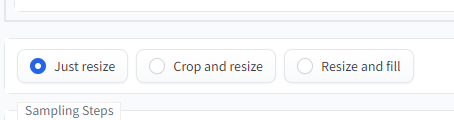
to fix black bars and usually fix other artifacts regarding different height/width ratio of masked section

the way i've worked around this was to always use a square ratio when inpainting, it's not going to resize your image

You could use these settings (crop and resize, and resize and fill)
to fix black bars and usually fix other artifacts regarding different height/width ratio of masked section
With "tall images" i tried the three resize options and got the black bars too. The only thing that worked for me was using a square aspect ratio in inpating like Mozola suggested.


just wanna ask is it fixed? I don't see black border anymore
I think it is, cause it has not happened to me in two weeks~
I think it's been fixed long ago, but just in case someone still encounters this - please comment.
