
AR.js
 AR.js copied to clipboard
 AR-js-org
changing resolution affects images rotation
Do you want to request a feature or report a bug? Bug report
What is the current behavior?
When i set a custom resolution, the images shown over the marker get tilted left or right of like 40 degrees, even if the rotation is set to -90 0 0 . with bigger markers the image tends to stay tilted in that direction, while with smaller markers it tends to swap the direction of the inclination. disabling sourceWidth:2560; sourceHeight:1920; displayWidth: 2560; displayHeight: 1920; fixes it, but i did not find a resolution better than the default 640*480 that doesn't affect the image in this way.
If the current behavior is a bug, please provide the steps to reproduce.
changing the resolution in <a-scene> tilts the image left or right, reverting to orginal fixes
code https://glitch.com/edit/#!/petal-silky-guilty
live website https://petal-silky-guilty.glitch.me
screenshot from pc (moved down the image a bit so it's easier to notice the different inclination)
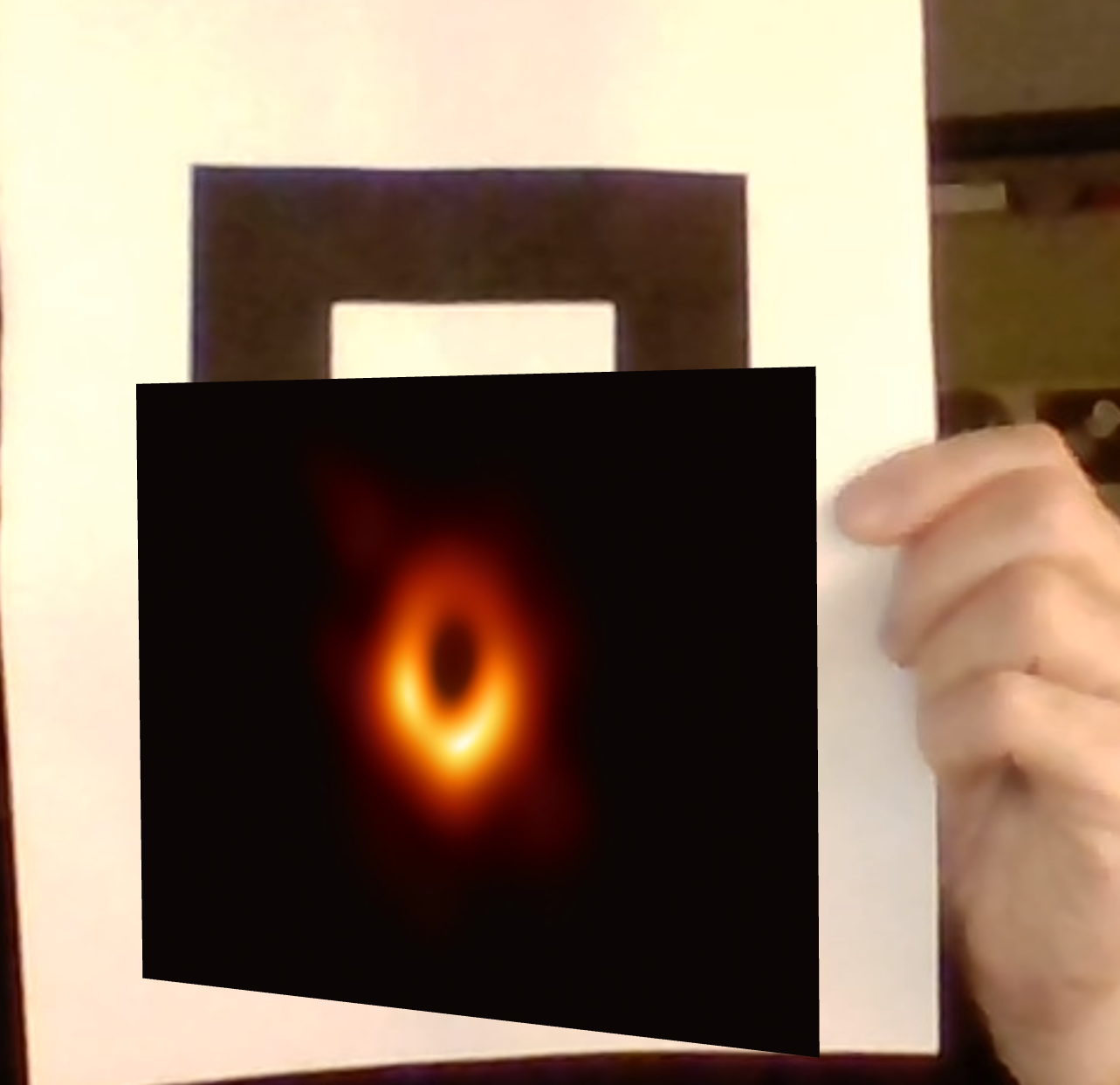
Please mention other relevant information such as the browser version, Operating System and Device Name tested in: Windows 10 - edge Android (galaxy s9+) - chrome, firefox iOS (iphone XR) - safari
What is the expected behavior?
it just shouldn't happen
If this is a feature request, what is motivation or use case for changing the behavior?

tonight or tomorrow i'll test older arjs versions to know if the bug is just related to the latest builds. do you have any specific builds to start from, @kalwalt ?
update: tried both many versions of ar.js (even from the old repo) and a-frame without success. changing the resolution for some reasons still behaves the same (even with the sourceWidth:1280; sourceHeight:960; displayWidth: 1280; displayHeight: 960; suggested in the medium article by @nicolocarpignoli ).
even geometries (tried a-box ) and gltf models (tried the official trex model) are tilted.
i really can't understand why
tonight or tomorrow i'll test older arjs versions to know if the bug is just related to the latest builds. do you have any specific builds to start from, @kalwalt ?
Sorry @giaaaacomo i'm very busy with my job, haven't the time to answer.
update: tried both many versions of ar.js (even from the old repo) and a-frame without success. changing the resolution for some reasons still behaves the same (even with the sourceWidth:1280; sourceHeight:960; displayWidth: 1280; displayHeight: 960; suggested in the medium article by @nicolocarpignoli ). even geometries (tried a-box ) and gltf models (tried the official trex model) are tilted. i really can't understand why
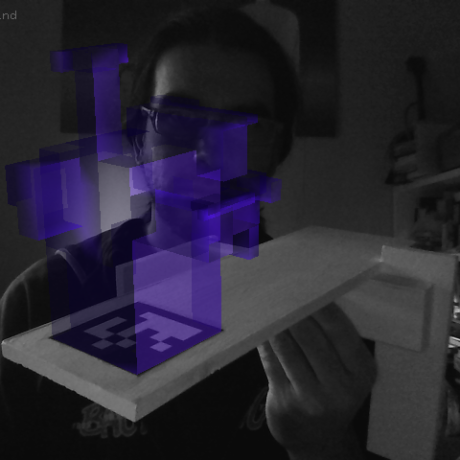
Have you also tried the dev branch? Maybe i am wrong, but i think that probably this happens because the on Resize function apply strictly rules to the ratio between width and height. We should solve this in a future. Probably the best solution will be to provide a custom onResize in which the user can choose to apply or not.
Have you also tried the dev branch? Maybe i am wrong, but i think that probably this happens because the on Resize function apply strictly rules to the ratio between width and height. We should solve this in a future. Probably the best solution will be to provide a custom onResize in which the user can choose to apply or not.
tried https://raw.githack.com/AR-js-org/AR.js/dev/aframe/build/aframe-ar.js without success
is there something i can do as of now to temporarly fix without lowering the resolution?
btw i know you must have your priorities, no worries!
I'm facing this issue too, looks like in apple devices it doesn't happen so much form me. But in Chrome for Android is happening all the time.
Hiro marker is working fine, looks like for me that custom markers are doing this.

Hiro marker is working fine, looks like for me that custom markers are doing this.
this is really weird 'cause here it's bugged whether it is custom or preset
Oh, i've found the issue. Looks like for me what is causing it is the landscape orientation change. It happens alot on Android devices, Apple not often
Oh, i've found the issue. Looks like for me what is causing it is the landscape orientation change. It happens alot on Android devices, Apple not often
didn't notice your reply, btw can you go further? how exactly did you manage to fix that?
I was not able to fix it, but looks like it related to device witdth and height
@giaaaacomo @rafelis1997 have you tried also with the latest code in the master branch? Maybe the issue happens because the ratio (width and height relation)? Unfortunately i have not so much time to test, if i find a solution i will let you know.
@giaaaacomo @rafelis1997 have you tried also with the latest code in the master branch? Maybe the issue happens because the ratio (width and height relation)? Unfortunately i have not so much time to test, if i find a solution i will tet you know.
Will try again probably tonight and keep you tuned. Btw back then i also tried to crank the resolution to match both the camera and the display but without success, and the same while keeping the original ratio.
@giaaaacomo @rafelis1997 have you tried also with the latest code in the master branch? Maybe the issue happens because the ratio (width and height relation)? Unfortunately i have not so much time to test, if i find a solution i will let you know.
sorry for the delay, have been really busy. tried again with the latest code, both in dev and master branch, without any result: the image is still tilted. do you think that there is a way to get this fixed? this bug single-handedly ruins my whole project
@giaaaacomo i will look deeper into it, i think that could be a couple of things to be fixed. I hope to have the time...