
AR.js
 AR.js copied to clipboard
 AR-js-org
Samsung browser is not supporting Ar.js | S21 Galaxy Mobile phone
bug
What is the current behavior? - Samsung browser is not supporting Ar.js, it works not well. Loaded video is on other lactation, not in the frame of image / pattern.
Please help.

Hi @eredeli Can't you use another browser? Ar.js should works fine with Chrome and Firefox browser.
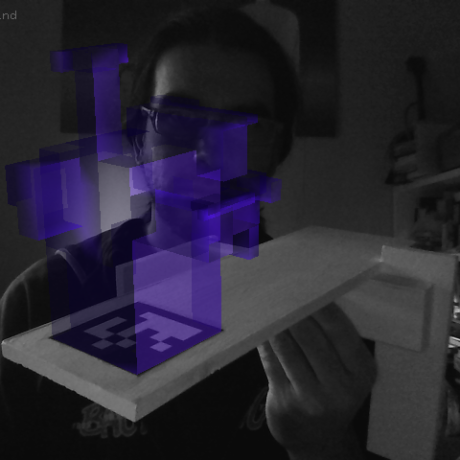
@kalwalt Hi, no i don't need. Users are confused, because every S21 now have Samsung browser as a default browser. So it means everyone who have Samsung mobile phone, need this information. Also have issue with Chrome at S21. :/ You can check it.
Hi @eredeli
I don't know if this is still relevant for you, and if this is the solution to your problem.
On my S21 it was blurry and seemed to be zoomed in. However, I found a solution. Put this in your header:
<meta name="viewport" content="width=device-width, user-scalable=no, minimum-scale=1.0, maximum-scale=1.0">
This works fine, at least for Google Chrome

Im using Samsung A70 without issues , using Chrome obviously . Brave works as long as no threejs is involved , no clue why that is . Did not test other browsers but I dont think this would be an issue since not many people use the default browsers provided by their vendors

@eredeli can you tell me if you have this issue also with the latest version 3.4.0-alpha-rc2?
Not updated, Thank you, will try.