
AR.js
 AR.js copied to clipboard
 AR-js-org
Camera loading on full zoom
Do you want to request a feature or report a bug? bug
What is the current behavior? If I load the webpage on Android on Huawei P30Pro it zooms very far in meaning I cannot use the application correctly.
If the current behavior is a bug, please provide the steps to reproduce. Just loading the page on the phone does it it, you don't need to do anything special. The camera will load with a full zoom.
Please mention other relevant information such as the browser version, Operating System and Device Name on Android on Huawei P30Pro
What is the expected behavior? I would expect that it does not zoom and works properly like on every other phone/device but unfortunately on this phone with Android the camera is zooming in fully.
If this is a feature request, what is motivation or use case for changing the behavior?
Here are some screenshots

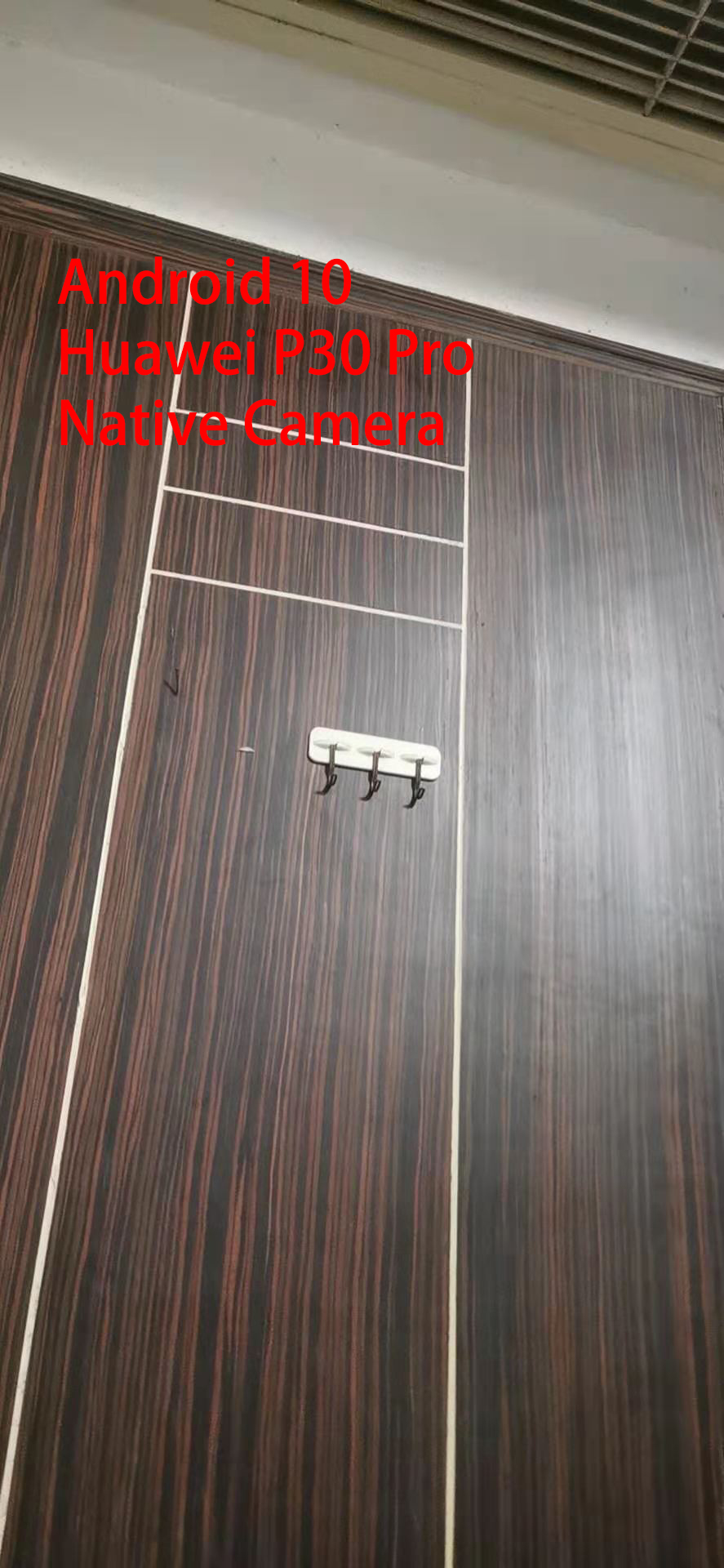

IOS is OK




In my case (pixel 4a), changing settings of viewport solved the same problem. Adding "user-scalable=no," to content attribute like following code worked well.
<meta name="viewport" content="width=device-width, initial-scale=1.0, maximum-scale=1.0, minimum-scale=1.0, user-scalable=no," />

In my case (pixel 4a), changing settings of viewport solved the same problem. Adding "user-scalable=no," to content attribute like following code worked well.
<meta name="viewport" content="width=device-width, initial-scale=1.0, maximum-scale=1.0, minimum-scale=1.0, user-scalable=no," />
I added it too, but it didn't work.
Have you guys gone through the previous thread on this issue in the old repo? You might find a fix in there.
In my case I had one phone that always started zoomed in no mater what I did. But interestingly it work when using the codepen examples. It turned out on this phone "Force Enable Zoom" was enabled in the Chrome accessibility settings. Obviously we could ask the user to deselect that option but that wouldn't be a great experience! I managed to fix it by embeding my HTML in an iframe. I haven't found any drawbacks of this approach yet but we will see!
On another note does anyone know if there has ever been an attempt to record what hardware/browser/ARjs Version combinations work? It would be a useful bit of info for the AR.js documentation page.

Thanks @qu1ckdry,
this is what I use now as iframe "container": https://pastebin.com/EKRLwQEz

https://github.com/jeromeetienne/AR.js/issues/369#issuecomment-508783762 In some mobile phones, he can get multiple devices. https://simpl.info/getusermedia/sources/ In Huawei p30pro, I get five devices. Camera 1 is front camera. Camera 2 to 5 is back. Camera 2 is wrong, but camera 3 to 5 is OK.
In Huwai, five devices. Camera 1 is front
Camera device list
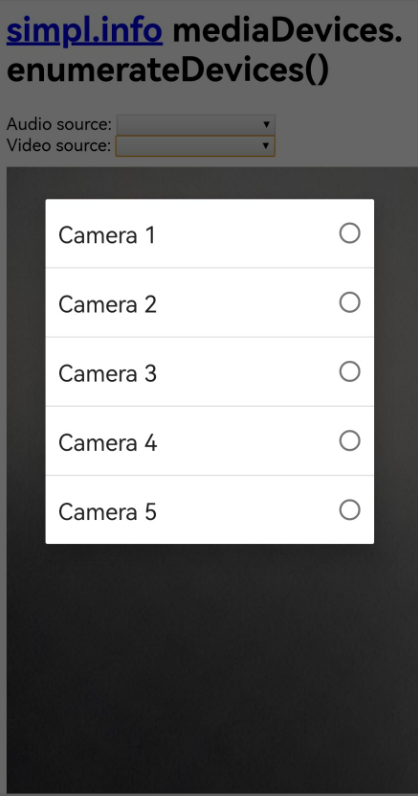
Camera 2

Camera 3

Camera4

Camera5

And the Native Camera
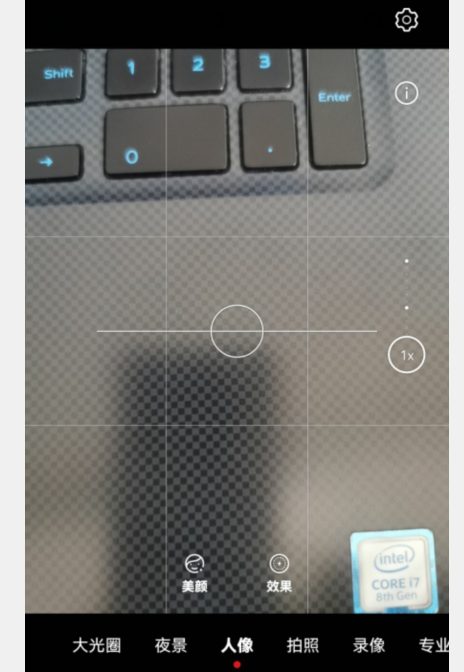
Added the video sourceWidth and sourceHeight in ar.js
For Huawei P30 Phone:
sourceWidth: 1280; sourceHeight: 960
https://github.com/jeromeetienne/AR.js/blob/024318c67121bd57045186b83b42f10c6560a34a/three.js/src/threex/threex-artoolkitsource.js#L188
