Sharp3DBinPacking
 Sharp3DBinPacking copied to clipboard
 303248153
Specifying dead zones within the bin
Is there a way, to specify no-go zones when placing a Box inside the bin?
Alternatively, can I pre-place a box within the Bin, at a certain location?
My thought is that if you were able to do that then you can re-use this algorithm for fitting boxes in different shape boxes.
Any pointers on what I can do to achieve this?

That maybe a little hard, you have to modify the algorithm to make it place the box at a certain location. For example:
- add
IsReservedto Cuboid class - add property
List<Cuboid> ReservedCuboidsto BinPackParameter - modify
BinPackGuillotineAlgorithm.FindPositionForNewNodeto detect whether the cuboid is reserved, if yes then- find a free cuboid contains the reserved location from_freeCuboids
- set cuboid.IsPlaced to true and return the index of the free cuboid
If you implemented this please send me a pull request.

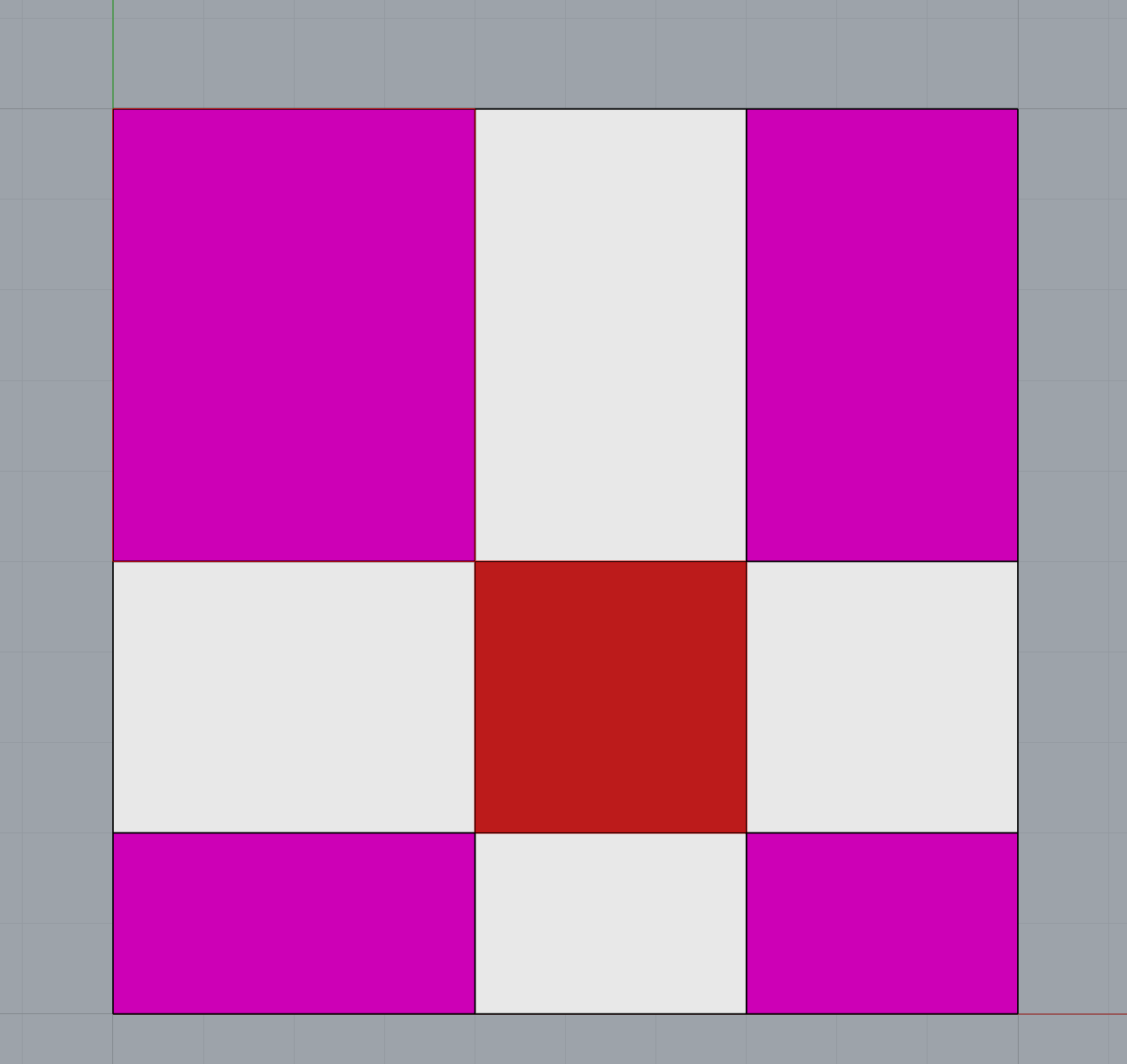
Hey @303248153 thanks for that. I am wondering could I do something at the start to essentially split the _freeCuboids in such a way as to avoid the reservedCuboids?
Can it be that the SplitFreeCuboidAlongAxis could be modified and called earlier in order to produce for a given red rectangle these White/Pink Obstacles? Since I am not very familiar with this algorithm I am not sure if the rest of it will work!